Step 1
Upload video or paste a source URL
Upload MP4, MOV, MKV, WEBM, AVI, MPEG, HEVC, or import from YouTube, Instagram, TikTok, Facebook, or X (previously Twitter).

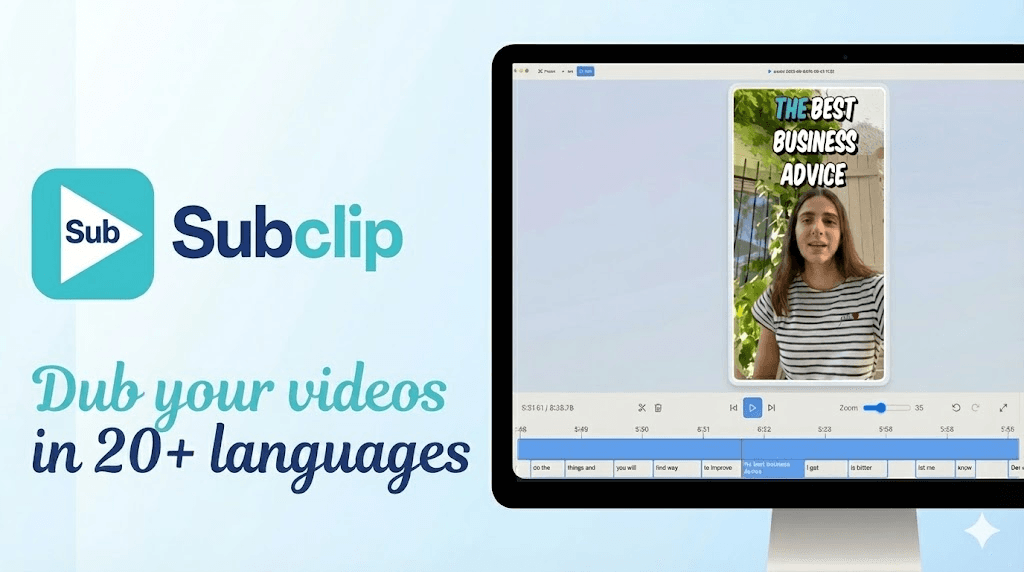
Add subtitles to MP4, AVI, MOV or any other video manually or with an SRT file. Edit the subtitle font with unlimited minutes.

Generate Subtitles removes repetitive caption editing so creator and growth teams can ship consistently styled videos faster across every channel. Explore tools.
Pair subtitle generation with transcript, blog repurposing, and dubbing flows to build a single production pipeline instead of disconnected tools. View pricing.
Step 1
Upload MP4, MOV, MKV, WEBM, AVI, MPEG, HEVC, or import from YouTube, Instagram, TikTok, Facebook, or X (previously Twitter).

Step 2
Generate captions with AI, then adjust timing, typography, highlights, and animation presets to match your brand style.

Step 3
Export a clean MP4 ready to post ready for Instagram, Tiktok, YouTube, Facebook, X(previously Twitter) and Linkedin
Generate animated captions for Instagram Reels with style control.
Add Animated Captions for Instagram Reels →
Create high-impact animated captions for TikTok videos.
Add Animated Captions for TikTok →
Create YouTube Shorts-ready animated captions with clean timing.
Add Animated Captions for YouTube Shorts →
Add animated captions for Facebook feed and reels.
Add Animated Captions for Facebook →
Create timeline-ready animated captions for X posts and threads.
Add Animated Captions for X (previously Twitter) →
Watch how to generate and publish subtitle-ready videos faster.
Common questions about subtitle generation workflows in Subclip.
Need another answer? contact@subclip.app
Contact supportNeed another answer? contact@subclip.app
Contact support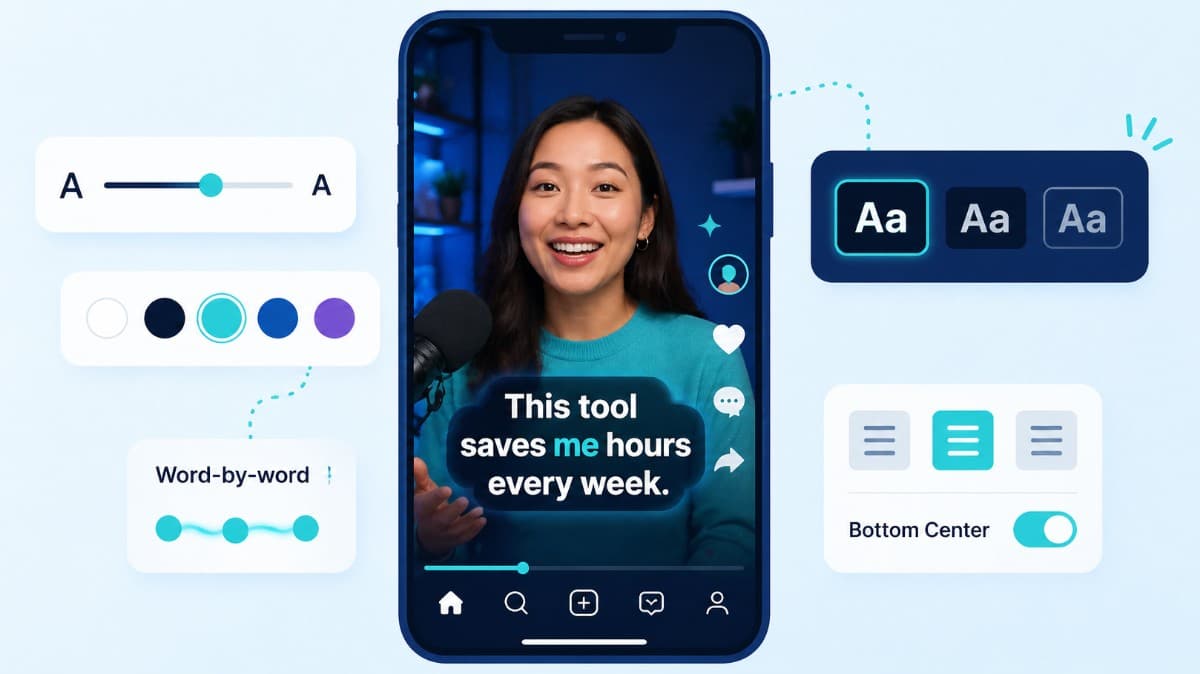
How to choose caption style, timing, and placement by format so viewers stay longer and act faster.
Compare the top free AI dubbing tools online. Find which ones support voice cloning, commercial use, and wor...
Elevate your video dubbing with our 15-point checklist for professional quality. Ensure clarity, accuracy, a...
No credit card required
After subtitles, continue into transcript cleanup, content repurposing, and dubbing without switching tools.
This keeps production quality consistent while reducing handoffs between editing, distribution, and SEO teams.