Step 1
Open the tool in your browser
Start subtitle generation directly online with uploaded media or supported links.

Use a browser-based subtitle workflow to generate and edit captions online with no software installation or local setup.
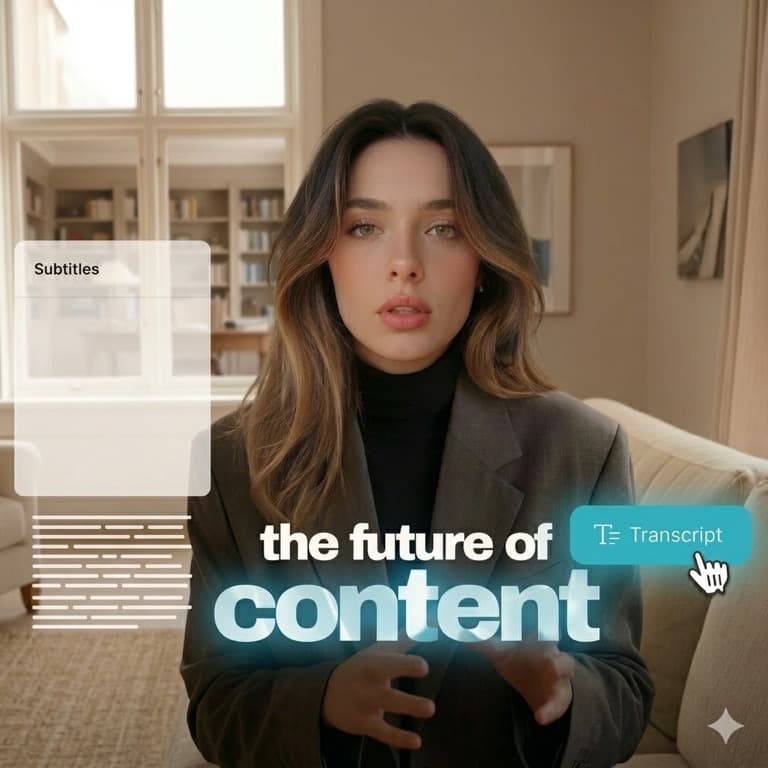
Online subtitle tools reduce setup friction and make collaboration easier across devices, contractors, and fast-moving publishing teams. Explore tools.
Use this page for a fully web-based flow: generate subtitles, refine text and style, then export final outputs from one place. View pricing.
Step 1
Start subtitle generation directly online with uploaded media or supported links.

Step 2
Create subtitles with AI, adjust wording, and style captions for your target platform.

Step 3
Export captioned media for publishing without any desktop subtitle software.
Watch the browser-based subtitle workflow in action:
Questions about browser compatibility, online editing, and subtitle exports.
Need another answer? contact@subclip.app
Contact supportNeed another answer? contact@subclip.app
Contact support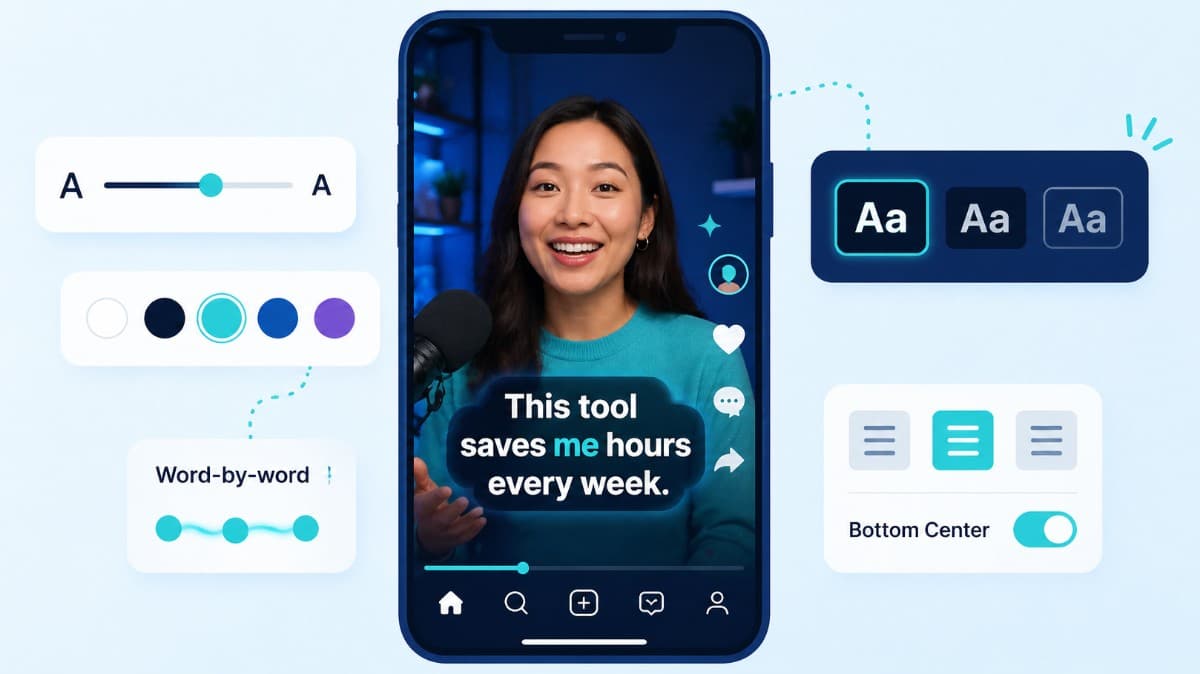
How to choose caption style, timing, and placement by format so viewers stay longer and act faster.
Compare the top free AI dubbing tools online. Find which ones support voice cloning, commercial use, and wor...
Elevate your video dubbing with our 15-point checklist for professional quality. Ensure clarity, accuracy, a...
No credit card required
Subclip gives you more than one isolated feature. Start with subtitle generation, then move into transcripts, dubbing, conversion, and publishing without switching platforms.
This unified workflow reduces tool-switching, improves subtitle consistency, and helps teams publish faster across channels.