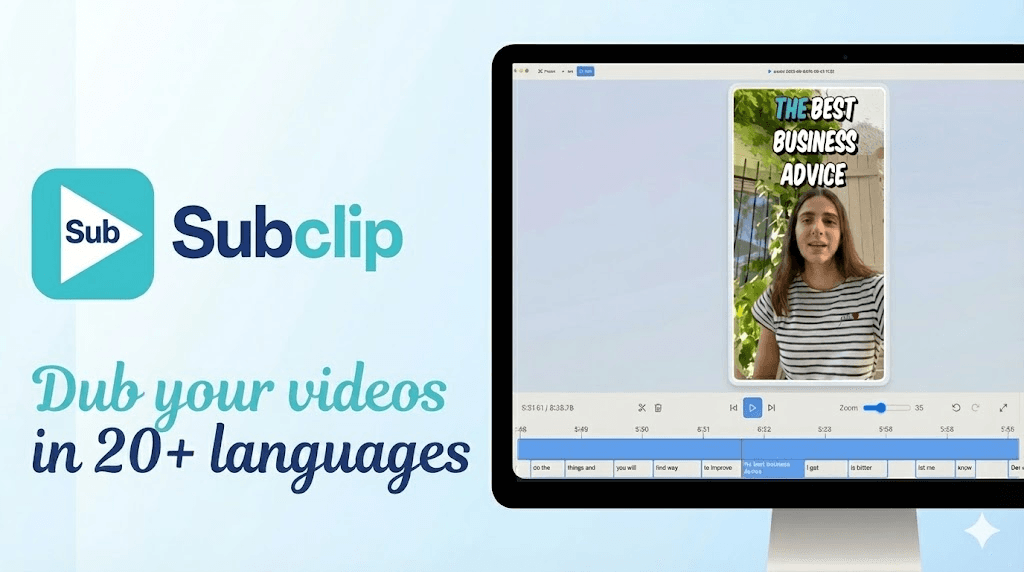
Step 1
Upload your gameplay clip
Import stream cuts, shorts, or long-form episodes and start subtitle generation.

Generate subtitles for gameplay videos and streams so viewers can follow commentary, punchlines, and callouts even on muted playback.
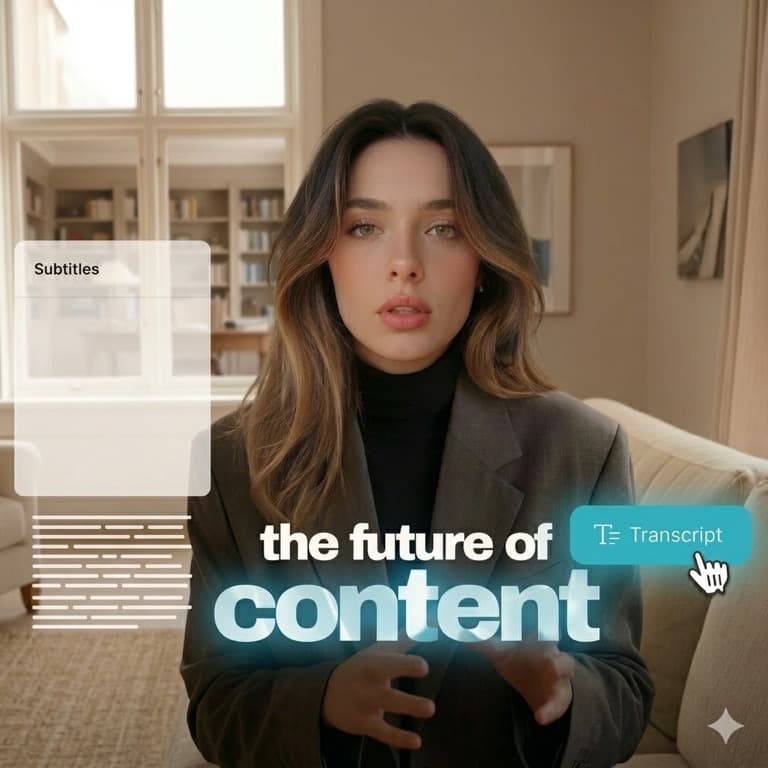
Gaming audiences often watch on mobile and in noisy environments. Subtitles preserve context for rapid voiceovers and layered game audio. Explore tools.
Use this page to caption highlights, walkthroughs, reaction clips, and creator collabs with timing optimized for fast-edit gaming formats. View pricing.
Step 1
Import stream cuts, shorts, or long-form episodes and start subtitle generation.

Step 2
Adjust segmentation and subtitle position to stay readable over HUD-heavy game footage.

Step 3
Export and publish captioned clips on YouTube, TikTok, Reels, and community channels.
Watch how to subtitle gaming clips with Subclip:
Questions about subtitle timing for gameplay audio, stream clips, and social exports.
Need another answer? contact@subclip.app
Contact supportNeed another answer? contact@subclip.app
Contact support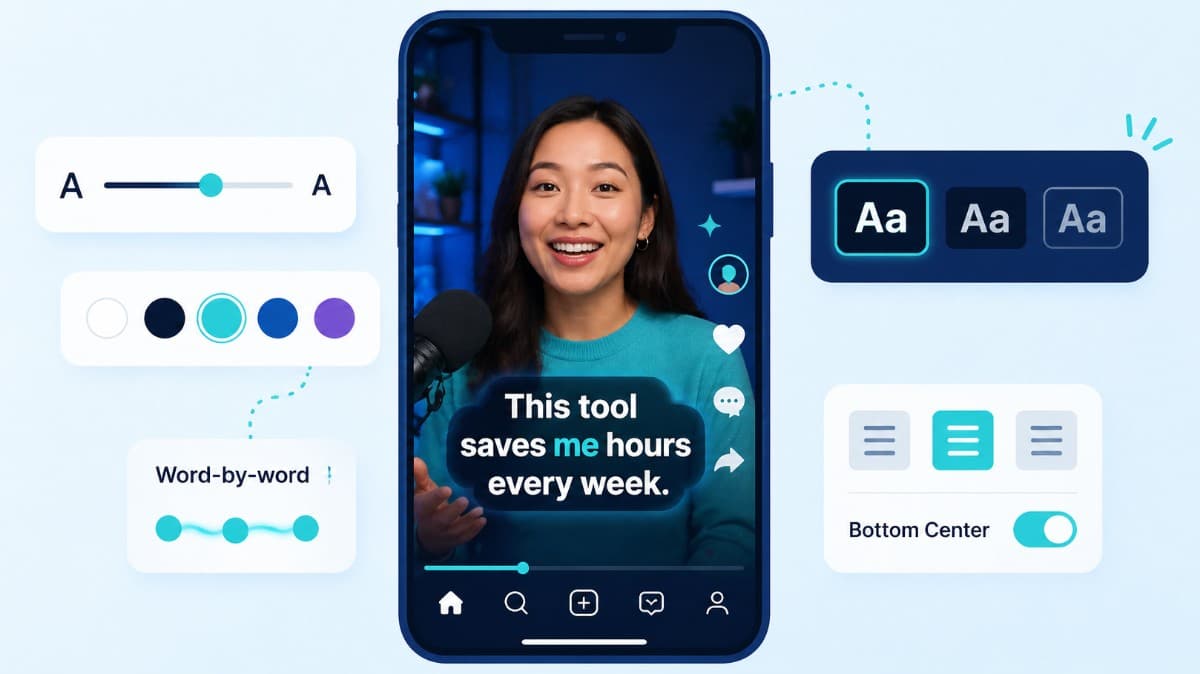
How to choose caption style, timing, and placement by format so viewers stay longer and act faster.
Compare the top free AI dubbing tools online. Find which ones support voice cloning, commercial use, and wor...
Elevate your video dubbing with our 15-point checklist for professional quality. Ensure clarity, accuracy, a...
No credit card required
Subclip gives you more than one isolated feature. Start with subtitle generation, then move into transcripts, dubbing, conversion, and publishing without switching platforms.
This unified workflow reduces tool-switching, improves subtitle consistency, and helps teams publish faster across channels.