# Best AI Video Translation Tools (Web-Based, No Installation) in 2026
Compare the best AI video translation tools you can use in-browser with no install. See real use cases, pros/cons, and who each tool is best for.
Canonical URL: https://www.subclip.app/blogs/best-free-dubbing-ai-tools-2026-web-based-no-install
Last modified: 2026-06-01T13:37:17.993Z
Author: Samik
Published: 2026-04-17T01:49:43.577Z
Category: software-lists
# Best AI Video Translation Tools (Web-Based, No Installation) in 2026
If you need to translate videos without downloading software, your best option is a browser-native workflow that handles transcript, translation, dubbed audio, and export in one place.
The tricky part is that many tools look similar on landing pages but behave very differently once you test real videos. Some are strong for quick tests. Some are strong for voice quality. Some are strong for team localization. This guide is written to help you pick by use case, not by marketing claims.
## Quick Picks by Use Case
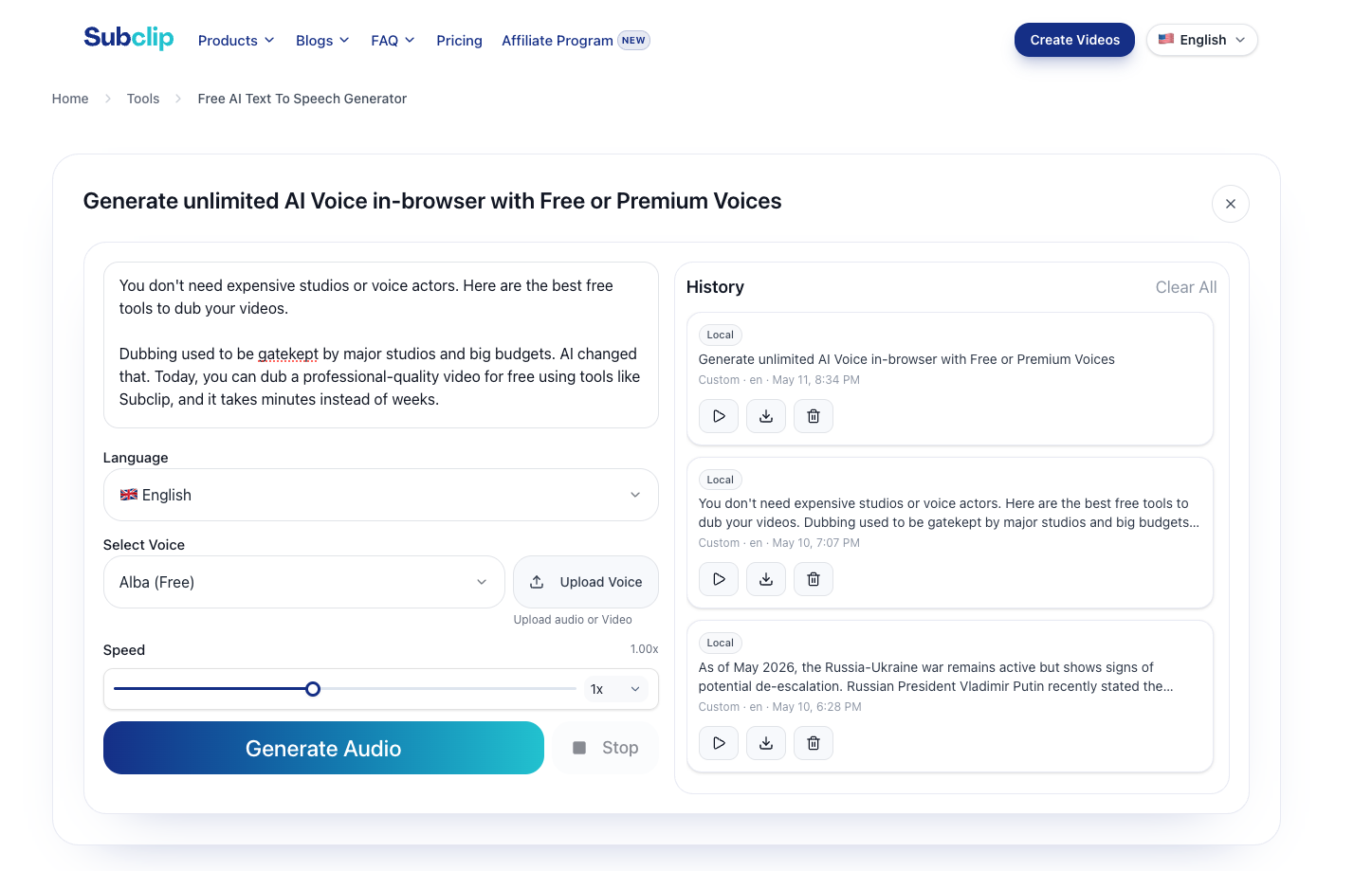
- Best creator workflow: [Subclip](/tools/translate-video)
- Best for design-first teams: [Canva AI Video Translator](https://www.canva.com/features/ai-video-translator/)
- Best for avatar + lip-sync workflows: [HeyGen Translate](https://www.heygen.com/translate)
- Best voice realism benchmark: [ElevenLabs Translate Video](https://elevenlabs.io/translate-video)
- Best all-in-one browser editor: [VEED Video Translator](https://www.veed.io/tools/video-translator)
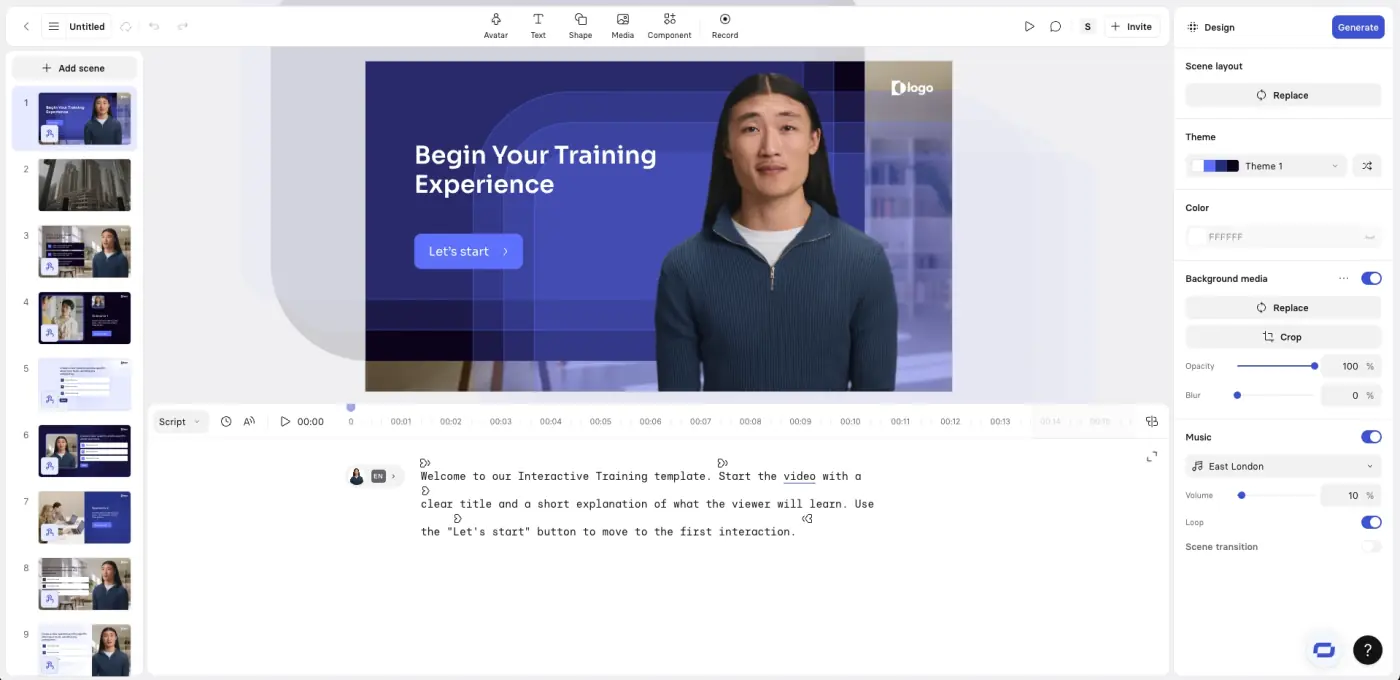
- Best enterprise training localization: [Synthesia AI Dubbing](https://www.synthesia.io/features/ai-dubbing)
- Best quick web dubber tests: [AI Dubbing](https://aidubbing.io/), [Rask](https://www.rask.ai/free-tools/ai-dubbing), [Maestra](https://maestra.ai/tools/video-translator)
## What "Web-Based, No Installation" Must Include
A tool should meet all four checks:
1. Upload and process video fully in-browser.
2. Support language translation of speech or subtitle layer.
3. Export usable output without desktop app dependency.
4. Work for repeat publishing, not just one demo clip.
## 1. Subclip: Best for Creator Publishing Workflow
Subclip is strongest when your real output is a repeatable publishing pipeline, not one-off dubbing. The practical flow is transcript review, translation, voice output, captions, and export.
- Best use case: creators, educators, and marketing teams publishing regularly
- Browser workflow: yes
- Free entry: yes (varies by feature path)
- Pros: practical transcript-to-translation workflow, strong fit for recurring content
- Cons: if lip-sync is your top priority, avatar-centric tools can be a better match
## 2. Canva AI Video Translator: Best for Canva-Native Teams
Canva makes sense when your team already uses Canva for social videos and branded assets. Translation is easier to adopt when it lives inside an existing workflow.
- Best use case: social/design teams already centered on Canva
- Browser workflow: yes
- Free entry: freemium path
- Pros: minimal onboarding for Canva users, easy collaboration context
- Cons: less granular control than dubbing-first specialist tools
## 3. HeyGen Translate: Best for Avatar + Lip-Sync Outcomes
HeyGen is commonly chosen when visual performance matters as much as translated speech, especially for presenter videos and avatar-led formats.
- Best use case: avatar videos, presenter localization, corporate explainers
- Browser workflow: yes
- Free entry: limited
- Pros: strong lip-sync and avatar localization capabilities
- Cons: free usage is usually tight; cost can rise quickly with volume
## 4. ElevenLabs Translate Video: Best for Voice Realism
ElevenLabs is a strong benchmark when your main quality bar is natural-sounding translated voice output.
- Best use case: voice quality-sensitive narration and creator voice workflows
- Browser workflow: yes
- Free entry: usage-limited
- Pros: high-quality voice output and useful realism baseline
- Cons: free limits can constrain longer production runs
## 5. VEED Video Translator: Best All-in-One Browser Editing Stack
VEED is useful when you want subtitles, editing, and translation together in one web app.
- Best use case: teams that prefer one browser editor for multiple video tasks
- Browser workflow: yes
- Free entry: yes, with limits
- Pros: broad workflow coverage in one place
- Cons: all-in-one products can trade off against deep specialization
## 6. Synthesia AI Dubbing: Best for Standardized Training Content
Synthesia is often selected for business localization workflows where consistency and scale matter more than creator-style flexibility.
- Best use case: enterprise training, onboarding, internal communication localization
- Browser workflow: yes
- Free entry: trial/limited
- Pros: polished enterprise-oriented flow and standardized output
- Cons: can be expensive/overpowered for solo creator use
## 7. Maestra Video Translator: Best for Straightforward Web Translation
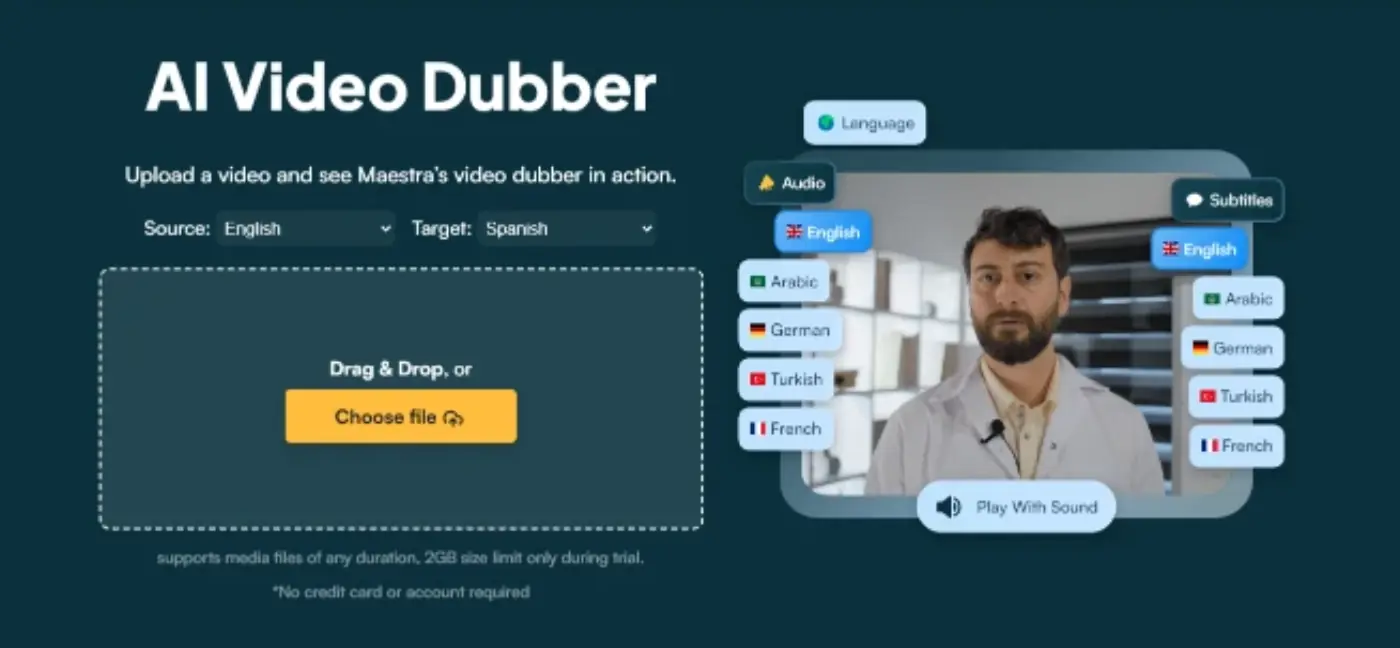
Maestra is a practical option if you want a direct, browser-only translation flow without committing to a bigger editing ecosystem.
- Best use case: simple translation projects and quick web-based localization
- Browser workflow: yes
- Free entry: yes
- Pros: easy to start, focused tool scope
- Cons: advanced tuning and workflow integrations may be limited
## 8. Rask AI Free Tool: Best for Testing Translation ROI Quickly
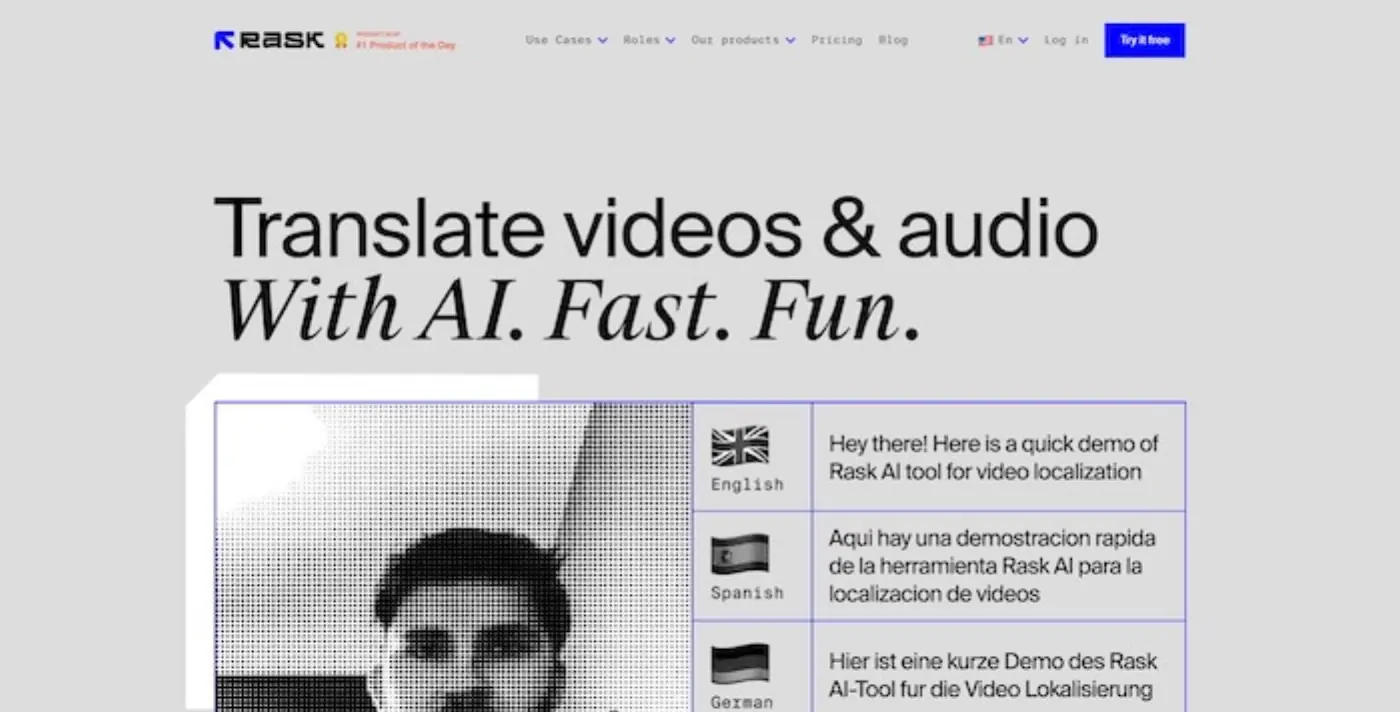
Rask is useful for early validation when you want to answer: "Will translated versions of this content perform?"
- Best use case: trialing market/language fit before scaling production
- Browser workflow: yes
- Free entry: yes
- Pros: fast validation path
- Cons: free mode is usually not enough for full production cadence
## 9. InVideo AI Dubbing: Best for InVideo-Centered Teams
InVideo is most practical when your team already creates videos in InVideo and wants translation/dubbing inside that same browser workflow.
- Best use case: prompt-led or template-led teams already on InVideo
- Browser workflow: yes
- Free entry: yes
- Pros: convenient if you are already in the InVideo ecosystem
- Cons: still requires QA for long-form translation quality and consistency
## 10. AI Dubbing (aidubbing.io): Best for No-Signup Feasibility Tests
AI Dubbing is a useful low-friction checkpoint before investing time in a larger stack.
- Best use case: one-off tests and rapid comparative checks
- Browser workflow: yes
- Free entry: yes
- Pros: minimal setup, fast to first output
- Cons: may require another platform for stable publishing workflows
## Side-by-Side Comparison (Web-Based, No Install)
| Tool | Browser-native | Free entry | Best use case |
|---|---|---|---|
| Subclip | Yes | Yes | Repeat creator translation workflow |
| Canva | Yes | Yes | Canva-native design teams |
| HeyGen | Yes | Limited | Avatar + lip-sync localization |
| ElevenLabs | Yes | Yes | Voice realism priority |
| VEED | Yes | Yes | Editor + translator in one stack |
| Synthesia | Yes | Trial/limited | Enterprise training localization |
| Maestra | Yes | Yes | Simple web translation flow |
| Rask | Yes | Yes | Validate language-market fit quickly |
| InVideo | Yes | Yes | InVideo-native production teams |
| AI Dubbing | Yes | Yes | No-signup feasibility tests |
## How to Pick the Right Tool in 15 Minutes
Use one 60-90 second benchmark clip and score each tool on:
1. Transcript accuracy on names and domain terms
2. Voice quality and pacing in target language
3. Timing sync with visuals
4. Export reliability and turnaround speed
5. Commercial-use clarity for your planned use
Pick the tool that wins your real workflow score, not the best demo.
## Final Recommendation
If your goal is consistent multilingual publishing with no-install workflows, start with [Subclip Translate Video](/tools/translate-video), test voice options with [Text-to-Speech](/tools/text-to-speech), and keep a simple benchmark clip to compare alternatives objectively before scaling.
## Related Articles
- [10 Best AI Voice Cloning Tools for YouTube Faceless Channels in 2026](https://www.subclip.app/blogs/best-ai-voice-cloning-tools-youtube-faceless-channels) - Practical comparison of AI voice cloning tools for YouTube faceless channels for creators and teams.
- [14 Best AI Voice Cloning Tools for Creators in 2026](https://www.subclip.app/blogs/best-ai-voice-cloning-tools-for-creators) - Practical comparison of best AI voice cloning tools for creators for creators and teams.
- [Top 10 Tools for Turning YouTube Videos into Instagram Reel Clips in 2026](https://www.subclip.app/blogs/top-10-tools-youtube-videos-to-instagram-reel-clips) - Turn YouTube videos into Reels with clean framing, captions, safe-area awareness, and brand polish.
- [Top 10 Tools for Turning YouTube Videos into Viral TikTok Shorts in 2026](https://www.subclip.app/blogs/top-10-tools-youtube-videos-to-viral-tiktok-shorts) - Adapt YouTube videos into TikTok-native clips with faster hooks, captions, and pacing.
- [Top 10 Tools for Turning YouTube Streams into YouTube Shorts Clips in 2026](https://www.subclip.app/blogs/top-10-tools-youtube-streams-to-youtube-shorts-clips) - Convert long stream recordings into Shorts that make sense without live context.
- [Top 10 AI Clipping Tools for YouTube Streams in 2026](https://www.subclip.app/blogs/top-10-ai-clipping-tools-for-youtube-streams) - Clip long YouTube livestreams and VODs into highlights, Shorts, and social recaps.
- [Top 10 AI Clipping Software for YouTubers in 2026](https://www.subclip.app/blogs/top-10-ai-clipping-software-for-youtubers) - Help YouTubers turn long uploads into Shorts without adding a second full editing process.
- [Top 10 AI Tools to Create Viral Clips from YouTube Videos in 2026](https://www.subclip.app/blogs/top-10-ai-tools-create-viral-clips-from-youtube-videos) - Extract higher-retention social clips from existing YouTube uploads.
- [Top 10 AI Tools to Create Short-Form Videos from YouTube Videos in 2026](https://www.subclip.app/blogs/top-10-ai-tools-create-short-form-videos-from-youtube-videos) - Repurpose published or uploaded YouTube videos into Shorts, Reels, and TikToks.
- [Top 10 AI Tools to Get Viral Moments from Long Videos in 2026](https://www.subclip.app/blogs/top-10-ai-tools-get-viral-moments-from-long-videos) - Find hooks, arguments, surprises, and quotable moments inside long videos.
- [Top 10 AI Tools for Converting Long to Short-Form Videos in 2026](https://www.subclip.app/blogs/top-10-ai-tools-converting-long-to-short-form-videos) - Turn podcasts, webinars, courses, and YouTube videos into short-form assets.
- [Top 10 AI Clipping Software in 2026](https://www.subclip.app/blogs/top-10-ai-clipping-software) - Compare AI clipping software for creators, agencies, podcasts, webinars, and YouTube channels.
## Related Tools
- [AI Video Dubbing](https://www.subclip.app/tools/dubbing) - Translate videos into 21+ languages with natural voices.
- [Video Translator](https://www.subclip.app/tools/translate-video) - Translate videos with transcript review, AI dubbing, and translated audio.
- [Audio Translator](https://www.subclip.app/tools/translate-audio) - Translate audio into natural voice output for multilingual publishing.
- [Generate Subtitles](https://www.subclip.app/tools/generate-subtitles) - Create animated subtitles with editable styles and exports.
- [Dynamic Viral Captions](https://www.subclip.app/tools/dynamic-viral-captions) - Create premade viral caption styles for TikTok, Reels, and Shorts.
- [Free AI Text to Speech Generator](https://www.subclip.app/tools/text-to-speech) - Generate realistic AI voiceovers from text online.
- [SRT Translator](https://www.subclip.app/tools/srt-translator) - Translate .srt subtitle files online in your browser. English, Spanish, Portuguese, Italian, and German pairs with timestamp-preserving export
- [Free PDF to Audiobook](https://www.subclip.app/tools/pdf-to-audiobook) - Turn PDF files into natural audiobook narration in your browser.
- [AI Video Editor](https://www.subclip.app/tools/ai-video-editor) - Edit videos in-browser with AI-powered workflows.
- [AI Motion Design](https://www.subclip.app/tools/prompt-to-create-videos) - Create motion graphics from prompts and images.