# 7 Best Free AI Dubbing Tools in 2026 (Tested + Compared)
We tested 7 free AI dubbing tools for voice quality, language support, lip sync, free limits, and creator workflows. Compare the best options for videos.
Canonical URL: https://www.subclip.app/blogs/dub-videos-free-ai-tools-compared
Last modified: 2026-06-10T00:32:35.549Z
Author: Samik
Published: 2026-01-03T13:29:40.898Z
Category: software-lists
You do not need an expensive studio, a voice actor budget, or a complicated editing setup to dub videos anymore. AI dubbing tools can now translate speech, generate voiceover, and help creators publish multilingual videos in minutes instead of weeks.
This guide compares the best free and freemium AI dubbing tools for creators, explains what "free" actually means, shows when to upgrade, and gives you a practical way to build a dubbed video library without wasting time on the wrong tool.

## Quick Verdict
If you want the most practical creator workflow, start with [Subclip AI Dubbing](https://www.subclip.app/tools/dubbing). It is built around the real production flow: upload a video, verify the transcript, translate the speech, generate dubbed audio, and export.
If voice realism is your top priority, test ElevenLabs. If you need avatar-style videos or strong visual lip sync, compare HeyGen and Synthesia. If you want a fast no-sign-up benchmark, test AI Dubbing.
## Best Free AI Dubbing Tools: At a Glance
| Tool | Free entry point | Languages | Best for | Watch out for |
|---|---|---|---|---|
| Subclip | Free tools + low-cost dubbing start | 15 translated-audio languages | Creators publishing YouTube, Shorts, Reels, courses | Not built around cinematic face lip sync |
| AI Dubbing | Free online flow | Multi-language | Fast browser tests | Test long videos before production use |
| HeyGen | Limited free usage | 40+ languages | Avatars and presenter videos | Free usage is tight |
| Veed.io | Free tier with limits | 20+ languages | Editing plus subtitles plus dubbing | Free exports may include restrictions |
| Synthesia | Limited free/trial access | 100+ languages | Corporate training and polished avatar videos | Expensive for regular creators |
| ElevenLabs | Free character allowance | 29+ languages | Natural AI voice quality | Often needs manual video syncing |
| Descript | Limited free plan | 10+ languages | Transcript-first editing | Dubbing is secondary |
## The Free Dubbing Landscape in 2026
The dubbing tool market has exploded. Dozens of platforms now claim they can translate and dub videos, but many fall into one of four buckets:
- Too expensive for creators because they are built for enterprise localization teams.
- Too limited because free exports include watermarks, low quality, or short limits.
- Too complicated because you still need to manually stitch transcripts, translations, audio, and video together.
- Free to try, but not practical enough to publish real work consistently.
This guide focuses on tools that are useful for real creator workflows, not just demo clips.
## What "Free" Actually Means
Before comparing tools, separate the different types of free plans.
**Truly free tools:** You can use core features without a paid plan. Limits may still apply, but the output is useful.
**Free trials:** You get full access for a limited time, usually 7 to 30 days. These are useful for testing but risky as a long-term workflow.
**Free with watermark:** You can export, but the video includes a watermark. This is usually a problem for client work, courses, paid ads, and professional YouTube channels.
**Free with restrictions:** The tool works, but only for short videos, limited languages, lower quality, or manual workflows.
Our benchmark: a free or low-cost tool should produce something you would actually publish, not just something you can test once.
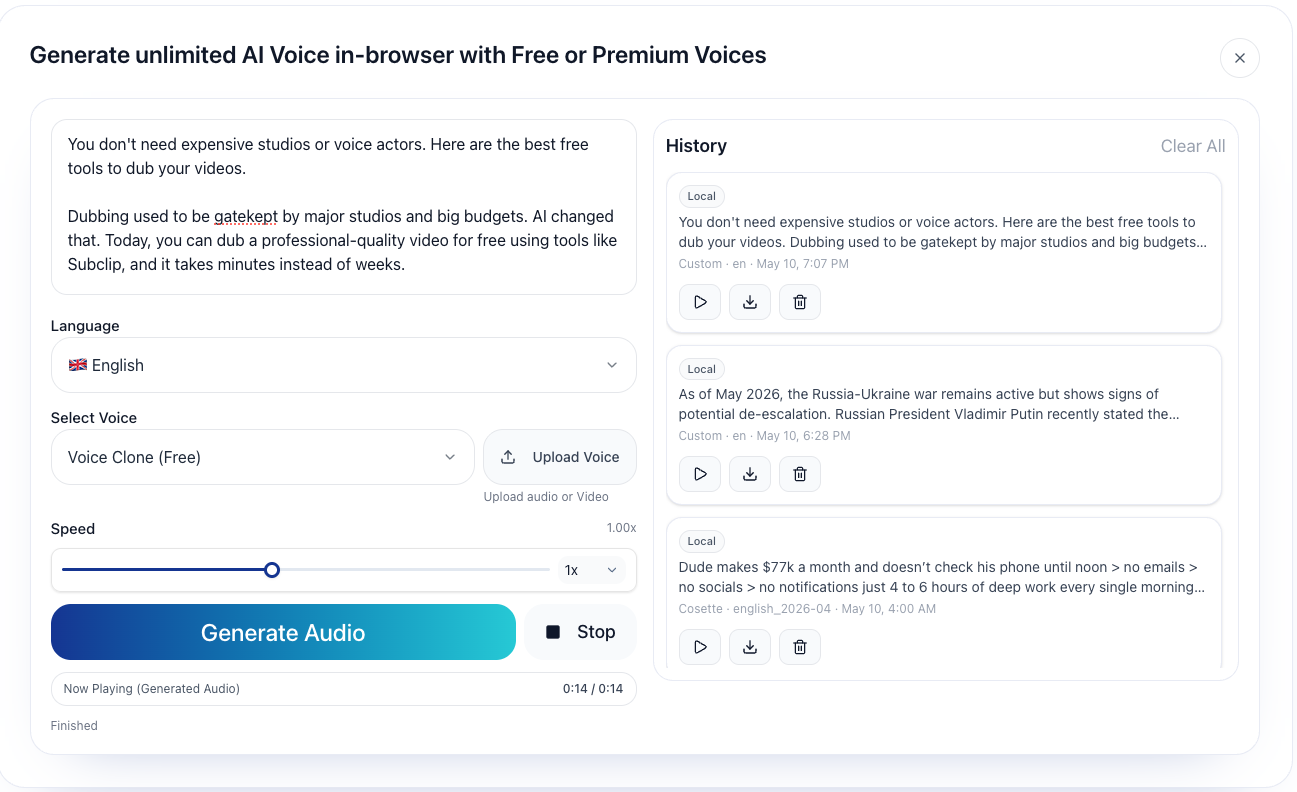
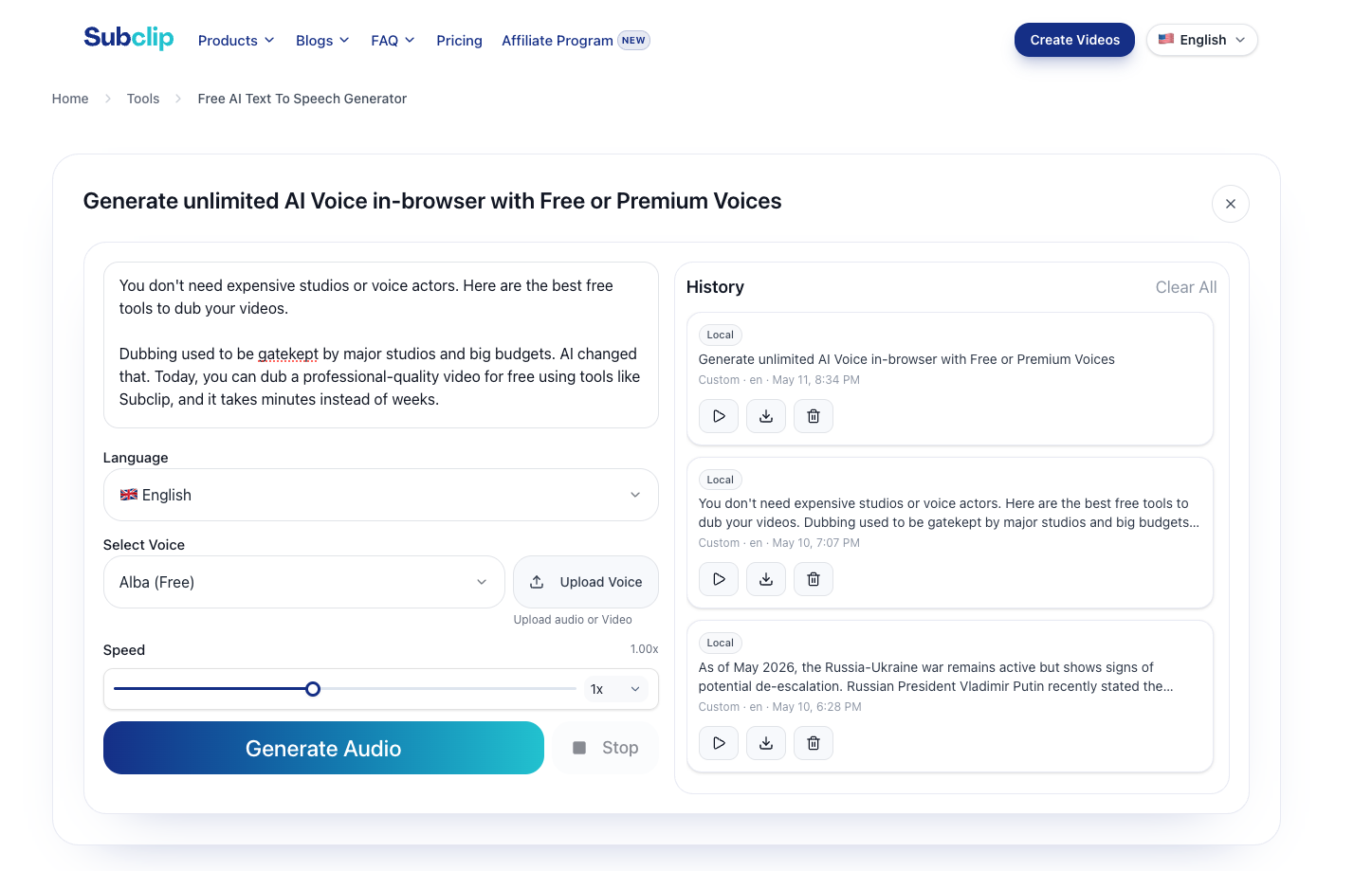
## Try Free Voiceovers With Voice Clone
If you do not need full video dubbing yet, start with [Subclip's free Text-to-Speech tool](https://www.subclip.app/tools/text-to-speech). You can generate voiceovers, test translated scripts, and validate voice quality before moving into full dubbing.
## Top Free AI Dubbing Tools Ranked
### 1. Subclip: Best for Creators
**Free plan:** Subclip includes free creator tools such as [Text-to-Speech](https://www.subclip.app/tools/text-to-speech), and a low-cost entry point for full AI video dubbing.
**Why it wins:** Subclip focuses on what creators actually need. Upload the video, verify the transcript, translate the speech, generate dubbed audio, and export. The workflow is direct, so you are not forced to combine five separate tools.
**How it works:** Upload a video, review the transcript, choose a target language, generate the translated audio, then export the dubbed video. Subclip is also useful when you need subtitles, transcripts, and short-form repurposing around the same content.
**Languages:** Subclip currently supports translated audio in 15 languages. For transcription, Subclip follows the broader language coverage available through Whisper-based ASR workflows.
**Quality:** Good for YouTube videos, online courses, tutorials, business explainers, and social clips. The main advantage is workflow speed and creator usability.
**Best for:** YouTubers, course creators, marketers, educators, and creators who want to test multiple languages without building a studio workflow.
**Not best for:** Cinematic facial lip sync where mouth movement must match the translated speech perfectly.
**Useful links:** [Subclip AI Dubbing](https://www.subclip.app/tools/dubbing), [free Text-to-Speech](https://www.subclip.app/tools/text-to-speech), and [how to dub videos with AI](https://www.subclip.app/blogs/how-to-dub-videos-with-ai).
### 2. AI Dubbing: Best for Fast Browser Tests
**Free plan:** AI Dubbing has a simple online flow that is useful for quick tests.
**Why consider it:** It matches a very clear user intent: upload or test a video quickly and see what AI dubbing can do without much setup.
**How it works:** Use the browser flow to test dubbing and translation. It is useful as a benchmark when comparing tools.
**Languages:** Multi-language support.
**Quality:** Useful for experiments. For longer videos, test timing, export quality, and consistency before relying on it for production.
**Best for:** One-off tests, early comparisons, and users who want a fast online dubbing demo.
**Not best for:** A proven long-term workflow until you test longer videos and repeat exports.
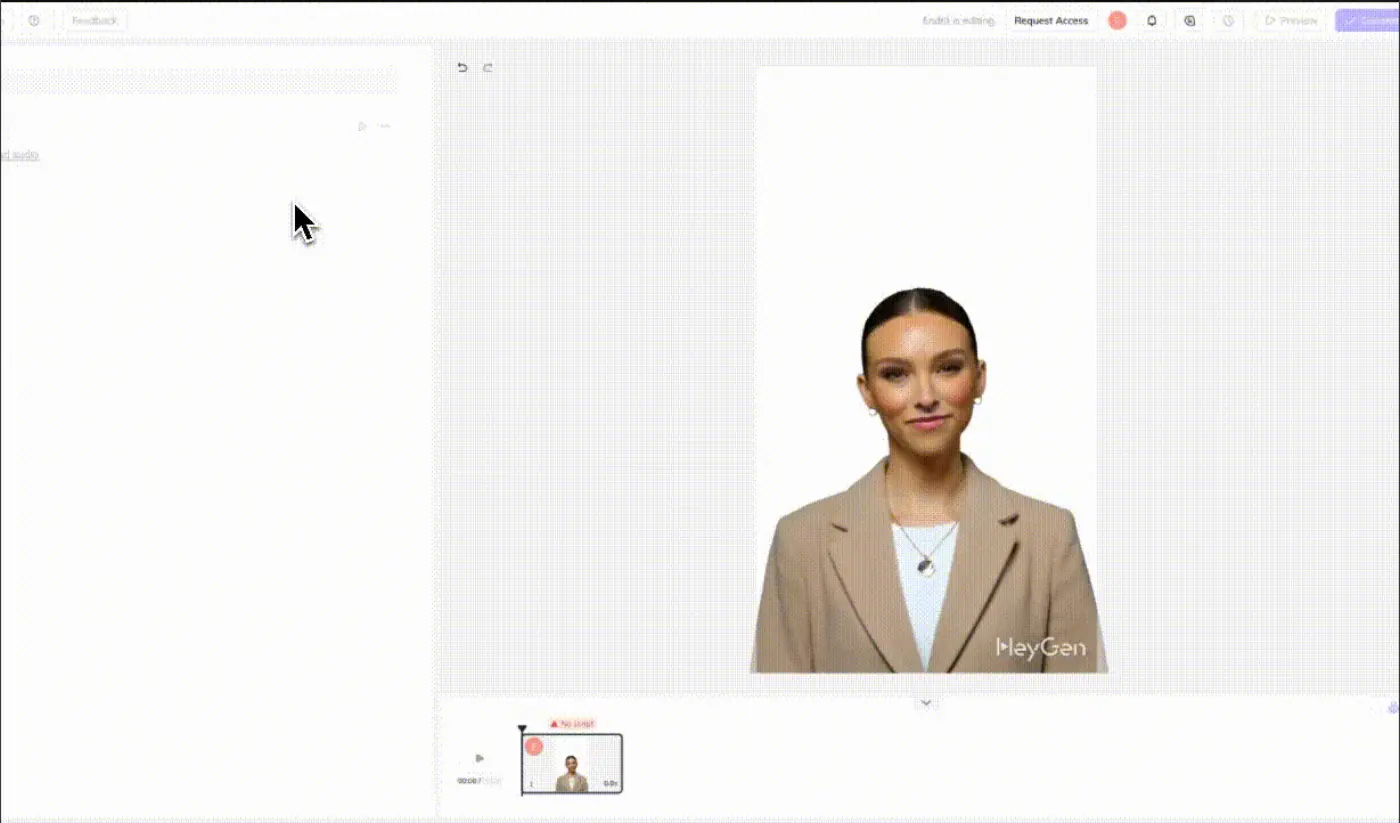
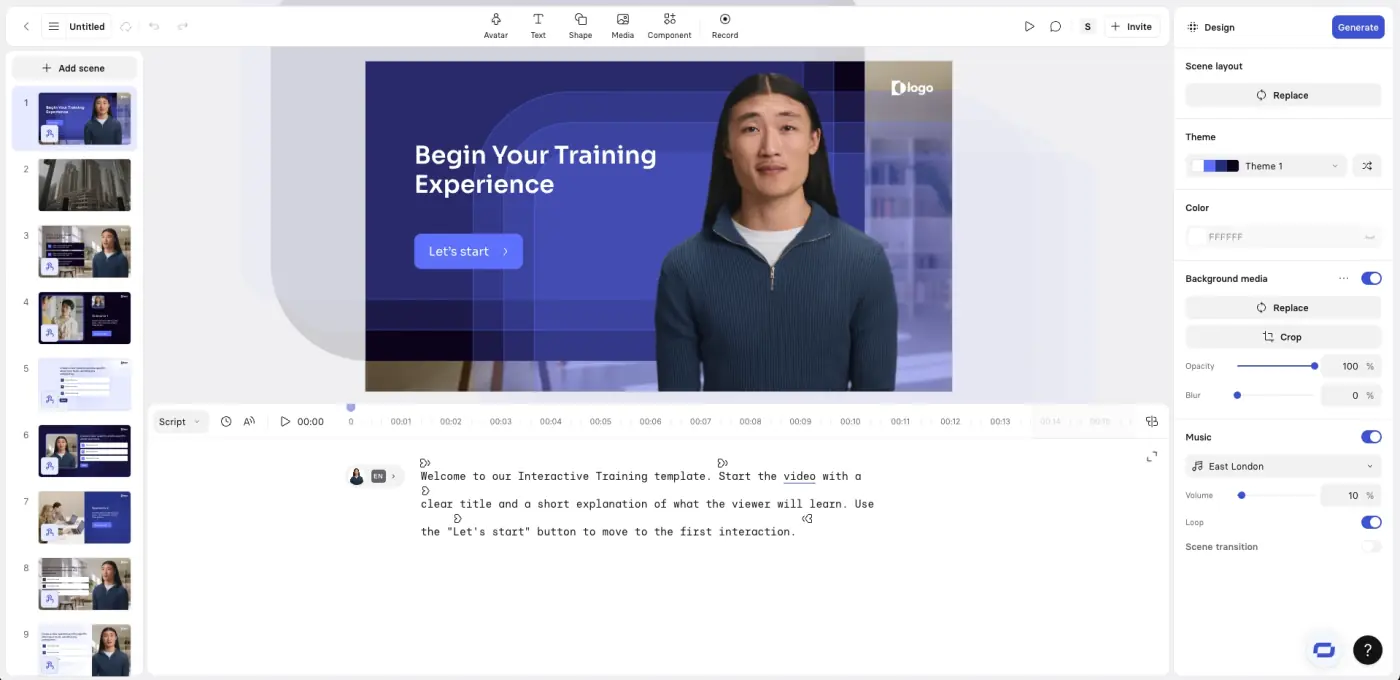
### 3. HeyGen: Best for Avatars
**Free plan:** Limited free usage, commonly positioned around a small number of free videos or credits.
**Why it is different:** HeyGen specializes in AI avatars and presenter-style videos. It is not just an audio dubbing tool.
**How it works:** Upload or create a video, choose an avatar or translation workflow, and generate a localized output.
**Languages:** 40+ languages.
**Quality:** Strong for avatar presentations and explainers. Less ideal if you want to preserve the exact style of existing creator footage.
**Best for:** Explainer videos, AI presenter videos, training content, and sales videos.
**Not best for:** Dubbing existing talking-head content where the original speaker must remain the focus.
### 4. Veed.io: Best for All-Purpose Video Editing
**Free plan:** Free tier with limits. Depending on the export, restrictions or watermarks may apply.
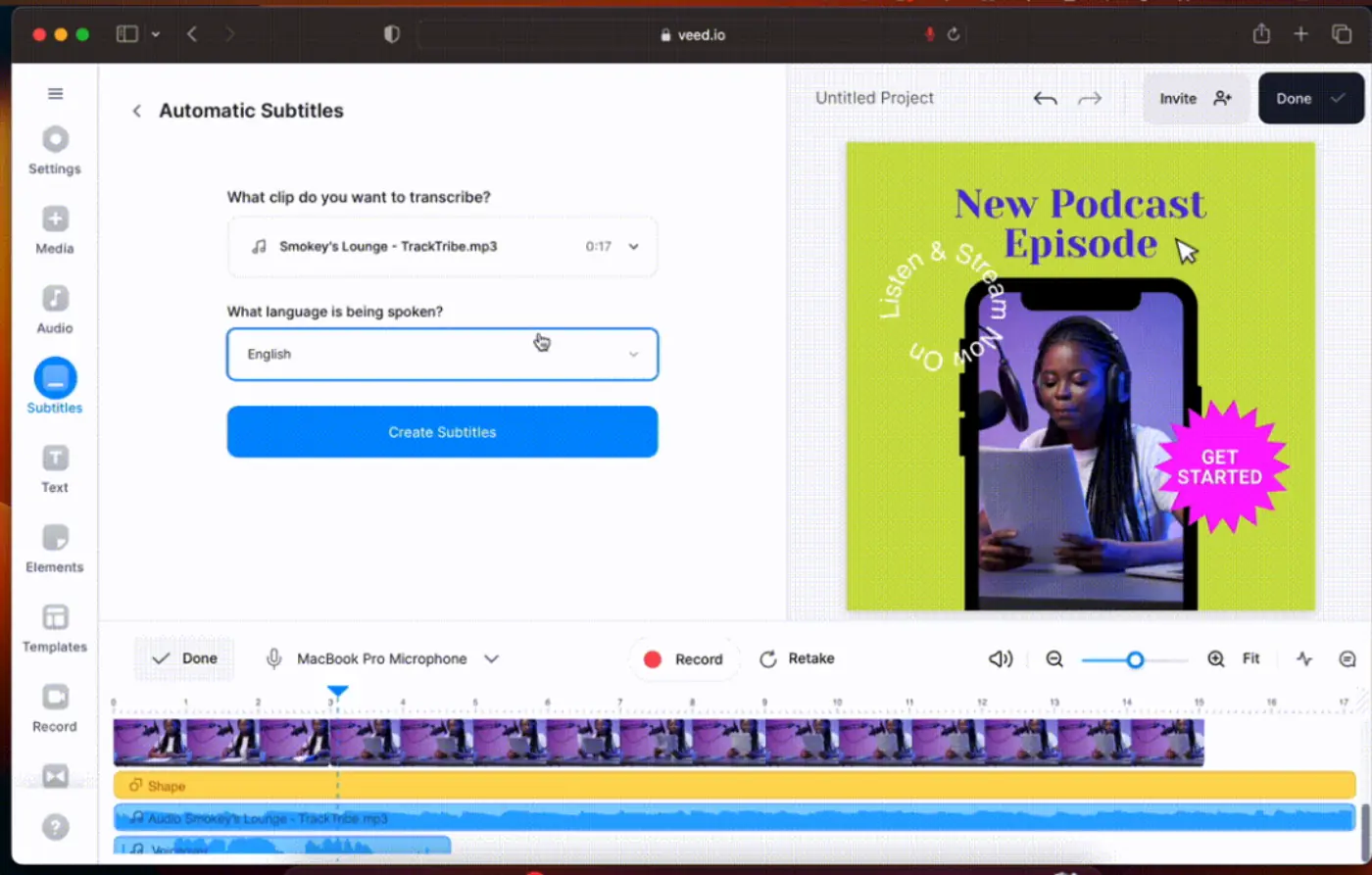
**Why consider it:** Veed is a broad browser video editor. Dubbing is one feature among subtitles, captions, trimming, effects, and social video editing.
**How it works:** Upload a video, generate subtitles, translate or dub, edit, then export.
**Languages:** 20+ languages.
**Quality:** Good for lightweight creator workflows, though dubbing is not the only focus of the product.
**Best for:** Creators who want dubbing plus subtitle generation and basic editing in one place.
**Not best for:** A dedicated dubbing workflow where speed and translated audio are the primary goals.
### 5. Synthesia: Best for Production Quality
**Free plan:** Limited free or trial access.
**Why it is high quality:** Synthesia is polished and business-focused. It is especially strong for avatar-based videos and structured training content.
**How it works:** Write a script or use a video workflow, choose an avatar and target language, then generate a polished video.
**Languages:** 100+ languages.
**Quality:** Strong for corporate videos, training modules, and polished explainers.
**Best for:** Businesses, training teams, and professional internal communication.
**Not best for:** Individual creators who need regular multilingual publishing at a lower cost.
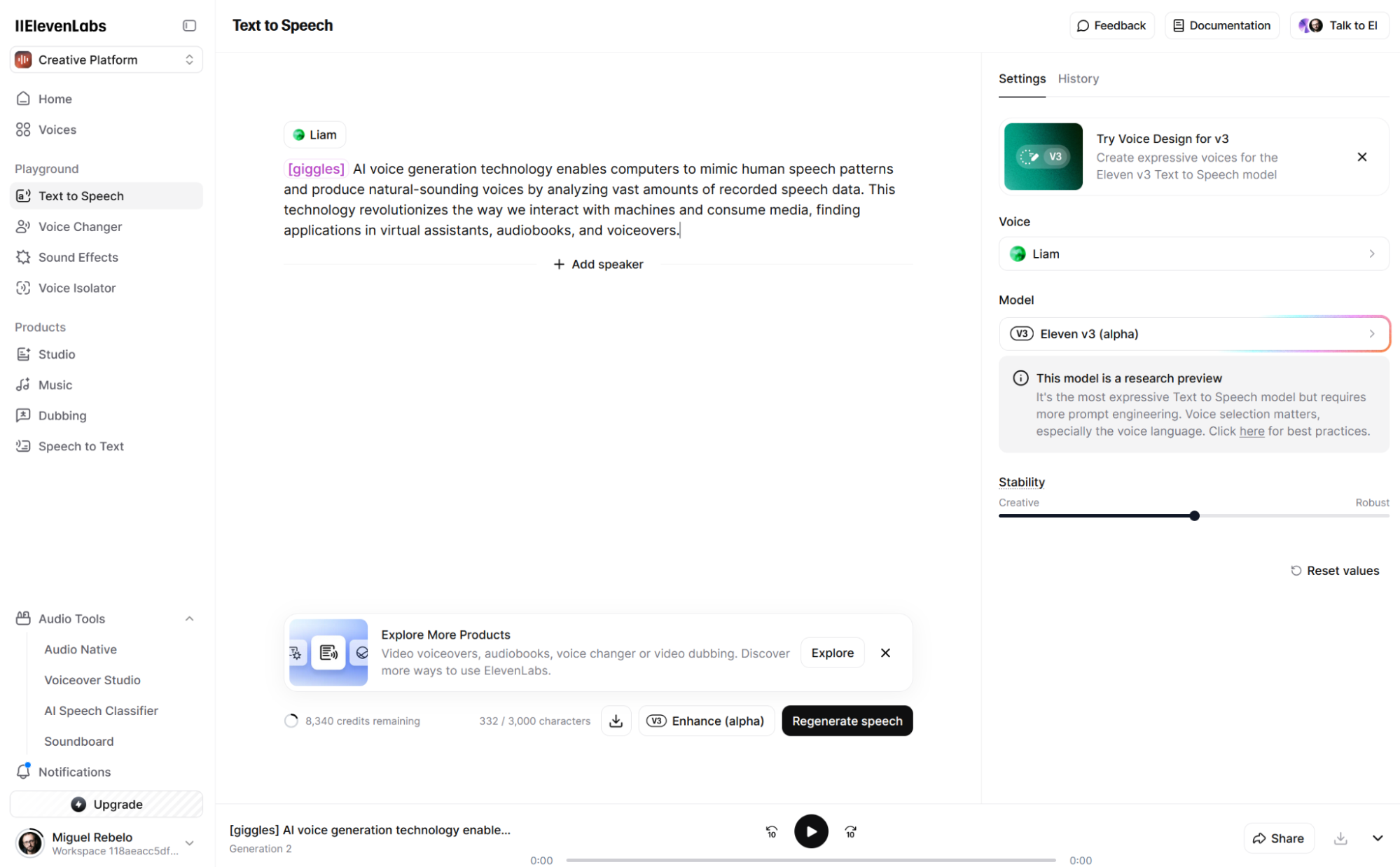
### 6. ElevenLabs: Best for Voice Quality
**Free plan:** Free character allowance for testing voice generation.
**Why it is good:** ElevenLabs is known for high-quality text-to-speech and natural AI voices.
**How it works:** Provide text or a script, generate audio, then sync or use it in your video workflow.
**Languages:** 29+ languages.
**Quality:** Excellent voice output. It is one of the best benchmarks for AI voice realism.
**Best for:** Creators who care most about voice quality and are comfortable handling some video syncing manually.
**Not best for:** A fully automated upload-to-dubbed-video workflow without extra steps.
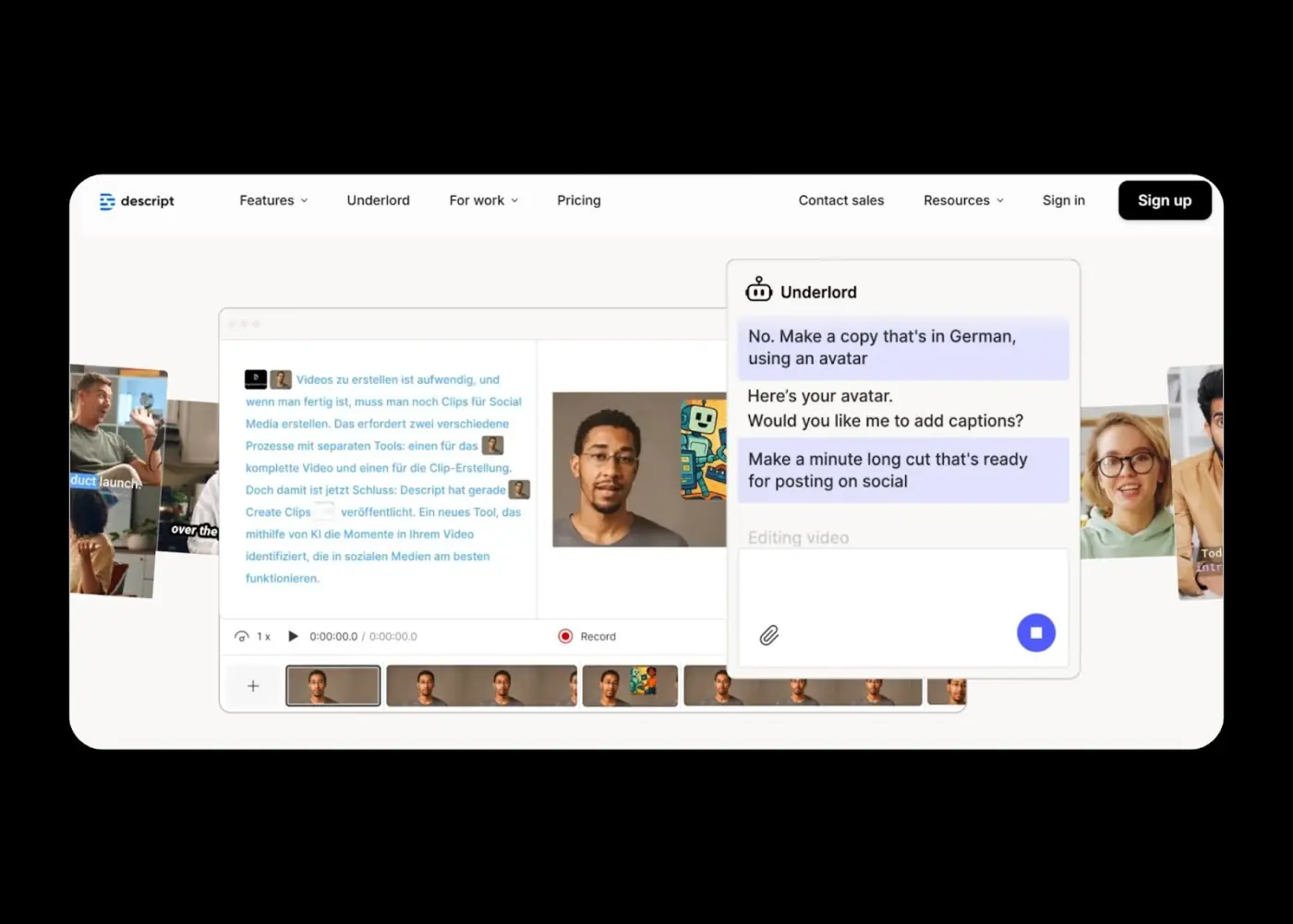
### 7. Descript: Best for Transcript-First Editing
**Free plan:** Limited transcription and editing access.
**Why consider it:** Descript is built around editing video and audio from a transcript. Dubbing is useful, but it is not the only reason creators use it.
**How it works:** Upload video, transcribe it, edit by changing text, and export.
**Languages:** 10+ languages depending on workflow.
**Quality:** Excellent for transcription and podcast-style editing. Dubbing can help, but it is secondary.
**Best for:** Podcasters, interview editors, and creators who already edit from transcripts.
**Not best for:** Pure AI video dubbing at scale.
## Legit Ways to Maximize Free AI Dubbing Tools
Free plans can be useful if you use them intentionally. The goal is not to abuse trials. The goal is to match each tool to the right job.
### 1. Use TTS before full dubbing
Before dubbing a full video, test the translated script with [Subclip Text-to-Speech](https://www.subclip.app/tools/text-to-speech). This helps you check pronunciation, tone, and pacing before spending credits or time on a full video export.
### 2. Mix tools by workflow
Use one tool for what it does best. For example:
- Subclip for creator dubbing workflows.
- ElevenLabs for voice quality benchmarks.
- HeyGen or Synthesia for avatar videos.
- Veed for light editing and captions.
- Descript for transcript-first editing.
This is usually better than forcing one tool to solve every problem.
### 3. Use monthly limits for testing, not production dependency
Free monthly limits are useful for testing one or two languages. Once a language starts producing views, subscribers, leads, or revenue, move that workflow to the tool that saves the most production time.
### 4. Keep a repeatable test clip
Use the same 60 to 90 second clip across every tool. Include one fast sentence, one branded term, one name, and background music. This makes the comparison fair.
## When to Upgrade From Free
Upgrade when the free workflow starts costing more time than it saves.
**Sign 1: You are hitting limits consistently**
If you are manually stitching translated audio and video every week, a dedicated dubbing workflow can save hours.
**Sign 2: Dubbed content is producing value**
If multilingual videos are generating views, leads, course sales, or client approvals, paying for a smoother workflow is easier to justify.
**Sign 3: Quality is the bottleneck**
If viewers complain about pronunciation, timing, or unnatural voices, upgrade to a tool with better voice control or a more reliable workflow.
**Sign 4: You need repeatable output**
Batch work, longer videos, client projects, and scheduled publishing usually need more than a free plan.
Decision framework: if dubbing is an experiment, stay free. If dubbing is part of your publishing engine, pay for the workflow that removes manual work.
## Tools Comparison: Quick Reference
| Use case | Best tool | Why |
|---|---|---|
| All-around creator workflow | Subclip | Best fit for repeat publishing, transcripts, translated audio, and creator exports |
| No-sign-up style testing | AI Dubbing | Fast browser-based way to test AI dubbing quickly |
| Avatar videos | HeyGen | Strong for presenter-style and avatar-led explainers |
| Voice quality | ElevenLabs | Best benchmark for natural AI voice generation |
| All-in-one editing | Veed.io | Useful when you need captions, subtitles, edits, and occasional dubbing |
| Corporate training | Synthesia | Strong for polished business and training videos |
| Transcript-first editing | Descript | Best when your editing workflow starts from the transcript |
| Free supporting workflow | Subclip Text-to-Speech | Good for testing translated voiceover before full video dubbing |
## Real Example: Building a Dubbed Library on a Small Budget
Scenario: You want to dub 20 videos into Spanish and Portuguese.
A practical approach:
- Week 1: Pick one short test video and dub it into Spanish with Subclip.
- Week 2: Use the same test clip in ElevenLabs or AI Dubbing to compare voice quality and timing.
- Week 3: Publish two to five videos in the best-performing language.
- Week 4: Review watch-time, comments, and retention. Only then scale to more videos.
If the first language works, expand into the second language. If it does not work, adjust the content before spending time dubbing a full library.
This approach is better than dubbing 20 videos at once and discovering later that the language, voice, or format does not match your audience.
## Hidden Costs of Free Tools
"Free" does not always mean cost-free. Watch for these hidden costs:
**Time cost:** Some free workflows require manual transcript cleanup, translation checks, audio syncing, or repeated exports.
**Quality limits:** Some free tiers limit voice options, pronunciation control, export quality, or language variants.
**Watermarks:** A free export with a watermark may be fine for testing, but not for professional publishing.
**Support limits:** Free users may not get fast help when a video fails, an export breaks, or a client deadline is close.
**Privacy concerns:** If your video includes private course material, client footage, or unreleased product information, review the tool's privacy policy before uploading.
**Workflow switching:** Using too many free tools can slow you down if every video needs a different process.
## FAQ
### Can I use free AI dubbing tools commercially?
Check each tool's current terms. Some free plans allow commercial use, while others restrict it or add watermarks that make professional use difficult.
### Which free AI dubbing tool has the best voice quality?
ElevenLabs is the strongest benchmark for pure voice quality. Subclip is better if you want a fuller creator workflow around video, transcript, translation, and export.
### Can I dub videos longer than 30 minutes for free?
Some tools allow longer uploads, but free plans often limit minutes, credits, processing time, or exports. Test your actual video length before committing.
### Do I need to credit the AI dubbing tool?
Usually no, but check the terms of the tool you use. Attribution rules can change by plan and use case.
### What happens if I exceed monthly free limits?
Most tools stop processing, reduce quality, or ask you to upgrade. Plan your testing around one short video first, then upgrade only if the workflow proves useful.
### Can I use free AI dubbing tools for client work?
Sometimes, but verify commercial rights, privacy terms, watermark rules, and export quality first. Client work usually needs a paid workflow for reliability.
### Can I generate text-to-speech for free before dubbing a full video?
Yes. [Subclip's free Text-to-Speech tool](https://www.subclip.app/tools/text-to-speech) is a good way to test translated scripts, voice tone, and pronunciation before creating a full dubbed video.
## 30-Day Free Dubbing Challenge
Use this challenge if you want to test dubbing without overcommitting.
**Week 1:** Pick one video and dub it into one language. Check transcript quality, pronunciation, timing, and export quality.
**Week 2:** Publish three to five short dubbed clips. Measure watch-time, comments, and audience response.
**Week 3:** Test a second language or a second tool. Compare output quality against your Week 1 results.
**Week 4:** Choose your repeatable workflow. If results are promising, upgrade the tool that saves the most time.
By the end of the month, you should know which language works, which tool fits your workflow, and whether dubbing is worth scaling for your channel or business.
## The Free Tool Advantage
Free AI dubbing tools are good enough for validation. You do not need a studio budget to learn whether your audience wants multilingual content.
Start small. Dub one strong video into one target language. Publish it. Measure retention and comments. If it works, build a repeatable workflow around the tool that saves the most time.
For most creators, that means starting with [Subclip AI Dubbing](https://www.subclip.app/tools/dubbing), using [Subclip Text-to-Speech](https://www.subclip.app/tools/text-to-speech) for voice tests, and scaling only after the first videos show real audience demand.
## Related Articles
- [How to Make Money on YouTube With a Small Channel](https://www.subclip.app/blogs/making-a-living-from-youtube-with-fewer-than-1000) - Learn how to monetize your YouTube channel with fewer than 1000 views. Discover Antoine BM's proven strategy focusing on quality views and niche content that converts.
- [How to Use ElevenLabs for AI Voiceovers](https://www.subclip.app/blogs/how-to-use-elevenlabs-master-this-ai-voice-generator) - AI voice generators have become indispensable for YouTube creators and content producers. Among the leading tools in the market, Elevenlabs stands out for its advanced features and ease of use. Despit
- [Subtitle Styles That Convert: A Practical Playbook for Higher Watch-Time](https://www.subclip.app/blogs/subtitle-styles-that-convert) - How to choose caption style, timing, and placement by format so viewers stay longer and act faster.
## Related Tools
- [AI Video Dubbing](https://www.subclip.app/tools/dubbing) - Translate videos into 21+ languages with natural voices.