Step 1
Upload Your 16:9 or 1:1 Video
Upload MP4, MOV, MKV, WEBM, AVI, MPEG, HEVC, or GIF directly in your browser.

Convert video to 9:16 vertical for YouTube Shorts, Instagram Reels, TikTok, LinkedIn, Facebook, and X. Also export 1:1 or 16:9 with no install and no watermark.
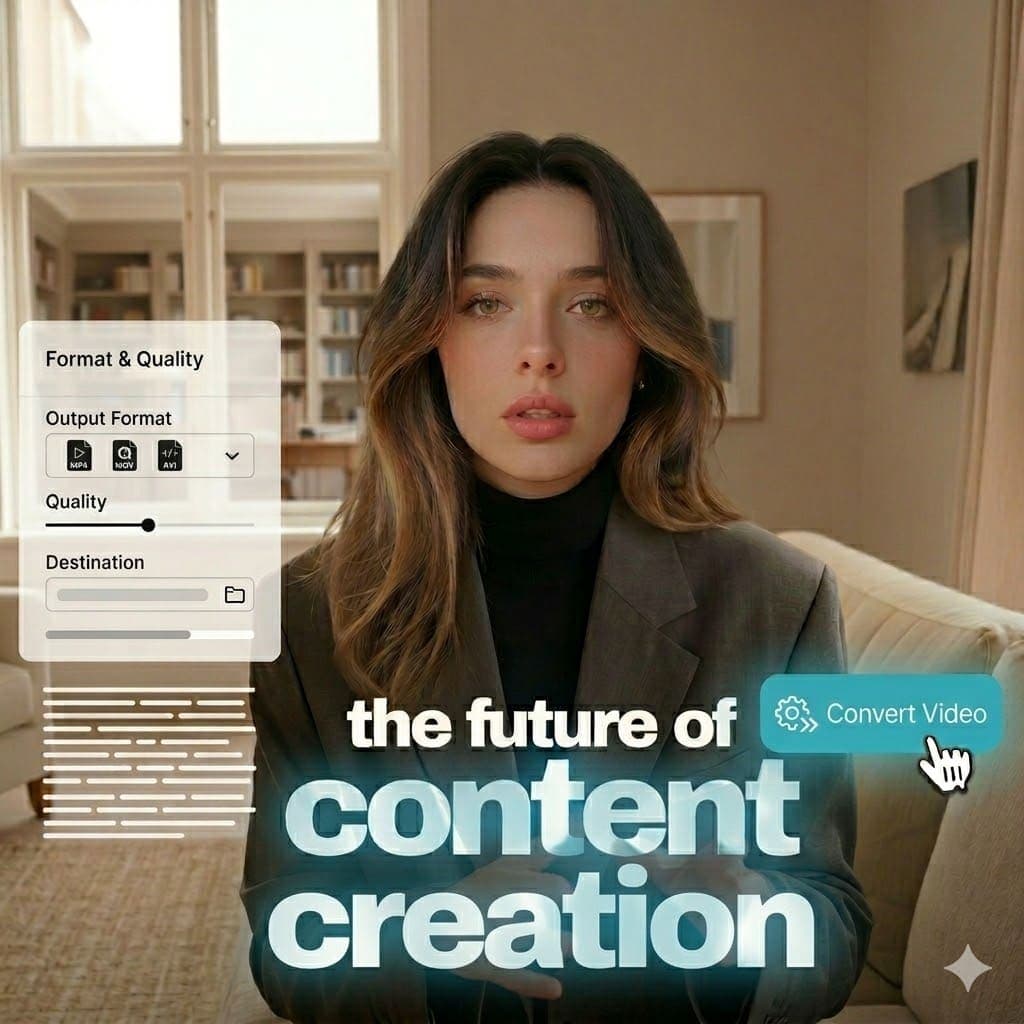
Convert one 16:9 video into 9:16 vertical for Shorts/Reels/TikTok or export square 1:1 variants for feed and paid placements.
Adjust framing before export so key subjects stay visible, then publish watermark-free MP4 files across channels.
Export 9:16 Reels-ready MP4 and keep key subjects clear in mobile safe areas.
Convert for Instagram Reels →
Create 1080x1920-style vertical output for full-screen TikTok playback.
Convert for TikTok →
Convert horizontal clips to 9:16 so they publish cleanly as YouTube Shorts.
Convert for YouTube Shorts →
Prepare ratio-safe variants for LinkedIn feed and mobile video workflows.
Convert for LinkedIn →
Create ratio-safe outputs for Facebook feed, reels, and campaign-ready placements.
Convert for Facebook →
Export timeline-ready variants for X posts, threads, and campaign distribution.
Convert for X (previously Twitter) →
Step 1
Upload MP4, MOV, MKV, WEBM, AVI, MPEG, HEVC, or GIF directly in your browser.

Step 2
Choose 9:16 for vertical, or keep 1:1 / 16:9 when needed for each platform.

Step 3
Reposition the frame so faces, products, and captions remain in view.

Step 4
Export a clean MP4 ready to post on social media.
Start conversion in one tab without desktop software or plugins. This removes setup friction and speeds up publishing.
Test 16:9, 1:1, and 9:16 from one source and quickly create channel-ready variants.
Export clean MP4 files for organic and paid campaigns while keeping brand presentation consistent.
Answers on aspect ratios, framing, formats, watermark policy, and quality.
Need another answer? contact@subclip.app
Contact supportNeed another answer? contact@subclip.app
Contact supportFrom raw footage to final video scheduled across every platform - One platform, multiple tools.

Find your best moments automatically and turn long videos into short high-retention clips in minutes. Export to DaVinci, Final Cut Pro, and Premier Pro as a .fcpxml file.
Find your best moments automatically and turn long videos into short high-retention clips in minutes. Export to DaVinci, Final Cut Pro, and Premier Pro as a .fcpxml file.

Generate unlimited captions for your clips, customize the text and formatting, and make quick edits before publishing.
Explore CaptionsGenerate unlimited captions for your clips, customize the text and formatting, and make quick edits before publishing.
Explore CaptionsTurn one video into 21+ language versions. AI voice dubbing that keeps your tone. Publish everywhere without re-recording.
Explore DubbingTurn one video into 21+ language versions. AI voice dubbing that keeps your tone. Publish everywhere without re-recording.
Explore Dubbing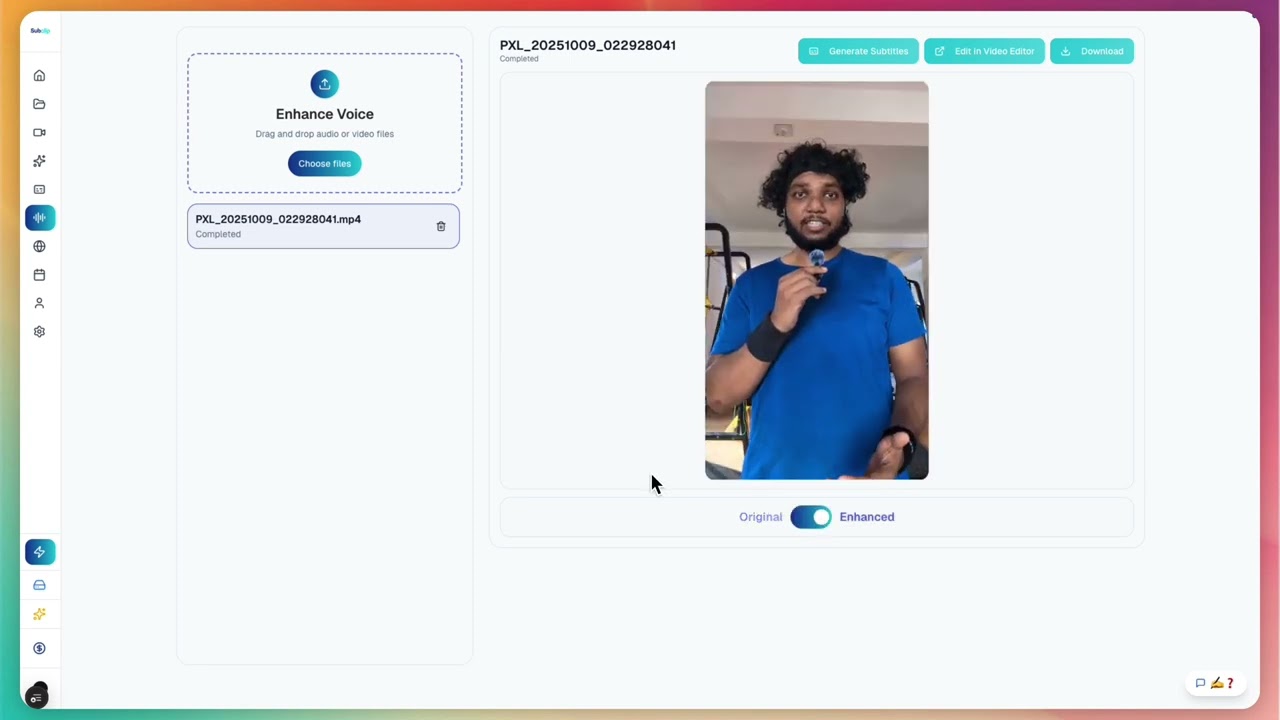
Clean noisy recordings, boost clarity, remove and trim silences without any limits, and make every clip sound studio-ready before publishing.
Clean noisy recordings, boost clarity, remove and trim silences without any limits, and make every clip sound studio-ready before publishing.

Share like a Google Doc with friends or everyone.
Share like a Google Doc with friends or everyone.
Schedule and post content from a single calendar. Currently supported: YouTube and X. Instagram, TikTok, and more are coming soon.
Schedule and post content from a single calendar. Currently supported: YouTube and X. Instagram, TikTok, and more are coming soon.
Generate animated captions for Instagram Reels with style control.
Add Animated Captions for Instagram Reels →
Create high-impact animated captions for TikTok videos.
Add Animated Captions for TikTok →
Create YouTube Shorts-ready animated captions with clean timing.
Add Animated Captions for YouTube Shorts →
Add animated captions for Facebook feed and reels.
Add Animated Captions for Facebook →
Create timeline-ready animated captions for X posts and threads.
Add Animated Captions for X (previously Twitter) →
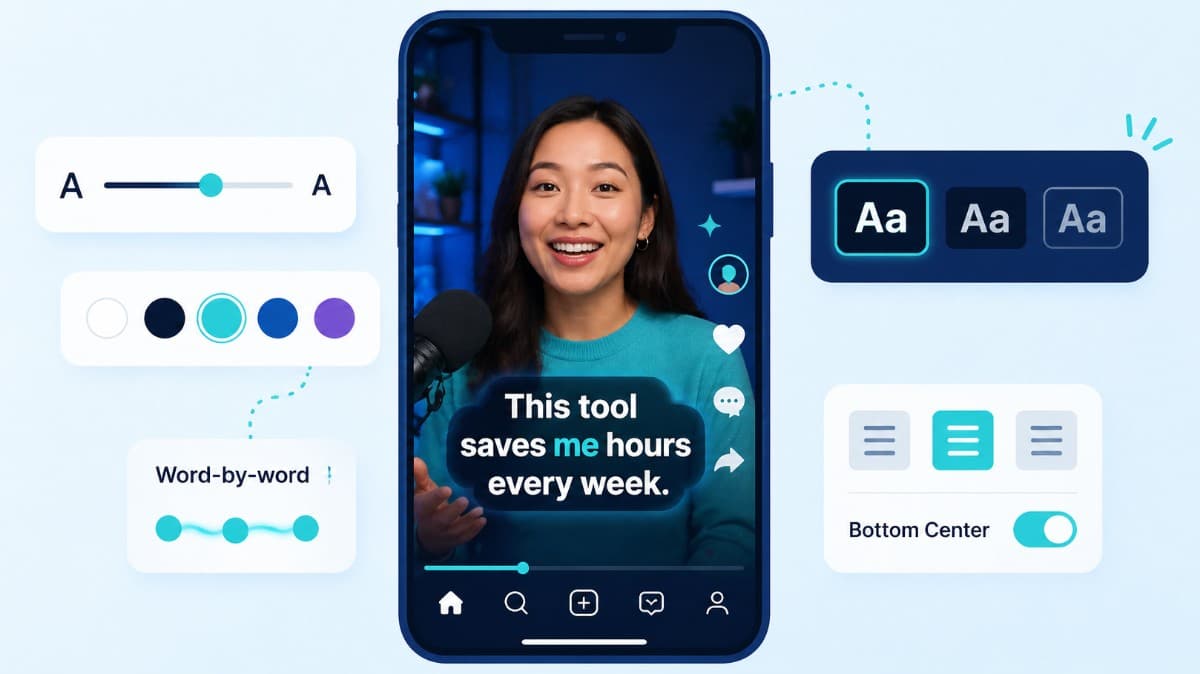
How to choose caption style, timing, and placement by format so viewers stay longer and act faster.
Compare the top free AI dubbing tools online. Find which ones support voice cloning, commercial use, and wor...
Elevate your video dubbing with our 15-point checklist for professional quality. Ensure clarity, accuracy, a...
Open the converter, choose output ratio, and export a watermark-free MP4 in your browser.