Step 1
Upload video
Upload your source video file in the converter workspace.

Export without Watermark and process locally in browser Online
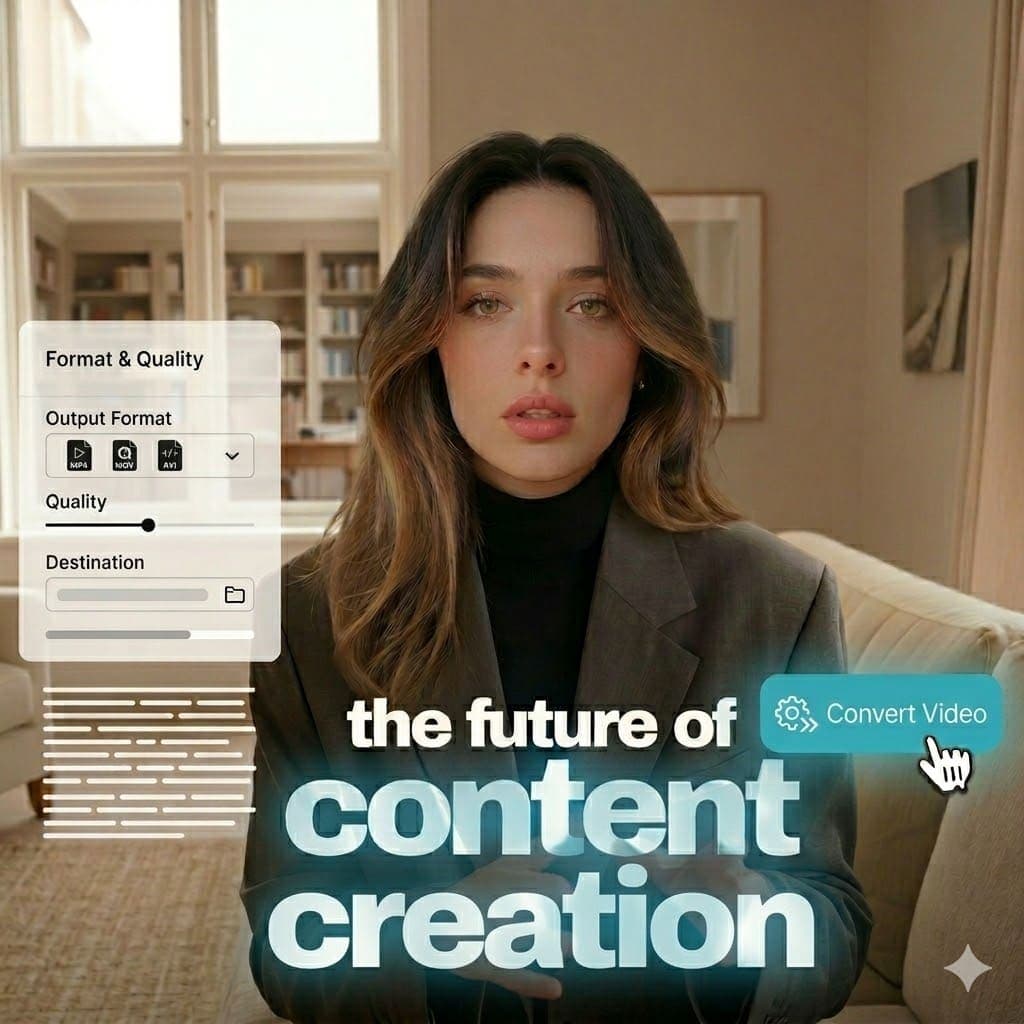
Supported input formats: AV1, AVI (Audio Video Interleave), GIF (Graphics Interchange Format), HEVC (High Efficiency Video Coding), M4A (MPEG-4 Audio), M4V (MPEG-4 Video), MKV (Matroska Video), MOV (Apple QuickTime Movie), MP3 (MPEG-1 Audio Layer III), MP4 (MPEG-4 Part 14), MPEG (Moving Picture Experts Group video stream), WAV (Waveform Audio File Format), WebM (Web Media). Explore tools.
Supported output formats: AV1, AVI (Audio Video Interleave), HEVC (High Efficiency Video Coding), M4A (MPEG-4 Audio), M4V (MPEG-4 Video), MKV (Matroska Video), MOV (Apple QuickTime Movie), MP3 (MPEG-1 Audio Layer III), MP4 (MPEG-4 Part 14), MPEG (Moving Picture Experts Group video stream), WAV (Waveform Audio File Format), WebM (Web Media). View pricing.
Step 1
Upload your source video file in the converter workspace.
Step 2
Choose your conversion format from the searchable list.

Step 3
Convert in-browser and download the output file instantly.
See how to convert formats locally in browser with no watermark on export.
Common questions about browser-based conversion, watermark-free export, and usage limits.
Need another answer? contact@subclip.app
Contact supportNeed another answer? contact@subclip.app
Contact support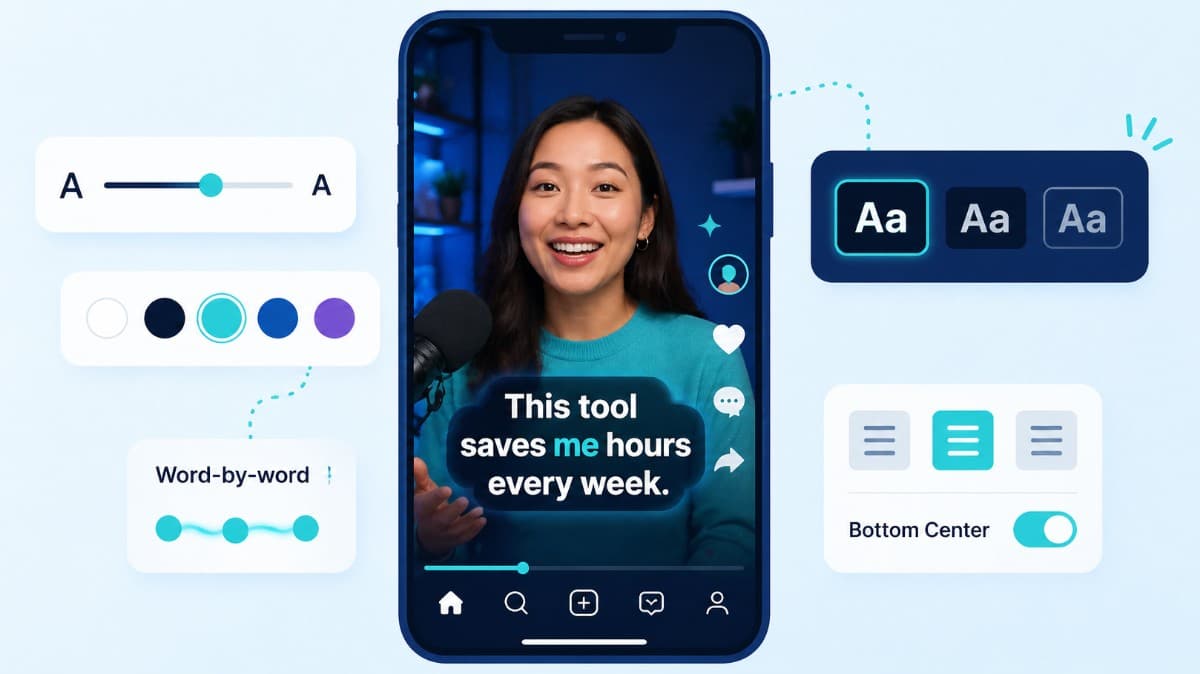
How to choose caption style, timing, and placement by format so viewers stay longer and act faster.
Compare the top free AI dubbing tools online. Find which ones support voice cloning, commercial use, and wor...
Elevate your video dubbing with our 15-point checklist for professional quality. Ensure clarity, accuracy, a...
No credit card required
Run conversion alongside transcript, subtitle, and editing workflows so one toolchain covers ingestion to publishing.
This keeps outputs consistent across platforms and reduces turnaround time for content teams.