Step 1
Upload Video in Subclip
Drop an MP4, MOV, or WebM file to start transcript generation.

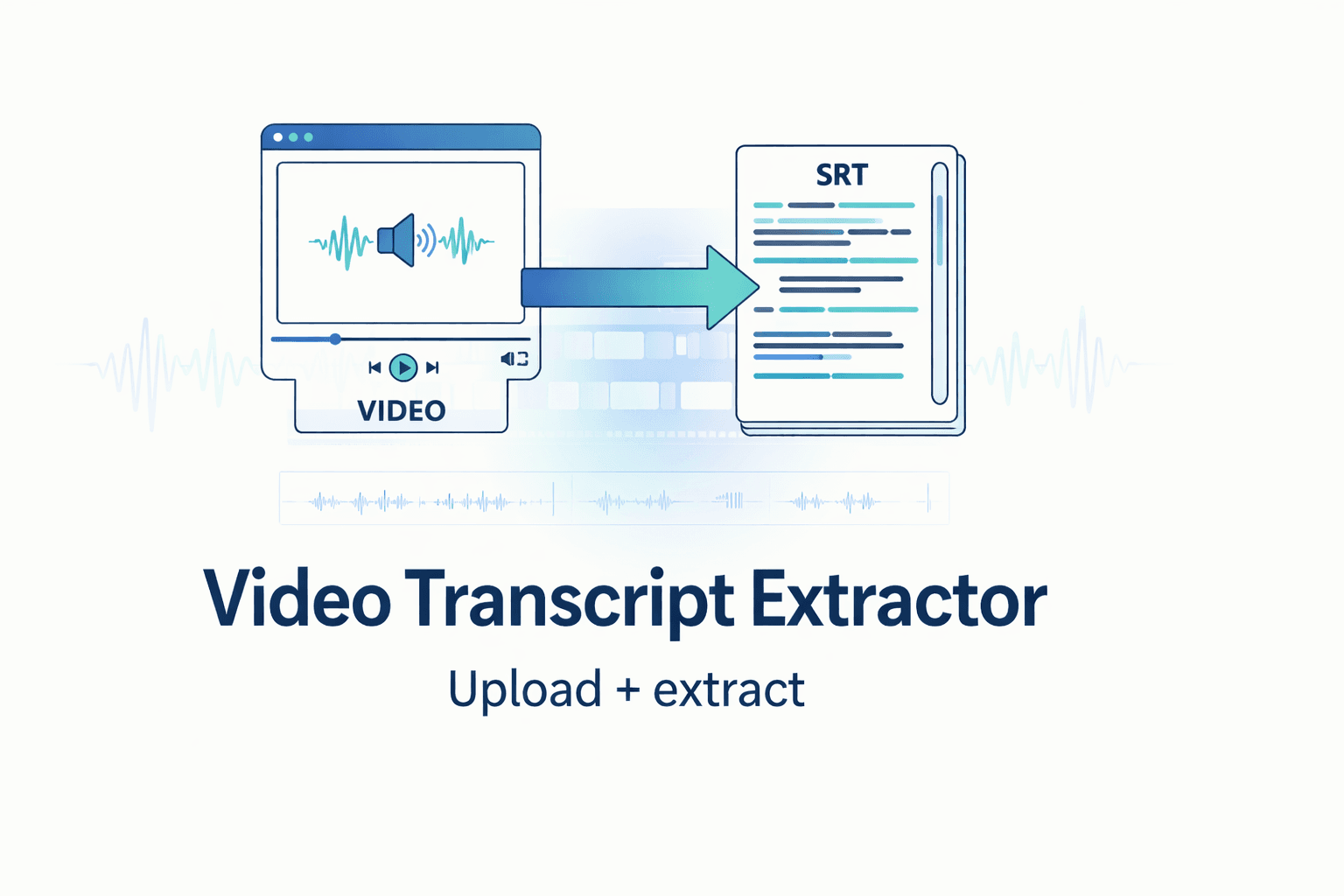
Upload your video and get clean, copy-ready text with timestamps. Export TXT, SRT, or VTT in one step.
Step 1
Drop an MP4, MOV, or WebM file to start transcript generation.

Step 2
Run AI transcription with default settings and timestamp support.

Step 3
Refine transcript lines and export as TXT, SRT, or VTT.
Convert local video files to transcript text quickly without extra tools.
Review and adjust transcript lines before repurposing and publishing.
Export TXT, SRT, and VTT formats for subtitle and publishing workflows.
Use one repeatable process across creator, marketing, and agency workflows.
| Feature | Subclip | Other Transcribers |
|---|---|---|
| Primary Use | Upload-to-Transcript Workflow | Basic Text Extraction |
| Cost | Free Core Workflow | Paywall for Useful Exports |
| Setup | No Signup Required | Account Required |
| Exports | TXT, SRT, VTT | Limited Format Options |
Transcribe raw clips quickly and repurpose strong lines into scripts, captions, and posts.

Extract campaign language from video assets for faster copy testing and iteration.

Standardize transcript workflows across clients while keeping delivery output consistent.

Turn interviews and long-form recordings into searchable text for editing and accessibility.
Answers about file support, transcript quality, export options, and free usage.
Need another answer? contact@subclip.app
Contact supportNeed another answer? contact@subclip.app
Contact supportFrom raw footage to final video scheduled across every platform - One platform, multiple tools.

Find your best moments automatically and turn long videos into short high-retention clips in minutes. Export to DaVinci, Final Cut Pro, and Premier Pro as a .fcpxml file.
Find your best moments automatically and turn long videos into short high-retention clips in minutes. Export to DaVinci, Final Cut Pro, and Premier Pro as a .fcpxml file.

Generate unlimited captions for your clips, customize the text and formatting, and make quick edits before publishing.
Explore CaptionsGenerate unlimited captions for your clips, customize the text and formatting, and make quick edits before publishing.
Explore CaptionsTurn one video into 21+ language versions. AI voice dubbing that keeps your tone. Publish everywhere without re-recording.
Explore DubbingTurn one video into 21+ language versions. AI voice dubbing that keeps your tone. Publish everywhere without re-recording.
Explore Dubbing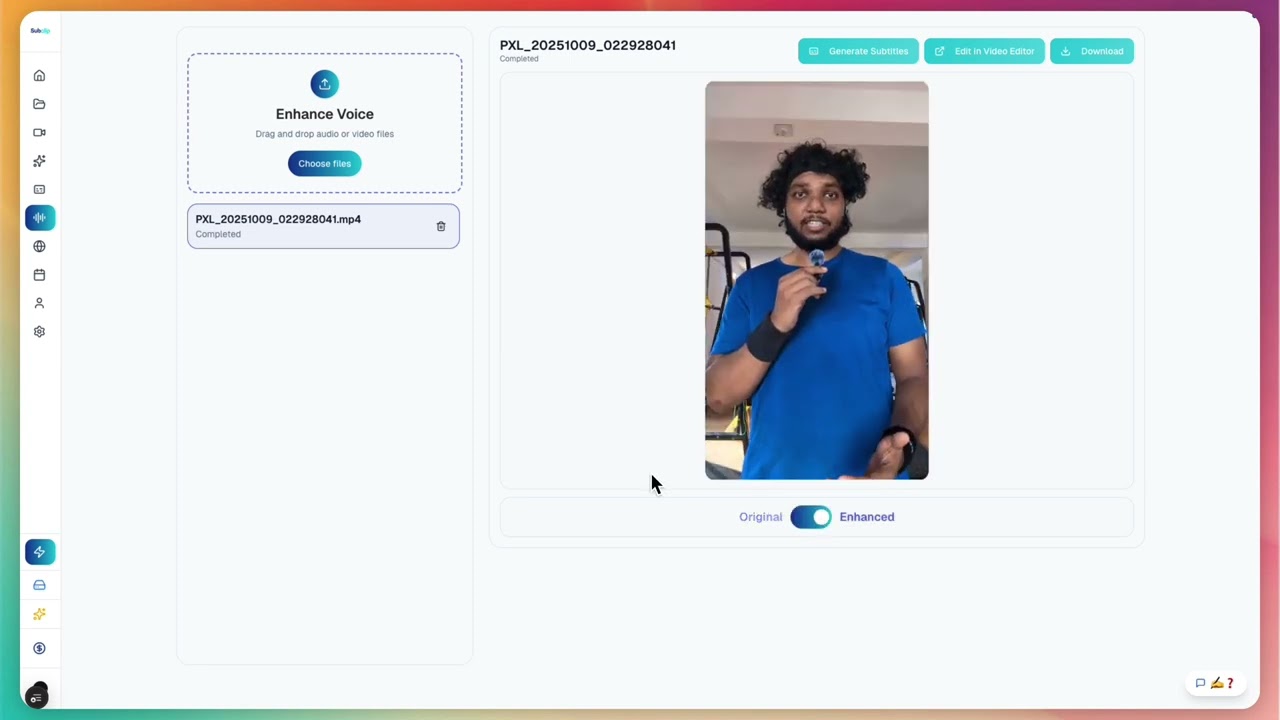
Clean noisy recordings, boost clarity, remove and trim silences without any limits, and make every clip sound studio-ready before publishing.
Clean noisy recordings, boost clarity, remove and trim silences without any limits, and make every clip sound studio-ready before publishing.

Share like a Google Doc with friends or everyone.
Share like a Google Doc with friends or everyone.
Schedule and post content from a single calendar. Currently supported: YouTube and X. Instagram, TikTok, and more are coming soon.
Schedule and post content from a single calendar. Currently supported: YouTube and X. Instagram, TikTok, and more are coming soon.
Upload your next video and generate transcript output ready for editing, subtitles, and publishing.
Open a language-specific page to add video subtitles faster.
Open a format-specific page to convert video and audio faster.
Try Subclip for your next story