Home / Compare / DaVinci Resolve vs Premiere Pro vs Final Cut Pro vs CapCut 2026
DaVinci Resolve vs Premiere Pro vs Final Cut Pro vs CapCut 2026: Full Comparison
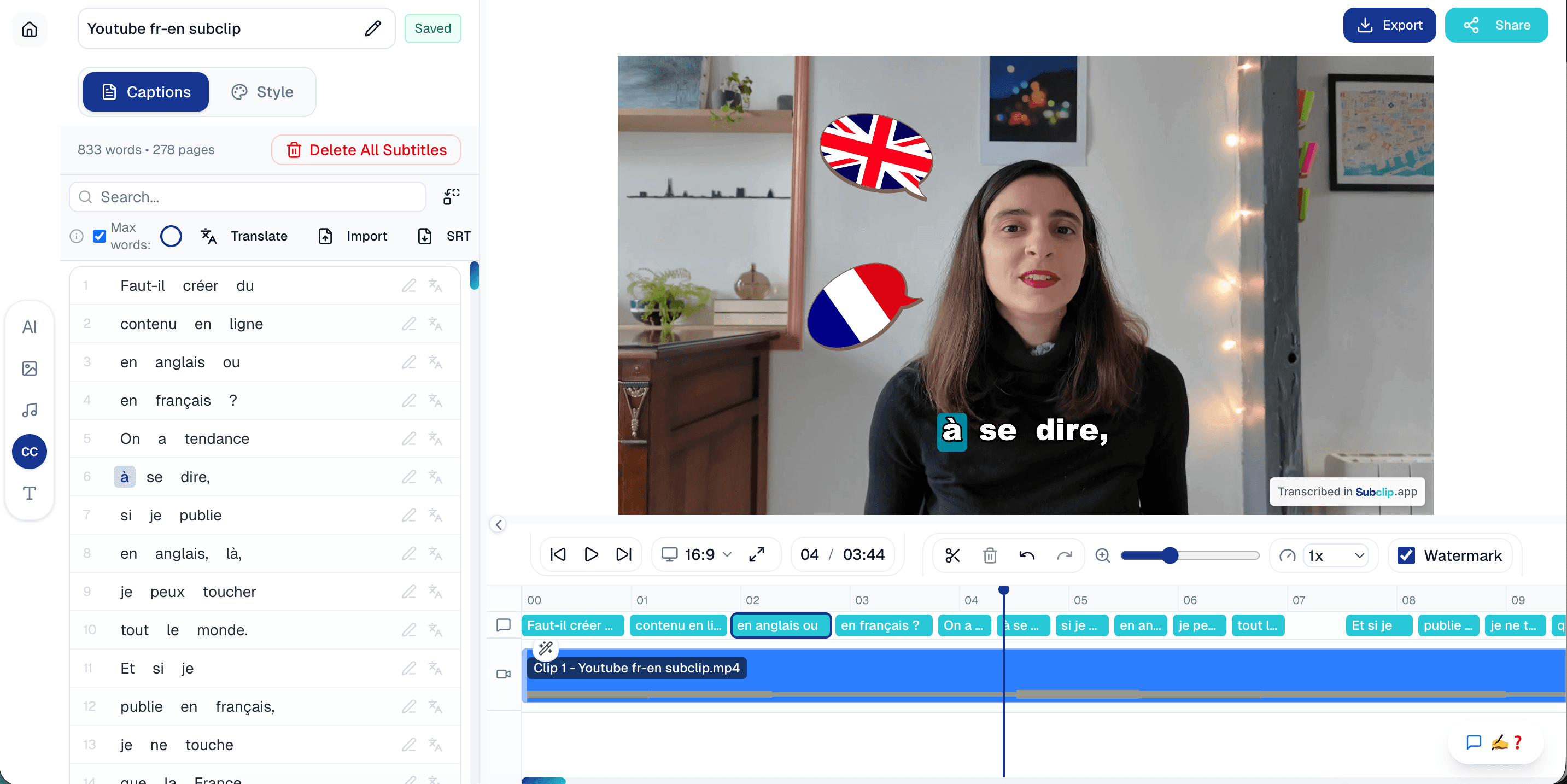
This page is built for active buyers evaluating editing tools in 2026. If you already use Premiere Pro, Final Cut Pro, or DaVinci Resolve, this guide helps you compare them directly and decide where Subclip fits as your AI layer.
Quick Verdict Table
| Criteria | DaVinci Resolve | Premiere Pro | Final Cut Pro | CapCut | Subclip |
|---|
| Platform | Windows, Mac, Linux | Windows, Mac | Mac only | Mobile, Web, Desktop | Web-based, works with any editor |
| Price (exact $) | Free / $295 | $59.99/mo | $299 | Free / $7.99/mo | Trial at $1 |
| Free plan | Yes | No | No (free trial) | Yes | No |
| Best for | Color + pro finishing | Studio/editor teams | Mac creator workflows | Short-form speed | Script editing, subtitles, and dubbing |
| Learning curve | Steep | Steep | Medium | Low | Low |
| AI features | Strong in Studio tier | Strong + Adobe AI stack | Moderate | Template-heavy AI assist | Clipping + subtitles + dubbing in one workflow |
| Export quality | Professional grade | Professional grade | Professional grade | Great for social delivery | Social-ready output with multilingual variants |
DaVinci Resolve Free vs Studio (2026): Is the Upgrade Worth It?
| Feature | Resolve Free | Resolve Studio ($295) |
|---|
| Noise reduction | Limited / unavailable | Advanced controls |
| HDR finishing tools | Basic | Full HDR toolset |
| Collaboration | Limited | Multi-user collaboration |
| AI/Neural tools | Partial | Full set |
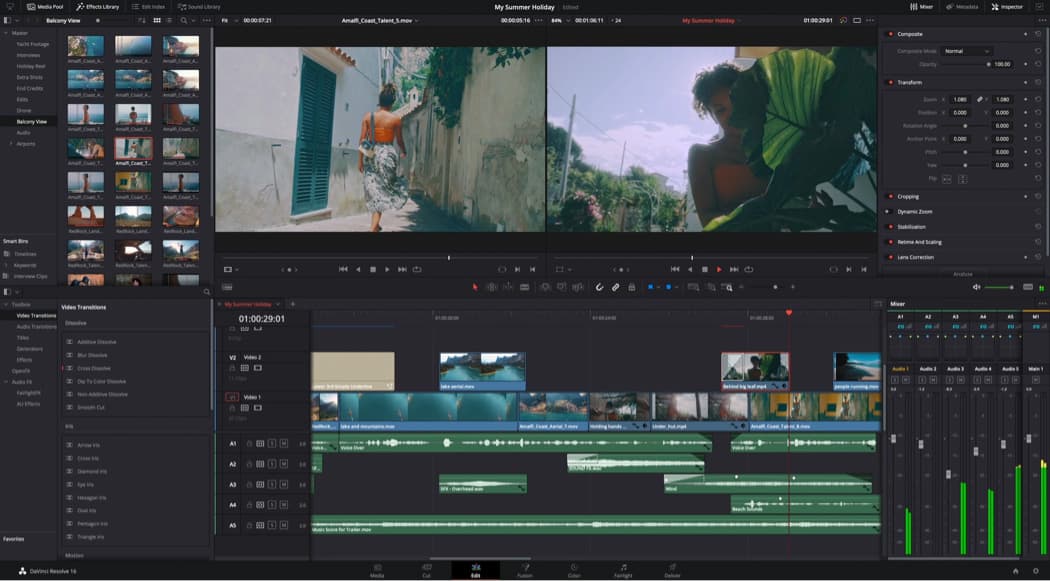
What you lose on free is mostly pro finishing depth: advanced noise reduction, stronger HDR controls, and higher-end collaborative workflows.
Who should pay once: teams doing paid client work, long-form YouTube at scale, or any editor where finishing quality directly impacts revenue.
Need AI subtitles + dubbing without the $295 price tag? Try Subclip →
Final Cut Pro vs Premiere Pro: Speed, Workflow & Features (2026)
Final Cut Pro is still Mac-only, while Premiere Pro is cross-platform and often preferred by teams with mixed-device pipelines.
Pricing model: Final Cut Pro is one-time ($299), Premiere Pro is subscription ($59.99/mo). For many creators, this is the biggest budget split.
On render speed, Final Cut Pro is typically faster on modern Apple Silicon for many creator workflows, while Premiere can be better when your project depends on Adobe app integrations.
Best Video Editor for Beginners vs Professionals
Beginner picks: CapCut (free), Filmora, and Subclip vs CapCut.
Pro picks: DaVinci Resolve Studio, Premiere Pro, and Final Cut Pro.
Decision flowchart: quick pick map
Need Free?
Pick CapCut or DaVinci Resolve (Free).
Need Easiest Start?
Pick Subclip or CapCut.
Need a simple desktop editor with room to grow?
Pick Filmora.
Need AI automation for subtitles and localization?
Pick Subclip.
Need advanced grading and finishing?
Pick DaVinci Resolve Studio.
Need deep team workflow across Adobe stack?
Pick Premiere Pro.
Need Mac-only, speed-first creator workflow?
Pick Final Cut Pro.
Best Video Editing Software for YouTube Creators (2026)
YouTube creators usually need four things: reliable timeline workflow, fast auto-captions, short-form clipping from long videos, and chapter-marker friendly publishing.
Keep your main timeline editor and use Subclip as the speed layer. Core homepage workflows include edit with script, auto-captions, social export presets (16:9, 9:16, 1:1), and AI dubbing in 21+ languages.
See the complete feature stack on Subclip.
Explore all top features on Subclip →
Pricing Comparison (Exact Numbers, 2026)
| Tool | Price | Model |
|---|
| DaVinci Resolve | Free / $295 | One-time |
| Premiere Pro | $59.99/mo | Subscription |
| Final Cut Pro | $299 | One-time |
| CapCut | Free / $7.99/mo | Freemium |
| Filmora | $49.99/yr | Annual |
| Subclip | Trial at $1 | Start Trial |
See full plan details on Subclip pricing.
Best Cheap Video Editor for Windows & Mac (Netherlands, Germany, Japan)
Netherlands: CapCut Free and Filmora are common low-cost picks, while Subclip can be a better value in EUR if your workflow needs subtitles, dubbing, and faster publishing in one stack.
Germany: price-sensitive teams often start with CapCut or Filmora, then move to Subclip when multilingual output and workflow speed justify higher monthly ROI in EUR terms.
Japan: creators comparing JPY budgets typically choose CapCut for entry-level editing, but adopt Subclip when faster subtitle + dubbing throughput drives channel growth.
Feature Comparison: Full 7-Tool Matrix
| Feature | Subclip | Premiere Pro | Final Cut Pro | DaVinci Resolve | CapCut | Filmora | Kapwing |
|---|
| AI editing | ★★★★★ | ★★★★☆ | ★★★★☆ | ★★★★☆ | ★★★★★ | ★★★☆☆ | ★★★★☆ |
| Ease of use | ★★★★★ | ★★☆☆☆ | ★★★★☆ | ★★☆☆☆ | ★★★★★ | ★★★★☆ | ★★★★☆ |
| Professional power | ★★★☆☆ | ★★★★★ | ★★★★☆ | ★★★★★ | ★★☆☆☆ | ★★★☆☆ | ★★☆☆☆ |
| Speed | ★★★★★ | ★★★☆☆ | ★★★★☆ | ★★☆☆☆ | ★★★★★ | ★★★☆☆ | ★★★★☆ |
| Pricing | Trial at $1 | $59.99/mo | $299 | Free / $295 | Free / $7.99/mo | $49.99/yr | Freemium |
Detailed Guide: 7 Video Editors Compared
If you want a deeper breakdown beyond the quick tables, use this section to compare all 7 editors by workflow fit, strengths, and tradeoffs.
Subclip
Best for: AI clipping, subtitles, dubbing, and localization workflows
Best when your team keeps its main editor but needs faster output using AI captions, clipping, and multilingual publishing in one workflow.
Pros
- - Fast content pipeline
- - Strong AI subtitle and dubbing stack
Cons
- - Not built for deep cinematic finishing
- - Less timeline micro-control than pro desktop suites
DaVinci Resolve
Best for: Color grading and advanced finishing
Strong free tier and professional-grade finishing depth. Best fit for editors who prioritize color, post-production control, and high-end outputs.
Pros
- - Powerful free version
- - Excellent finishing toolset
Cons
- - Steep learning curve
- - Can be hardware intensive
Premiere Pro
Best for: Studio and agency production workflows
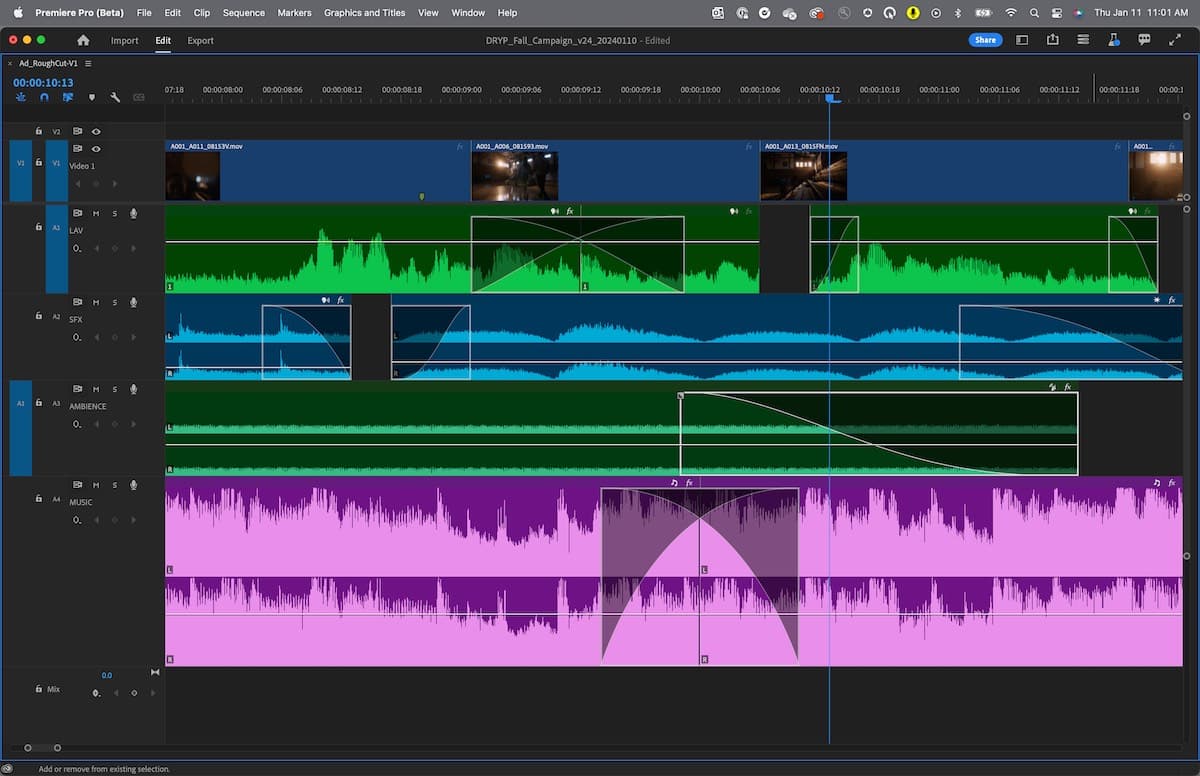
A mature editor with deep timeline control and strong ecosystem integration. Best for teams already standardized on Adobe workflows.
Pros
- - Industry-standard workflow
- - Strong plugin and Adobe ecosystem
Cons
- - Subscription cost
- - Steeper onboarding for new editors
Final Cut Pro
Best for: Mac creator speed and performance
A one-time purchase editor that performs very well on Apple Silicon. Great for creators who are fully Mac-based and speed-focused.
Pros
- - Fast rendering on Mac
- - One-time pricing model
Cons
- - Mac-only platform
- - Smaller ecosystem than Premiere
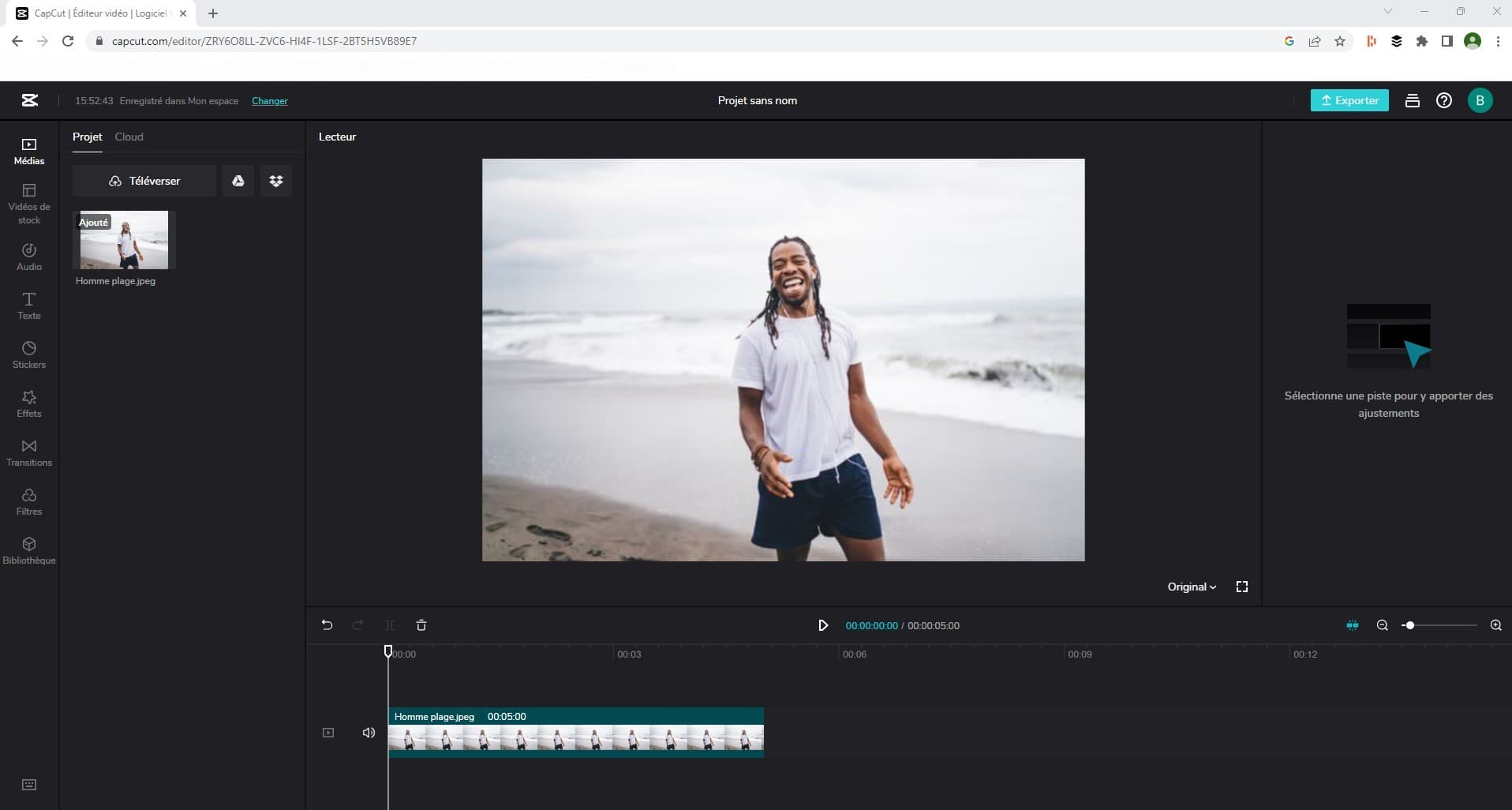
CapCut
Best for: Short-form social content and beginner workflows
Excellent for quick social editing and easy onboarding. Strong for creators who need fast output without deep timeline complexity.
Pros
- - Easy to learn
- - Free tier and low-cost upgrade
Cons
- - Limited advanced finishing controls
- - Less ideal for pro post workflows
Filmora
Best for: Budget-friendly creator editing
A practical middle ground between beginner simplicity and useful feature depth. Good for creators upgrading from mobile editors.
Pros
- - Beginner friendly
- - Affordable annual pricing
Cons
- - Not ideal for heavy pro workloads
- - Lower ceiling for advanced post
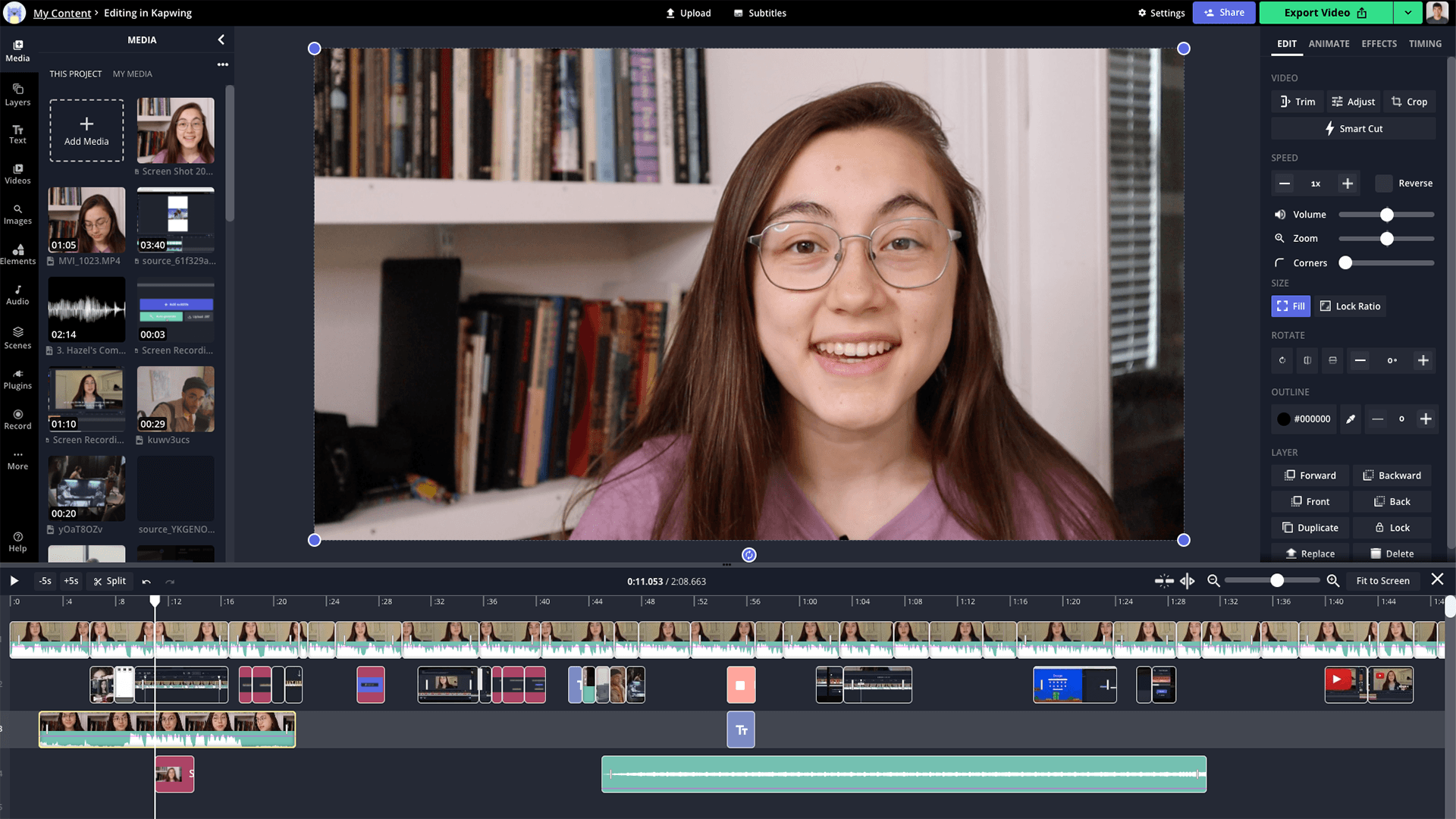
Kapwing
Best for: Browser-based collaboration and quick edits
Useful for distributed teams that want online collaboration and faster approval loops. Best for speed over post-production depth.
Pros
- - No install workflow
- - Collaboration-friendly editor
Cons
- - Less powerful than desktop suites
- - More constrained for complex projects
FAQ
Answers to the most common buying and workflow questions for this 2026 comparison.
Need another answer? contact@subclip.app
Contact supportCompare Subclip with other tools