


Step 1
Open a project and choose the exact model variant.
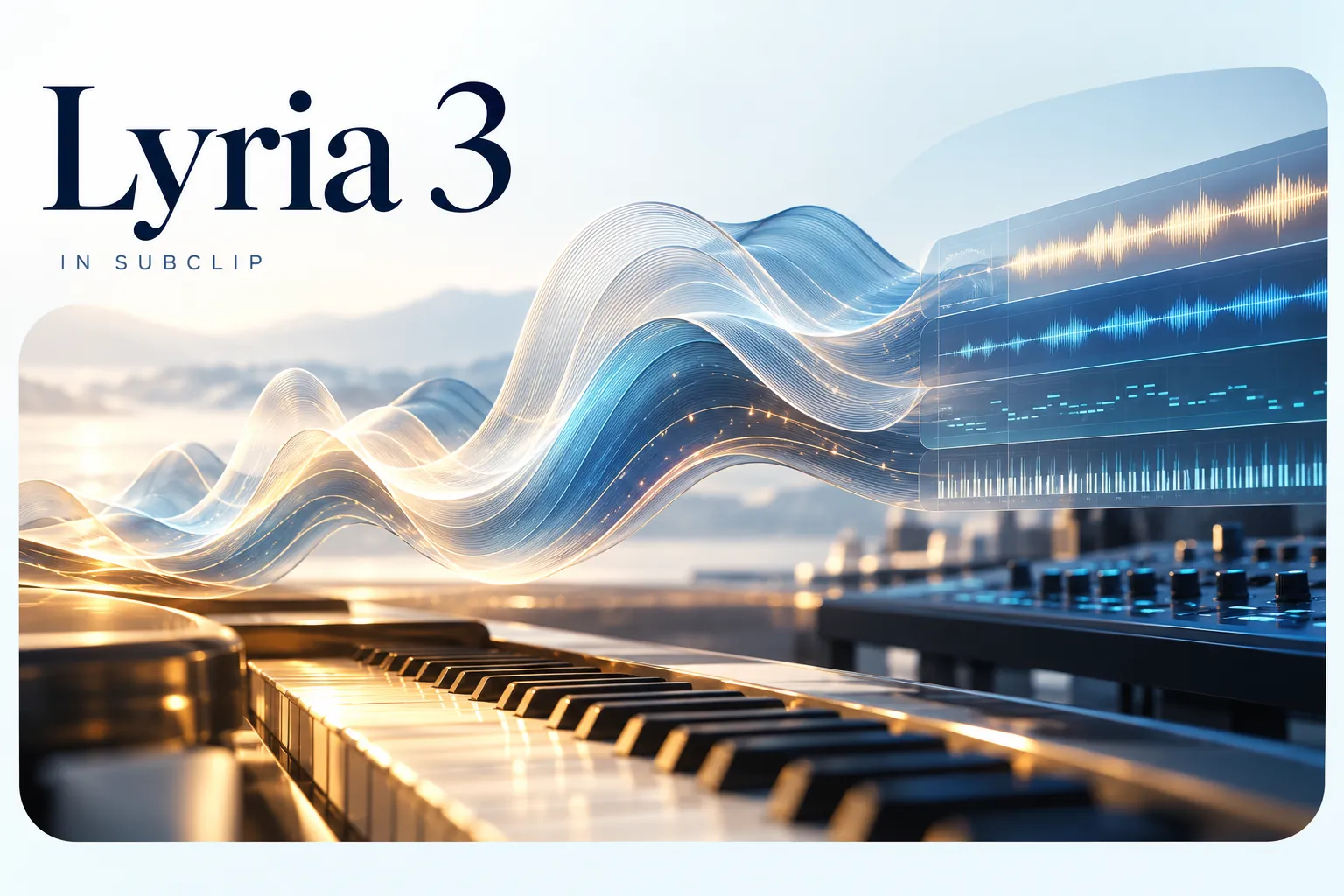
Create a music bed for a scene, then trim and mix it under your narration. Check the available Lyria variant and its supported duration in the catalog.
 Uneed
Uneed Fazier Product of the Day
 Fazier Product of the Week
Create a music bed for a scene, then trim and mix it under your narration. Check the available Lyria variant and its supported duration in the catalog.
Step 1

Step 2

Step 3
Step 4
Keep generated assets and your own media in one project. Trim the result, add narration or captions and review the full sequence before exporting.
Describe mood, instrumentation and tempo.
Leave room in the arrangement for a speaking voice.
Use short test generations to choose a direction before creating the full track.
Prices are estimates from the app catalog at default settings. Confirm the generation quote in the app.
| Model variant | Inputs | Duration options | Output options | Generated audio | Estimated charge | Estimated 5-second charge | Estimated 10-second charge |
|---|---|---|---|---|---|---|---|
| Google Lyria 3 Pro | ImageMaximum references: 10Maximum prompt length: 10000 | — | standard | Yes | 6.8 credits/generation | — | — |
Examples from the existing model catalog. Prompts and settings are shown for context; estimates are not a record of the original generation charge.
lyria-3-proA bright chiptune melody in C Major, retro 8-bit video game style at 140 BPM. Instrumental only, no vocals.
99.944s
lyria-3-proGenre: Dreamy indie pop. Mood: Nostalgic and uplifting. Tempo: 110 BPM.
112.718s
lyria-3-pro[0:00 - 0:15] Intro: Soft lo-fi beat with muffled vinyl crackle and distant rain sounds. [0:15 - 0:45] Verse: Warm Fender Rhodes piano melody with gentle bass and light percussion at 85 BPM. [0:45 - 1:15] Chorus: Full arrangement with lush pads, uplifting chords, and subtle strings. [1:15 - 1:45] Verse: Return to intimate piano with added guitar arpeggios. [1:45 - 2:15] Chorus: Building energy with layered harmonies and driving rhythm. [2:15 - 2:30] Outro: Fade out with piano melody alone over vinyl crackle. Genre: Lo-fi chill hop. Mood: Cozy and reflective. Instrumental only, no vocals.
176.405s
Answers about this workflow, access and limits.
Need another answer? contact@subclip.app
Contact supportOpen the Mac editor and select a supported Lyria 3 endpoint from the model picker. The model guide lists the currently configured variants; provider availability can change.
Generation uses credits. The catalog shows estimated charges from the same configuration as the app. Settings and output length affect the total; confirm the quote before generating.
Check the capability table in the linked model guide for the exact variant. Input and output limits differ by endpoint; an export setting does not increase the model’s native output resolution.
Check the linked provider terms and rights to your source materials. A Subclip subscription does not grant blanket clearance for all generated content.
Yes. Place the generated asset on the project timeline, combine it with footage, captions or narration and refine the sequence. Desktop video export requires a paid plan.
Need another answer? contact@subclip.app
Contact support
A practical YouTube post-production workflow for editing, audio cleanup, subtitles, thumbnails, Shorts repur...
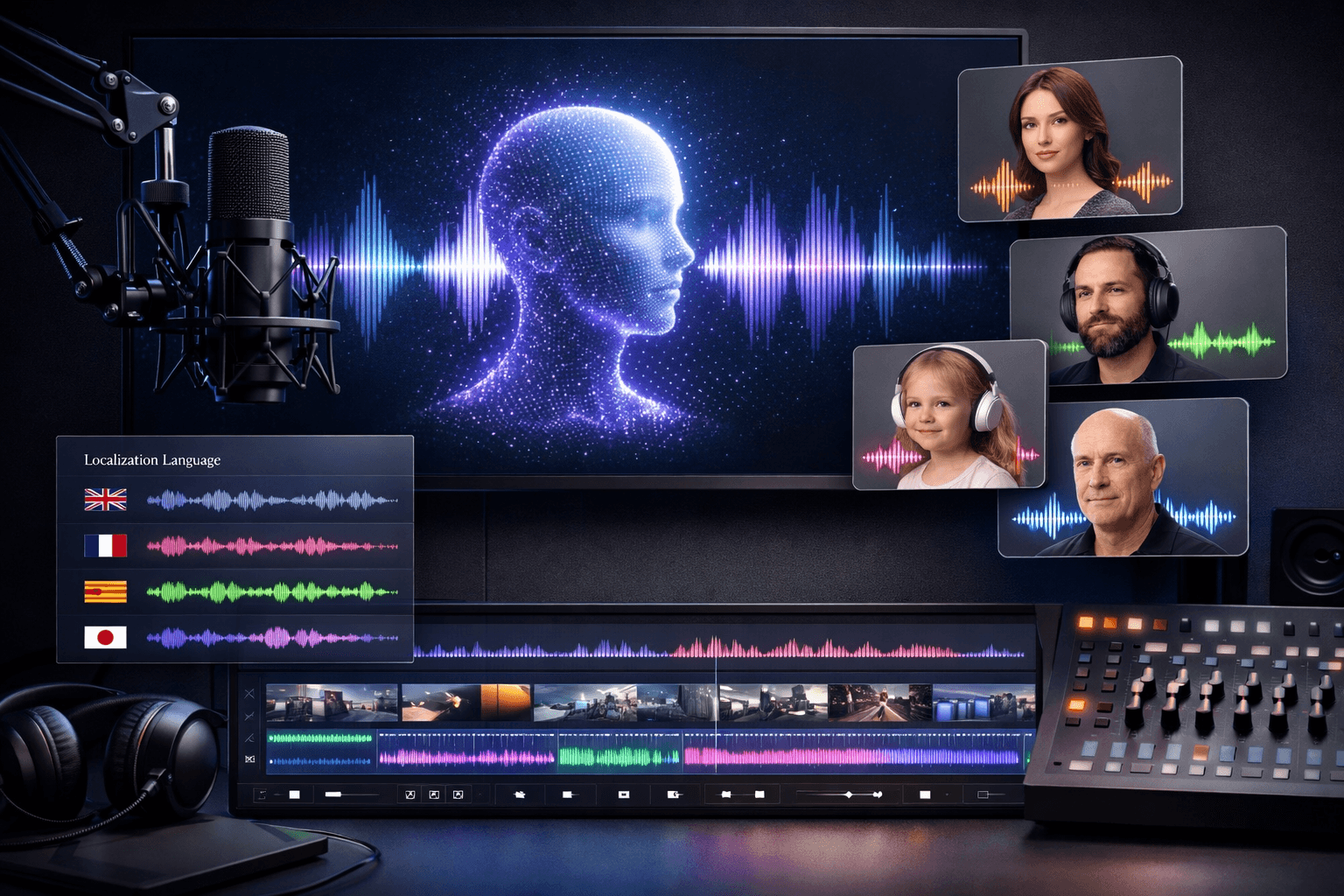
A creator-focused comparison of AI voiceover tools for narration, courses, ads, localization, dubbing, and c...

If you are comparing ElevenLabs alternatives in 2026, this list covers the strongest options for dubbing, tr...