# Best AI Voiceover Tools for Creators
Compare the best AI voiceover tools for creators, videos, courses, ads, podcasts, localization, and commercial workflows.
Canonical URL: https://www.subclip.app/blogs/best-ai-voiceover-tools
Last modified: 2026-10-06T20:18:20.016Z
Author: Samik
Published: 2025-12-25T23:42:25.500Z
Category: software-lists
The best AI voiceover tool depends on what you are making.
## What AI Voiceover Tools Are (and Why They Matter)
AI voiceover tools convert scripts into spoken audio for creator workflows like YouTube videos, explainers, ads, courses, podcasts, and localized versions of existing content. In 2026, they are not just convenience tools; they are production infrastructure for faster turnaround, multilingual publishing, and consistent brand voice output.
For creators and teams, voice quality, pronunciation control, and commercial usage rights directly affect retention, trust, and monetization. Choosing the right category fit early prevents expensive rework later when you scale from one-off narration to repeatable, high-volume content production.
| If you need | Use | Why |
|---|---|---|
| Video subtitles, translation, dubbing, voice cloning, or local-device text-to-speech generation | Subclip | It keeps voiceover and voice cloning work close to the video workflow. |
| High voice quality and cloning control | ElevenLabs | It is strongest when realistic AI voices and cloning detail matter most. |
| Polished business voiceovers | Murf or WellSaid Labs | They fit training, presentations, explainers, and brand-safe narration. |
| Voiceover inside an editing workflow | Descript | It works well when script editing, audio cleanup, and video editing happen together. |
| A broad voice library | PlayHT or LOVO | They give creators more voice options to test across narration and marketing projects. |
Here is the practical creator-focused comparison.
## Quick Comparison
| Tool | Best for | Watch out for |
|---|---|---|
| Subclip | video voiceover, dubbing, subtitles, creator localization, and text-to-speech on iOS, Android, and desktop | best when the final asset is video or creator content |
| ElevenLabs | realistic voices and voice cloning workflows | consent, commercial rights, and plan limits |
| Murf | business videos and presentations | less focused on full video localization |
| Descript | editing, overdub-style workflows, podcasts | best if you want editing plus voice tools |
| WellSaid Labs | brand-safe business voiceovers | more enterprise-oriented |
| PlayHT | large voice library and API-style use cases | review voice rights and output quality |
| LOVO | creator voiceovers and marketing audio | check commercial terms by plan |
| Speechify | narration and reading workflows | not always the best fit for video dubbing |
## How to Choose an AI Voiceover Tool
Before comparing features, decide the job.
Ask:
- Is this for a YouTube video, course, ad, podcast, or internal training?
- Do you need voice cloning?
- Will the output be used commercially?
- Do you need multiple languages?
- Do you need captions or subtitles too?
- Will the voiceover be edited into video?
- Do you need team review or client approval?
The wrong tool is usually the one chosen before the workflow is clear.
## 1. Subclip
Best for video voiceover, dubbing, subtitles, localization workflows, and creator text-to-speech.
Subclip fits when the voiceover is part of a video workflow rather than a standalone audio file.
Use it for:
- AI dubbing
- translated videos
- captioned videos
- short-form clips
- YouTube localization
- creator repurposing
- text-to-speech generation
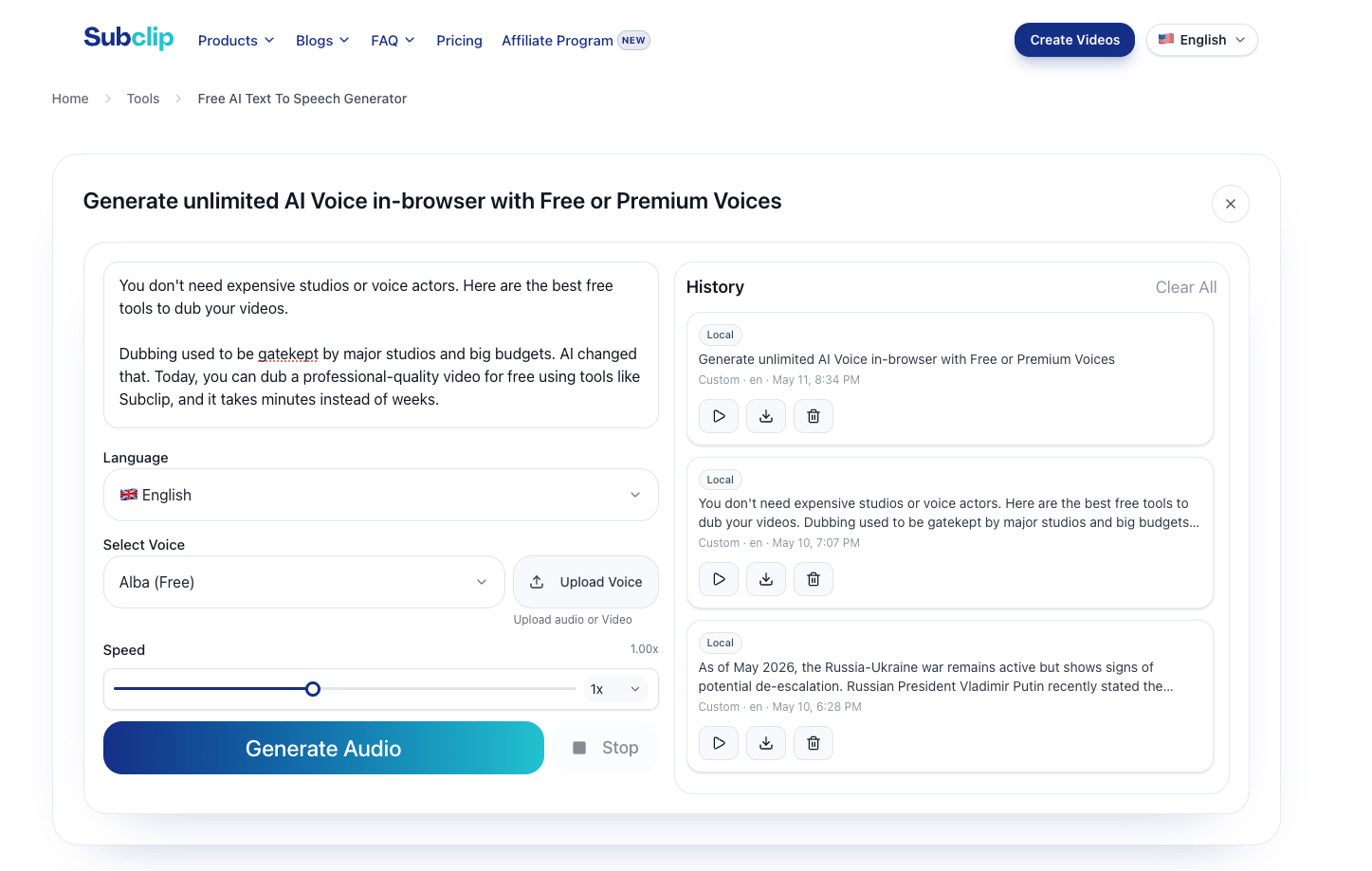
Subclip also has [Text to Speech](/tools/text-to-speech), which supports free generation for up to 5 languages and works on iOS, Android, and desktop for local-device workflows.
If your goal is to translate or dub videos, start with [AI Dubbing](/tools/dubbing), [Translate Video](/tools/translate-video), and [Add Subtitles](/tools/add-subtitles).
## 2. ElevenLabs
Best for realistic AI voices, voice cloning, and creator voice workflows.
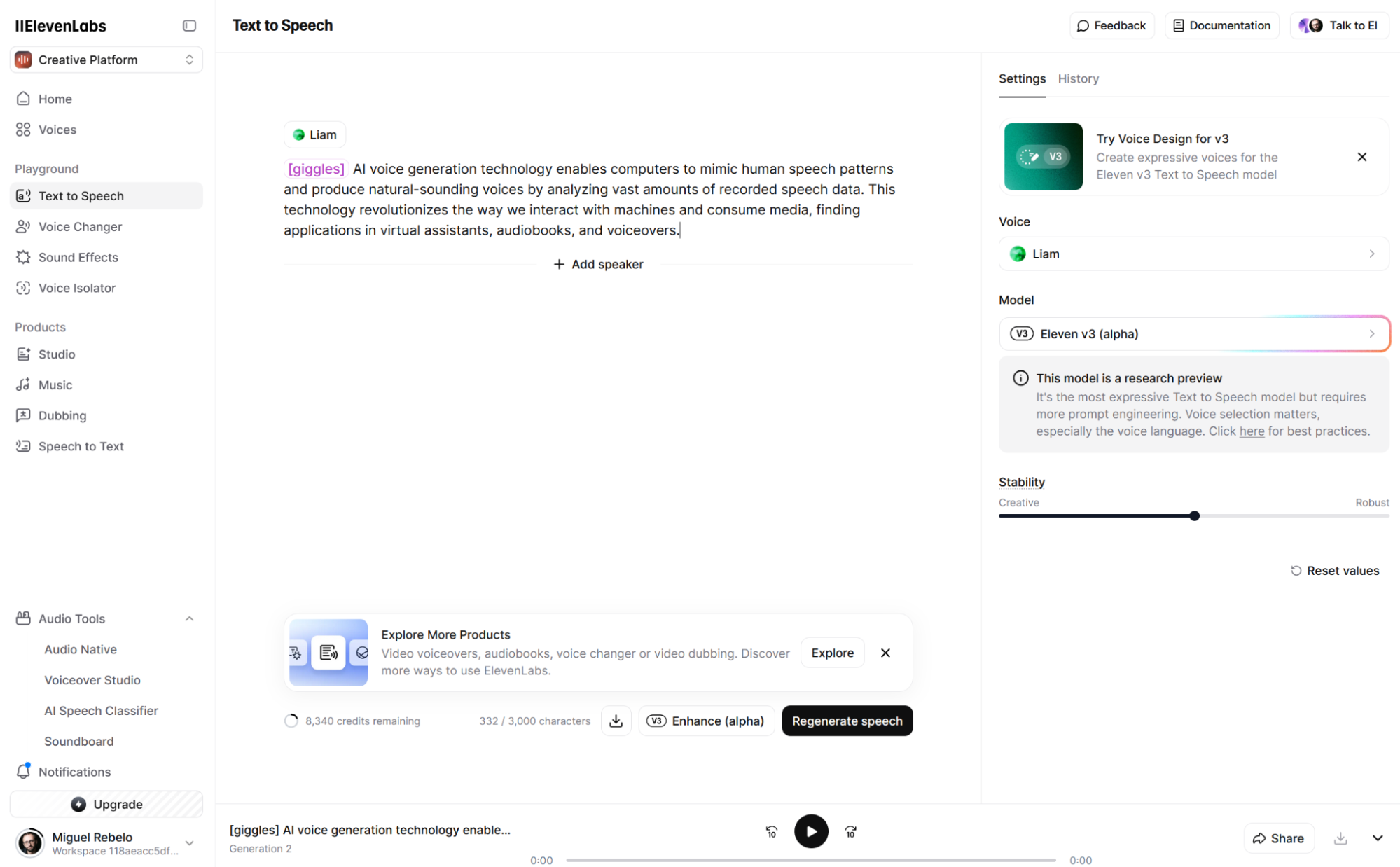
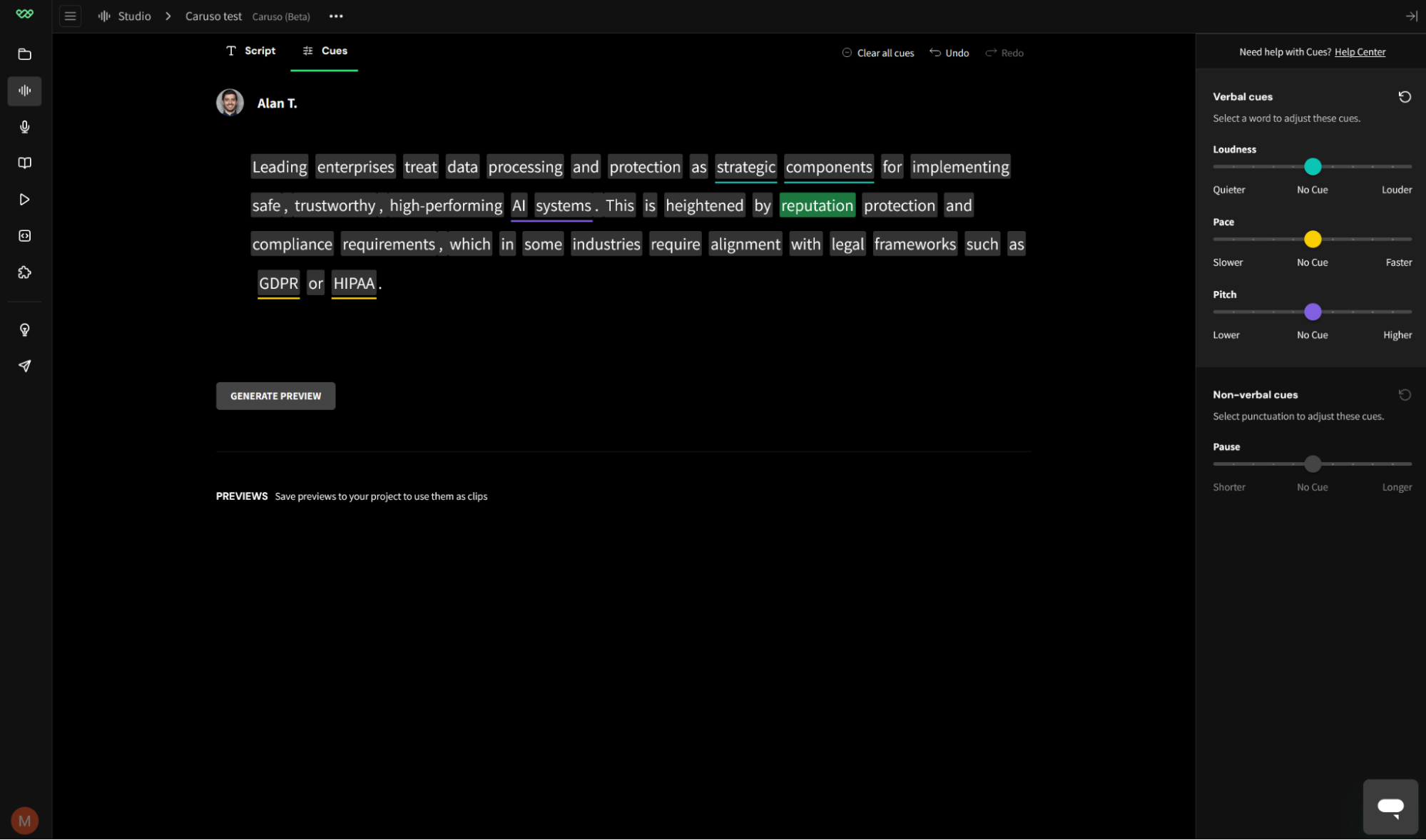
ElevenLabs is a strong choice when natural voice quality matters. It is commonly used for narration, voice cloning, multilingual voice work, and creator audio.
Use it for:
- YouTube narration
- character voices
- voice cloning with consent
- multilingual voice experiments
- high-quality narration
Be careful with commercial rights, consent, and impersonation. Read the current [ElevenLabs terms](https://elevenlabs.io/terms) before using cloned voices in paid or client work.
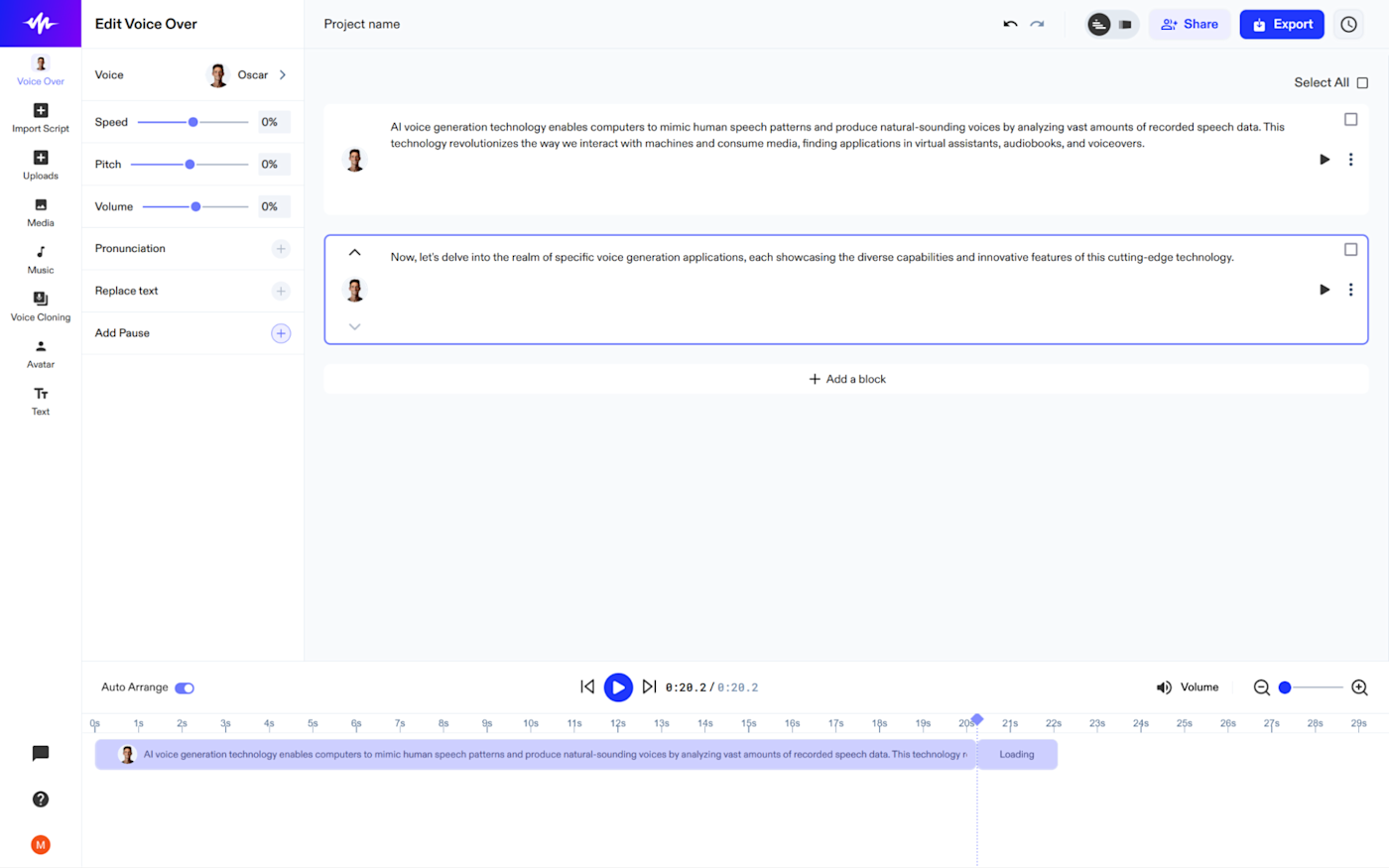
## 3. Murf
Best for business voiceovers and presentation-style content.
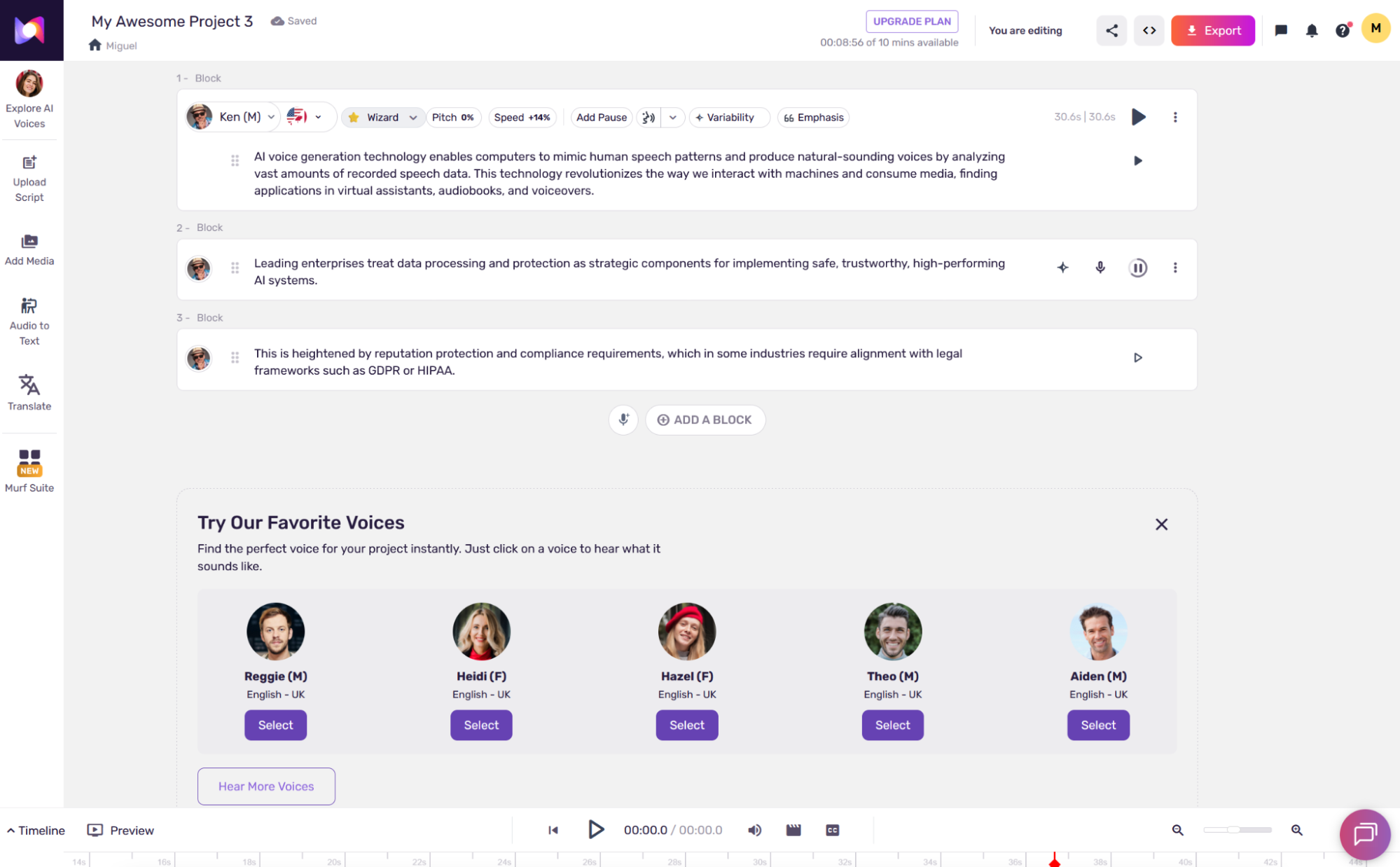
Murf is useful for creators, marketers, educators, and teams that need polished voiceovers without recording from scratch.
Use it for:
- explainer videos
- training videos
- product walkthroughs
- presentations
- marketing content
It is a good fit when the voiceover needs to sound clean and professional more than experimental.
## 4. Descript
Best for creators who edit audio and video together.
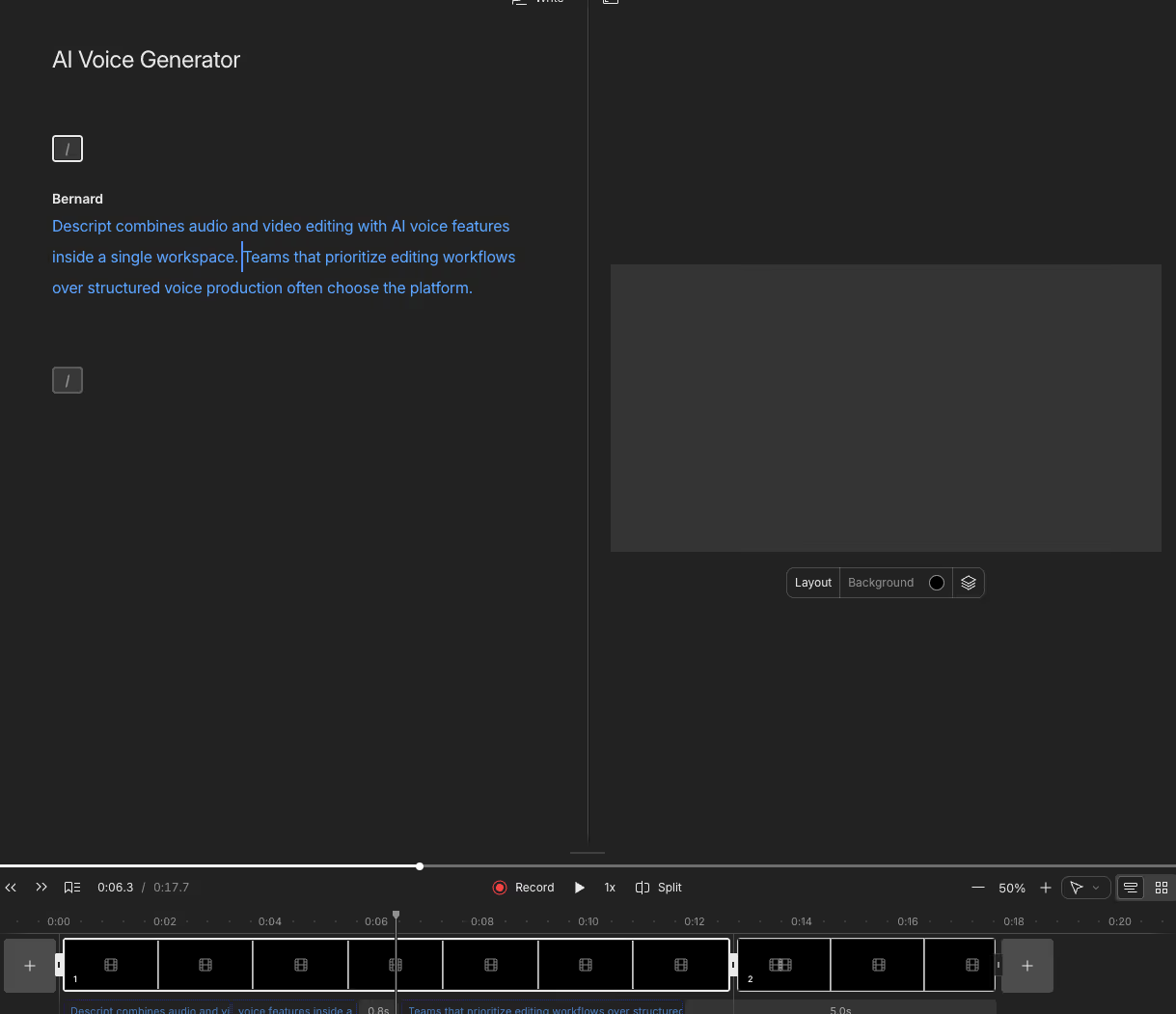
Descript is useful when the voiceover is part of a broader editing workflow. If you already edit podcasts, interviews, or talking-head videos, having voice tools near the timeline can save time.
Use it for:
- podcasts
- interviews
- YouTube edits
- script edits
- overdub-style corrections
Choose Descript when editing workflow matters as much as voice generation.
## 5. WellSaid Labs

Best for polished business and enterprise voiceovers.
WellSaid Labs is a strong fit for brands that need consistent, professional narration.
Use it for:
- learning content
- corporate training
- product explainers
- internal videos
- brand voice libraries
It may be more than a casual creator needs, but it is worth considering for business voice quality and review workflows.
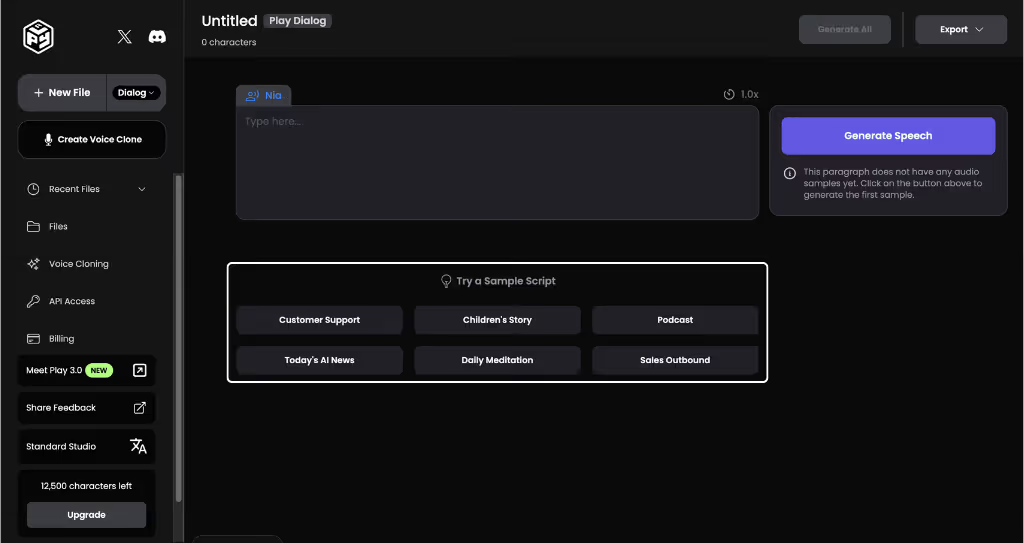
## 6. PlayHT
Best for a large voice library and flexible voice generation.
PlayHT can fit creators and teams that want many voices, language options, or more technical workflows.
Use it for:
- narration
- audio articles
- product videos
- API-driven voice workflows
- multilingual tests
As with any voice tool, review commercial terms and final audio quality before using it in client work.
## 7. LOVO
Best for creator and marketing voiceovers.
LOVO is useful for creators who need voiceovers for videos, ads, explainers, and social content.
Use it for:
- ads
- social videos
- explainers
- creator narration
- lightweight production workflows
Check voice options, pricing, and export rights before choosing it for recurring commercial use.
## 8. Speechify
Best for narration and listening workflows.
Speechify is often associated with reading and narration. It can be useful when the job is turning text into listenable audio.
Use it for:
- narration drafts
- audio versions of written content
- reading workflows
- educational material
It may not be the first choice when you need video dubbing, caption sync, or localization workflows.
## Commercial Use Checklist
Before publishing AI voiceover commercially, check:
1. Does your plan allow commercial use?
2. Do you have consent for any cloned voice?
3. Are ads, client work, and paid courses allowed?
4. Does the provider restrict certain content categories?
5. Do you need to disclose synthetic audio?
6. Did you review pronunciation, claims, and timing?
For more detail, read [Commercial Use AI Dubbing](/blogs/commercial-use-ai-dubbing).
## Common Mistakes
### Choosing the most realistic voice without checking rights
Realistic output does not replace consent or licensing.
### Using one voice for every format
Tutorials, ads, courses, and podcasts often need different pacing and tone.
### Ignoring editing workflow
A great voice tool can still slow you down if it does not fit the way you edit.
### Publishing unreviewed AI narration
Review pronunciation, emphasis, and claims before publishing.
## FAQ
### What is the best AI voiceover tool?
For video-first creators, Subclip is the strongest workflow fit because voiceover, dubbing, captions, translation, and text-to-speech can stay close to the video workflow. For standalone voice quality, ElevenLabs is a strong choice. For business narration, Murf and WellSaid Labs are strong options.
### Can I use AI voiceover for YouTube?
Yes, but make sure the voiceover is original, useful, reviewed, and allowed by the tool's commercial terms. Avoid low-effort reused or misleading content.
### Can I clone a voice for commercial use?
Only clone voices with clear consent and terms that allow your use case. Be especially careful with public figures, clients, guests, and customer testimonials.
## Final Recommendation
If the voiceover is part of a video localization workflow, use Subclip so dubbing, subtitles, translation, text-to-speech, and repurposing stay connected.
If you need standalone voice quality, compare ElevenLabs, Murf, Descript, WellSaid Labs, PlayHT, LOVO, or Speechify depending on your workflow.
## Related Articles
- [7 Best Free AI Dubbing Tools in 2026 (Tested + Compared)](https://www.subclip.app/blogs/dub-videos-free-ai-tools-compared) - Compare free AI dubbing tools for creators: Subclip, AI Dubbing, HeyGen, Veed, Synthesia, ElevenLabs, and Descript. See free limits, best use cases, and when to upgrade.
- [Subtitle Styles That Convert: A Practical Playbook for Higher Watch-Time](https://www.subclip.app/blogs/subtitle-styles-that-convert) - How to choose caption style, timing, and placement by format so viewers stay longer and act faster.
- [How to Grow YouTube Channel From Zero in 2026](https://www.subclip.app/blogs/growing-youtube-channel-from-zero-2026) - Learn proven strategies to grow your YouTube channel from zero subscribers in 2026. Discover content planning, SEO tips, and modern tools for YouTube success.
## Related Tools
- [AI Video Dubbing](https://www.subclip.app/tools/dubbing) - Translate videos into 21+ languages with natural voices.
- [Video Transcript](https://www.subclip.app/tools/video-transcript) - Upload videos and export transcript files.