



Step 1
Open a project and choose the exact model variant.
Turn a supported portrait and audio input into a talking clip, then cut it with B-roll and captions on the timeline.
 Uneed
Uneed Fazier Product of the Day
 Fazier Product of the Week
Turn a supported portrait and audio input into a talking clip, then cut it with B-roll and captions on the timeline.
Step 1

Step 2

Step 3

Step 4
Keep generated assets and your own media in one project. Trim the result, add narration or captions and review the full sequence before exporting.
Use a clear frontal portrait with an unobstructed mouth.
Provide clean audio without overlapping speakers.
Test a short passage before processing a longer recording.
Prices are estimates from the app catalog at default settings. Confirm the generation quote in the app.
| Model variant | Inputs | Duration options | Output options | Generated audio | Estimated charge | Estimated 5-second charge | Estimated 10-second charge |
|---|---|---|---|---|---|---|---|
| Kling Avatar v2 | Audio, ImageMaximum references: 2 | 0.1–60s | source | No | 4.76 credits/sec | 28.56 | 52.36 |
Examples from the existing model catalog. Prompts and settings are shown for context; estimates are not a record of the original generation charge.
kling-avatar-v2a beauty blogger talking
Current charge estimate: 44.57
source · source · 8.362653s
Answers about this workflow, access and limits.
Need another answer? contact@subclip.app
Contact supportOpen the Mac editor and select a supported Kling Avatar v2 endpoint from the model picker. The model guide lists the currently configured variants; provider availability can change.
Generation uses credits. The catalog shows estimated charges from the same configuration as the app. Settings and output length affect the total; confirm the quote before generating.
Check the capability table in the linked model guide for the exact variant. Input and output limits differ by endpoint; an export setting does not increase the model’s native output resolution.
Check the linked provider terms and rights to your source materials. A Subclip subscription does not grant blanket clearance for all generated content.
Yes. Place the generated asset on the project timeline, combine it with footage, captions or narration and refine the sequence. Desktop video export requires a paid plan.
Need another answer? contact@subclip.app
Contact support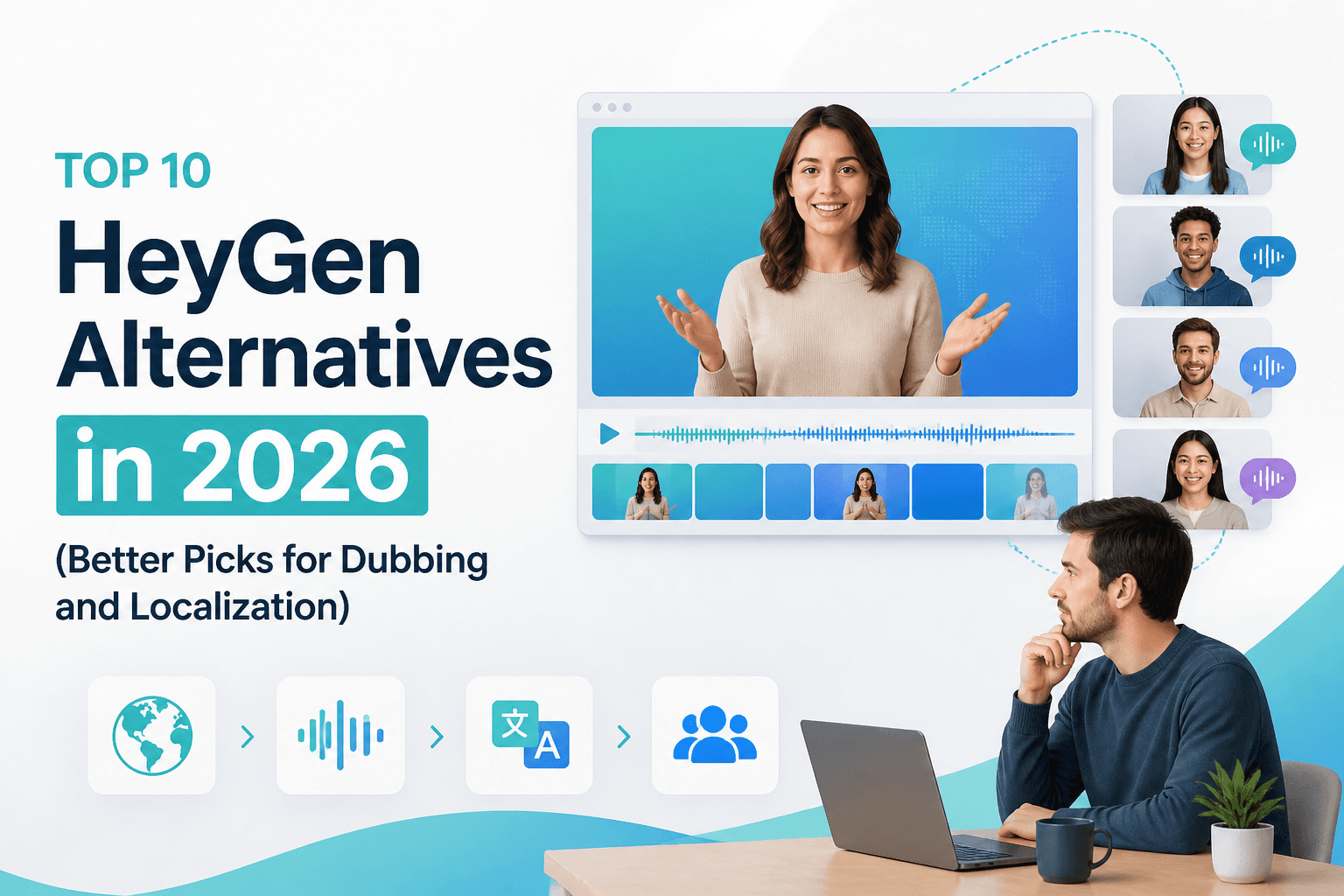
If you are comparing HeyGen alternatives in 2026, this list covers the strongest options for dubbing, transl...
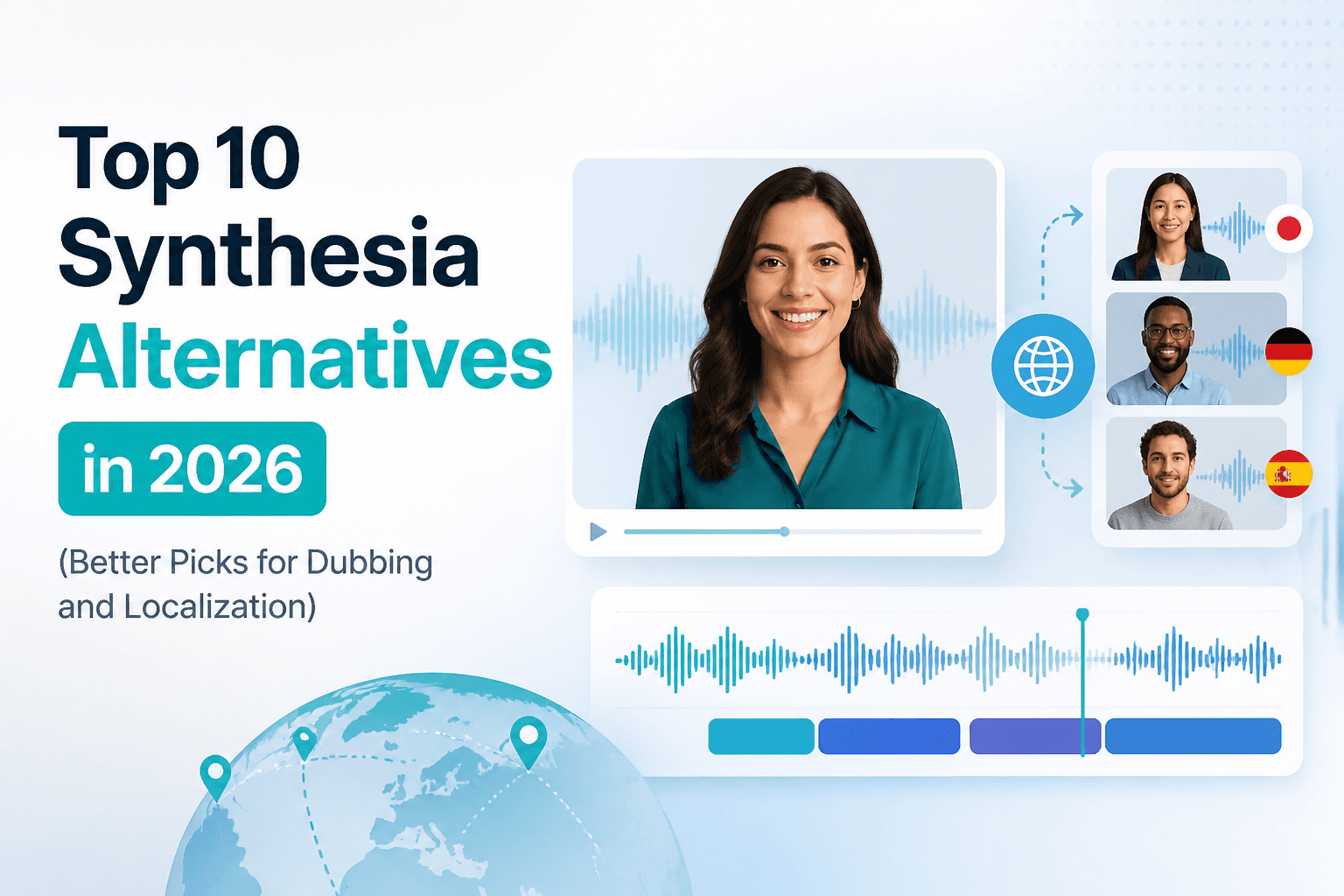
If you are comparing Synthesia alternatives in 2026, this list covers the strongest options for dubbing, tra...

Practical comparison of best AI voice cloning tools for creators for creators and teams.