


Step 1
Open a project and choose the exact model variant.
Create a soundtrack or a supported song-with-lyrics workflow and mix it with your video. Check provider terms for your intended use.
 Uneed
Uneed Fazier Product of the Day
 Fazier Product of the Week
Create a soundtrack or a supported song-with-lyrics workflow and mix it with your video. Check provider terms for your intended use.
Step 1

Step 2

Step 3

Step 4
Keep generated assets and your own media in one project. Trim the result, add narration or captions and review the full sequence before exporting.
Write a concise description of genre and mood.
Use original lyrics when requesting a sung passage.
Listen for awkward word stress and revise before you publish.
Prices are estimates from the app catalog at default settings. Confirm the generation quote in the app.
| Model variant | Inputs | Duration options | Output options | Generated audio | Estimated charge | Estimated 5-second charge | Estimated 10-second charge |
|---|---|---|---|---|---|---|---|
| ElevenLabs Music | TextMaximum references: 0Maximum prompt length: 4000 | — | standard | Yes | 0.7055 credits/sec | — | — |
Examples from the existing model catalog. Prompts and settings are shown for context; estimates are not a record of the original generation charge.
elevenlabs-musicUpbeat electronic dance music
30.040813s
elevenlabs-musicUpbeat electronic dance music
5.01551s
elevenlabs-musicUpbeat electronic dance music
30.000181s
Answers about this workflow, access and limits.
Need another answer? contact@subclip.app
Contact supportOpen the Mac editor and select a supported ElevenLabs Music endpoint from the model picker. The model guide lists the currently configured variants; provider availability can change.
Generation uses credits. The catalog shows estimated charges from the same configuration as the app. Settings and output length affect the total; confirm the quote before generating.
Check the capability table in the linked model guide for the exact variant. Input and output limits differ by endpoint; an export setting does not increase the model’s native output resolution.
Check the linked provider terms and rights to your source materials. A Subclip subscription does not grant blanket clearance for all generated content.
Yes. Place the generated asset on the project timeline, combine it with footage, captions or narration and refine the sequence. Desktop video export requires a paid plan.
Need another answer? contact@subclip.app
Contact support
A practical YouTube post-production workflow for editing, audio cleanup, subtitles, thumbnails, Shorts repur...
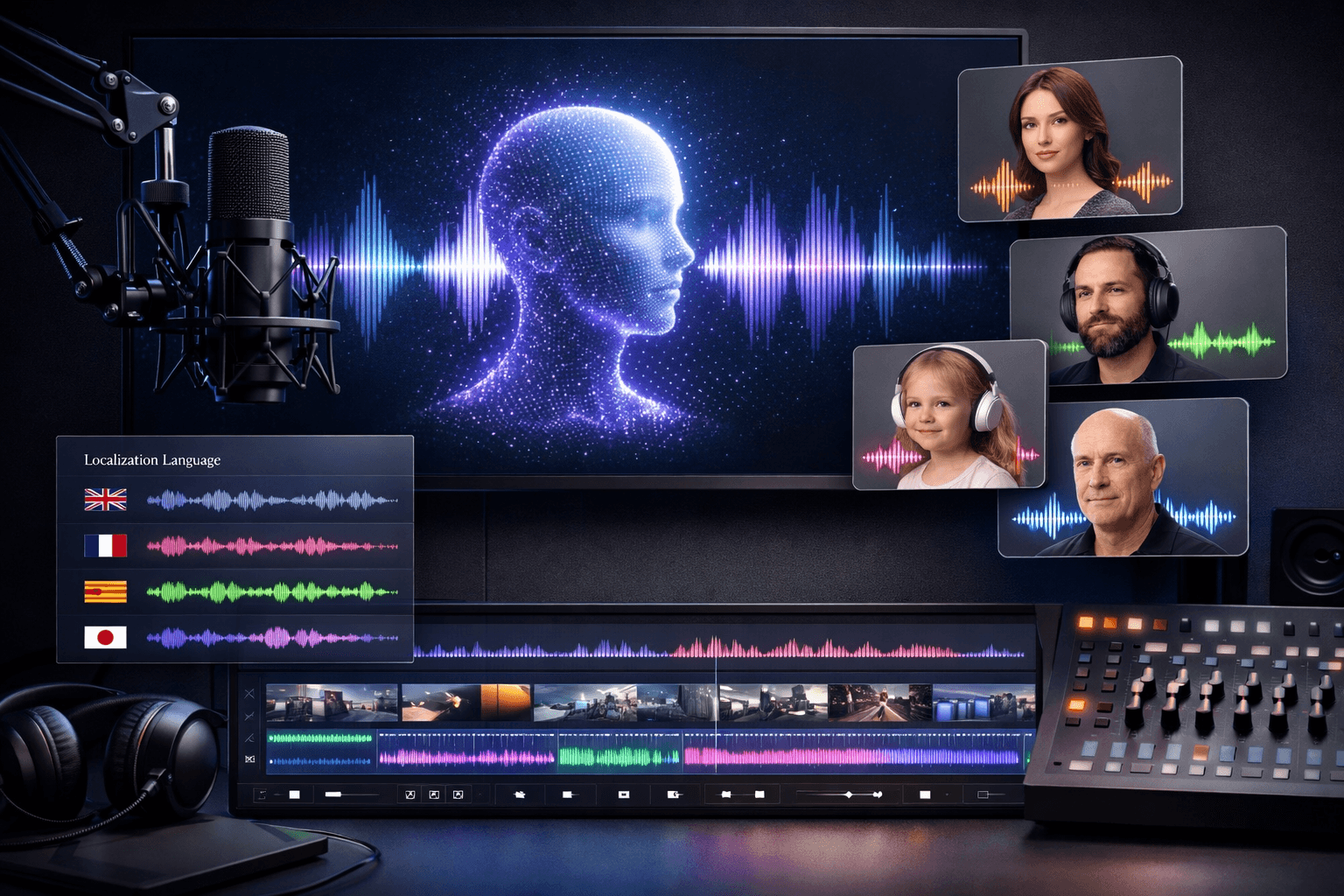
A creator-focused comparison of AI voiceover tools for narration, courses, ads, localization, dubbing, and c...
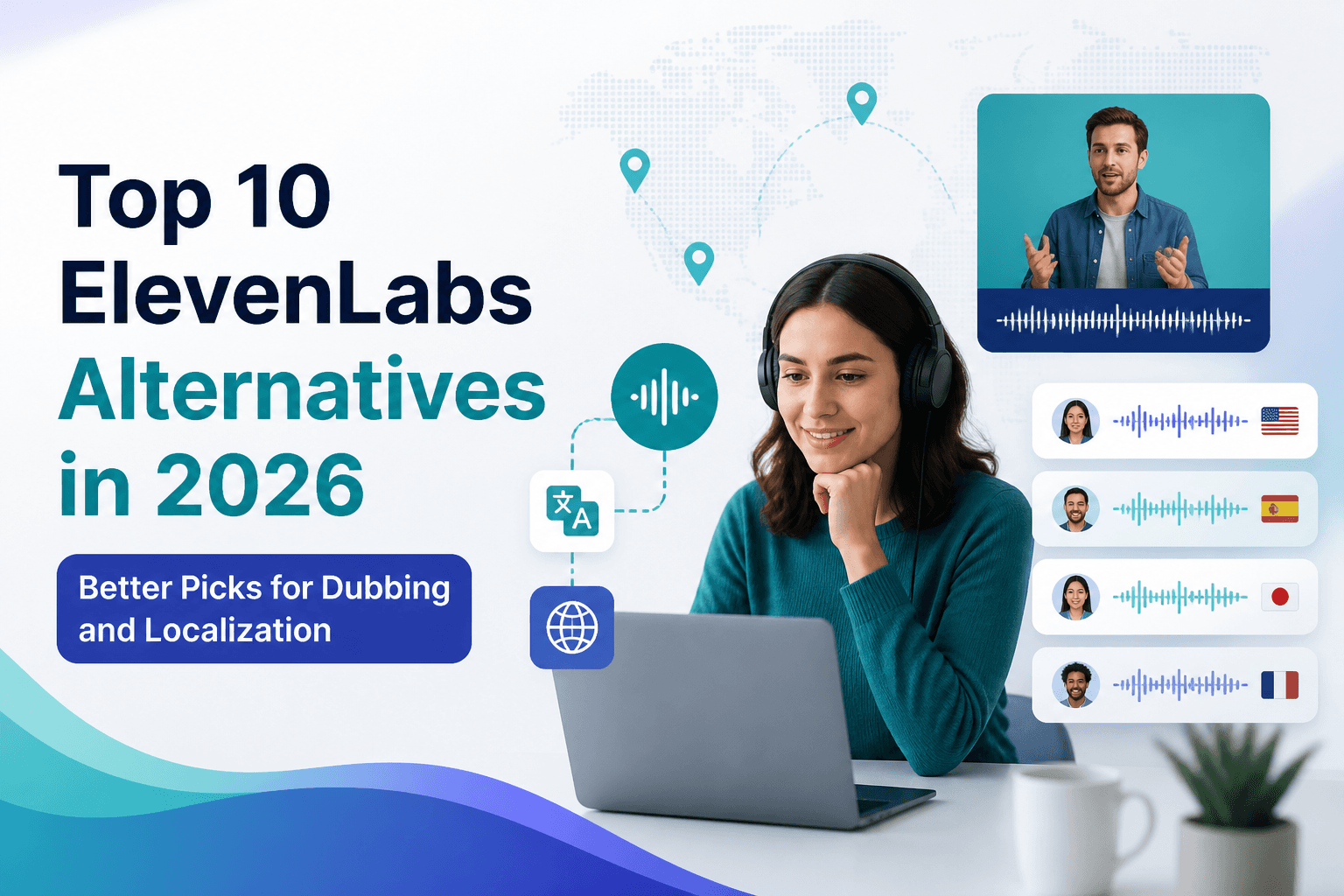
If you are comparing ElevenLabs alternatives in 2026, this list covers the strongest options for dubbing, tr...