



Step 1
Open a project and choose the exact model variant.
Generate or edit a still image for a thumbnail, scene or graphic, then place the result in your video project. Review spelling and fine details.
 Uneed
Uneed Fazier Product of the Day
 Fazier Product of the Week
Generate or edit a still image for a thumbnail, scene or graphic, then place the result in your video project. Review spelling and fine details.
Step 1

Step 2

Step 3

Step 4
Keep generated assets and your own media in one project. Trim the result, add narration or captions and review the full sequence before exporting.
Put the requested text in quotes and keep it brief.
Describe the layout and the space needed for a headline.
Use a reference image when the edit needs to preserve a product.
Prices are estimates from the app catalog at default settings. Confirm the generation quote in the app.
| Model variant | Inputs | Duration options | Output options | Generated audio | Estimated charge | Estimated 5-second charge | Estimated 10-second charge |
|---|---|---|---|---|---|---|---|
| GPT Image 2.5 Flare | ImageMaximum references: 8 | — | medium, low, high, xhigh, max, auto | No | 4 credits/generation - medium | — | — |
| GPT Image 2.5 Sunburst | ImageMaximum references: 8 | — | medium, low, high, xhigh, max, auto | No | 4 credits/generation - medium | — | — |
| OpenAI GPT Image 2 | ImageMaximum references: 10 | — | Medium, Low, High | No | 6 credits/generation - Medium | — | — |
Examples from the existing model catalog. Prompts and settings are shown for context; estimates are not a record of the original generation charge.
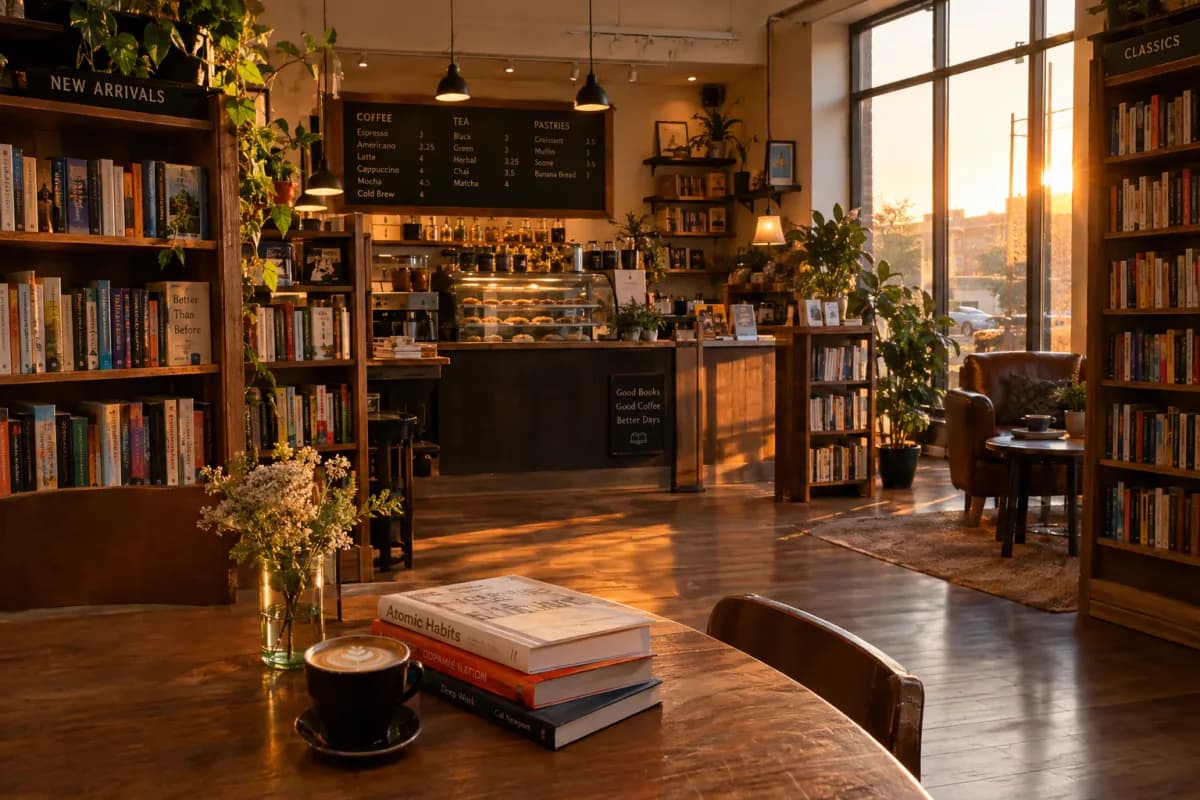
gpt-image-2.5-flareA cozy bookstore cafe interior at golden hour, warm lighting, photorealistic
Current charge estimate: 10.88
high · 3:2
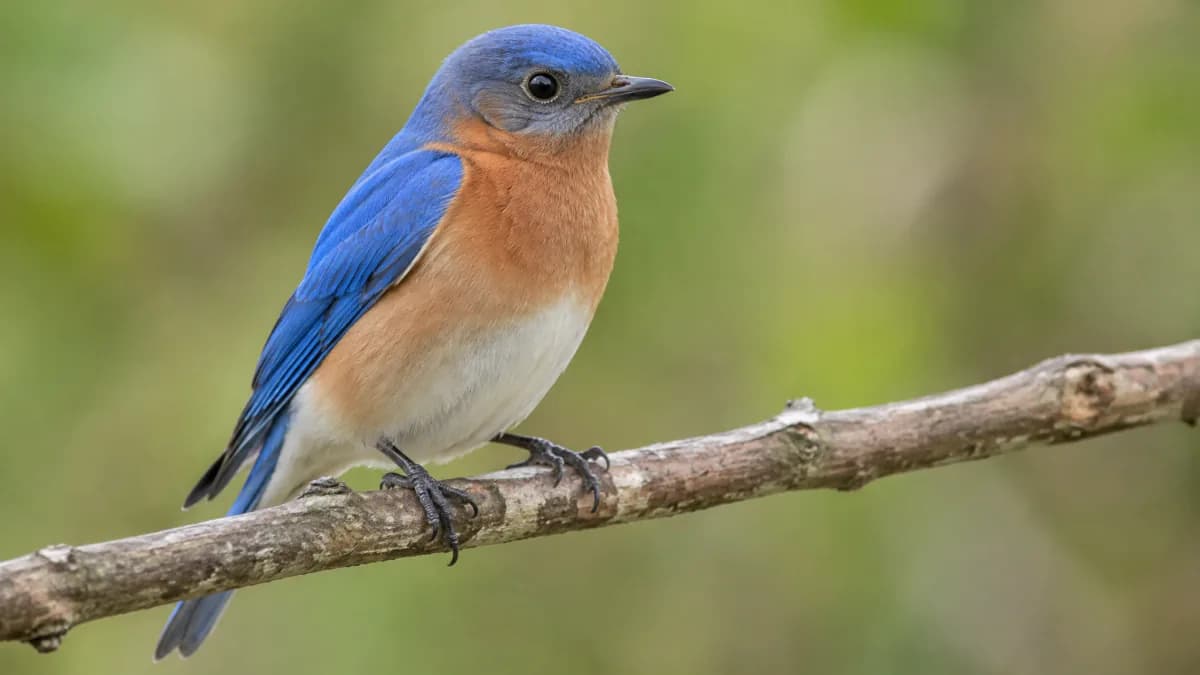
gpt-image-2.5-sunbursta bird
Current charge estimate: 21.25
auto · 16:9

gpt-image-2Create a photorealistic candid photograph of an elderly sailor standing on a small fishing boat. He has weathered skin with visible wrinkles, pores, and sun texture, and a few faded traditional sailor tattoos on his arms. He is calmly adjusting a net while his dog sits nearby on the deck. Shot like a 35mm film photograph, medium close-up at eye level, using a 50mm lens. Soft coastal daylight, shallow depth of field, subtle film grain, natural color balance. The image should feel honest and unposed, with real skin texture, worn materials, and everyday detail. No glamorization, no heavy retouching.
Current charge estimate: 6
Medium · 1:1

gpt-image-2Create a detailed infographic of the functioning and flow of an automatic coffee machine like a Jura. From bean basket, to grinding, to scale, water tank, boiler, etc. I'd like to understand technically and visually the flow.
Current charge estimate: 6
Medium · 1:1

gpt-image-2Create a realistic outdoor crowd scene in Bethel, New York on August 16, 1969. Photorealistic, period-accurate clothing, staging, and environment.
Current charge estimate: 6
Medium · 1:1

gpt-image-2Create a realistic mobile app UI mockup for a local farmers market. Show today’s market with a simple header, a short list of vendors with small photos and categories, a small “Today’s specials” section, and basic information for location and hours. Design it to be practical and easy to use. White background, subtle natural accent colors, clear typography, and minimal decoration. It should look like a real, well-designed, beautiful app for a small local market. Place the UI mockup in an iPhone frame.
Current charge estimate: 6
Medium · 1:1
Answers about this workflow, access and limits.
Need another answer? contact@subclip.app
Contact supportOpen the Mac editor and select a supported GPT Image endpoint from the model picker. The model guide lists the currently configured variants; provider availability can change.
Generation uses credits. The catalog shows estimated charges from the same configuration as the app. Settings and output length affect the total; confirm the quote before generating.
Check the capability table in the linked model guide for the exact variant. Input and output limits differ by endpoint; an export setting does not increase the model’s native output resolution.
Check the linked provider terms and rights to your source materials. A Subclip subscription does not grant blanket clearance for all generated content.
Yes. Place the generated asset on the project timeline, combine it with footage, captions or narration and refine the sequence. Desktop video export requires a paid plan.
Need another answer? contact@subclip.app
Contact support
If you are comparing Canva alternatives in 2026, this list covers the strongest options for video editing wo...

Compare the strongest Google Gemini Omni alternatives for AI video generation, video editing models, text-to...

Practical comparison of video marketing tools to boost engagement for creators and teams.