


Best for
Interviews, meetings and podcasts that need automatic speaker labels.
Use GPT-4o Transcribe Diarize in Subclip to transcribe recorded speech and separate speakers. Review the speaker assignments before captioning or dubbing.
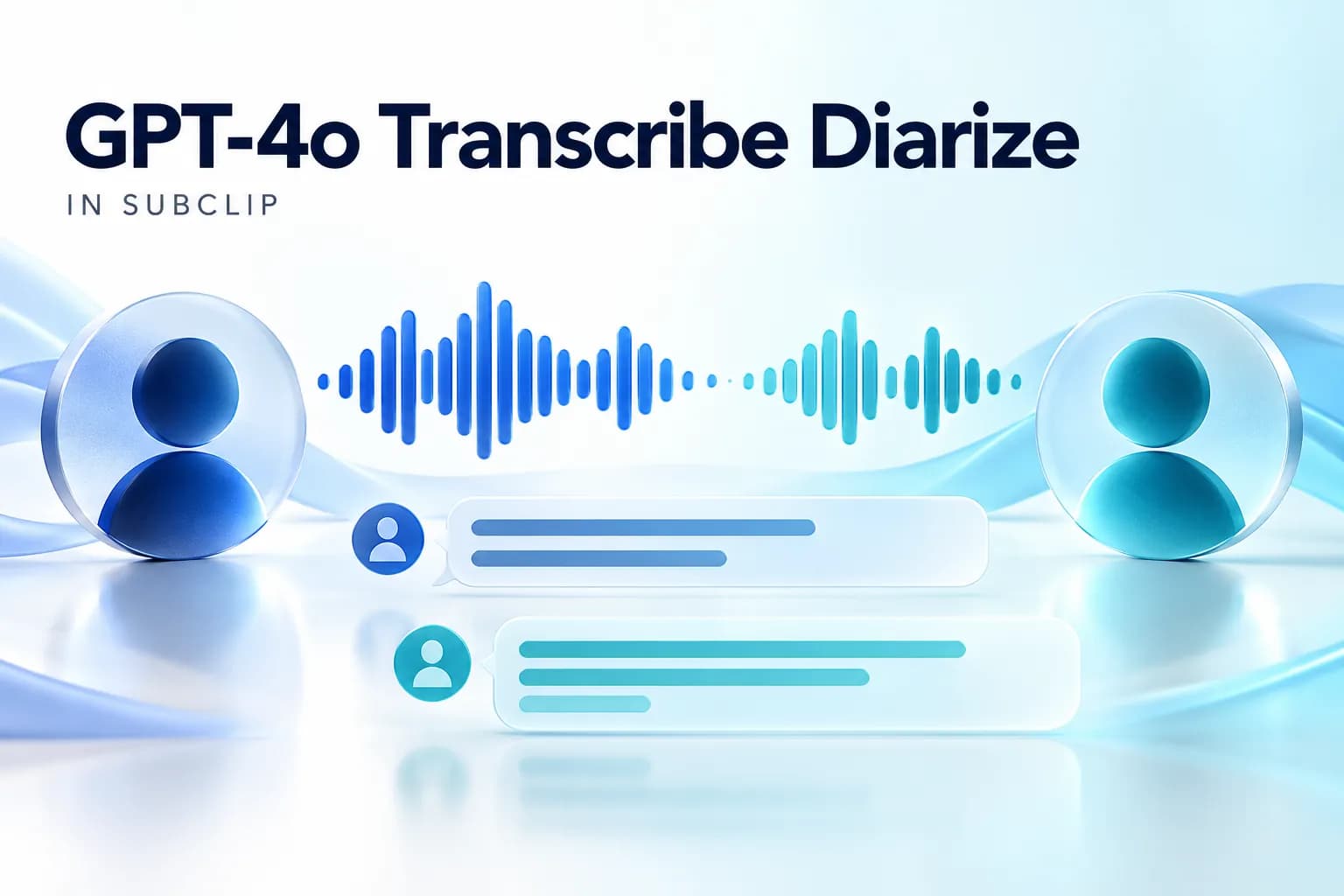
Interviews, meetings and podcasts that need automatic speaker labels.
Speaker labels distinguish voices; they do not establish a person’s identity. Overlapping speech and noisy recordings still require manual review.
1 credit per minute of transcription.
Step 1

Step 2

Step 3
Answers about this workflow, access and limits.
Need another answer? contact@subclip.app
Contact supportUse GPT-4o Transcribe Diarize in Subclip to transcribe recorded speech and separate speakers. Review the speaker assignments before captioning or dubbing. Interviews, meetings and podcasts that need automatic speaker labels.
1 credit per minute of transcription.
Enable automatic speaker detection in the transcription workflow.
Speaker labels distinguish voices; they do not establish a person’s identity. Overlapping speech and noisy recordings still require manual review.
Yes. Review and correct the transcript and timing before using it for subtitles or subsequent edits.
Need another answer? contact@subclip.app
Contact support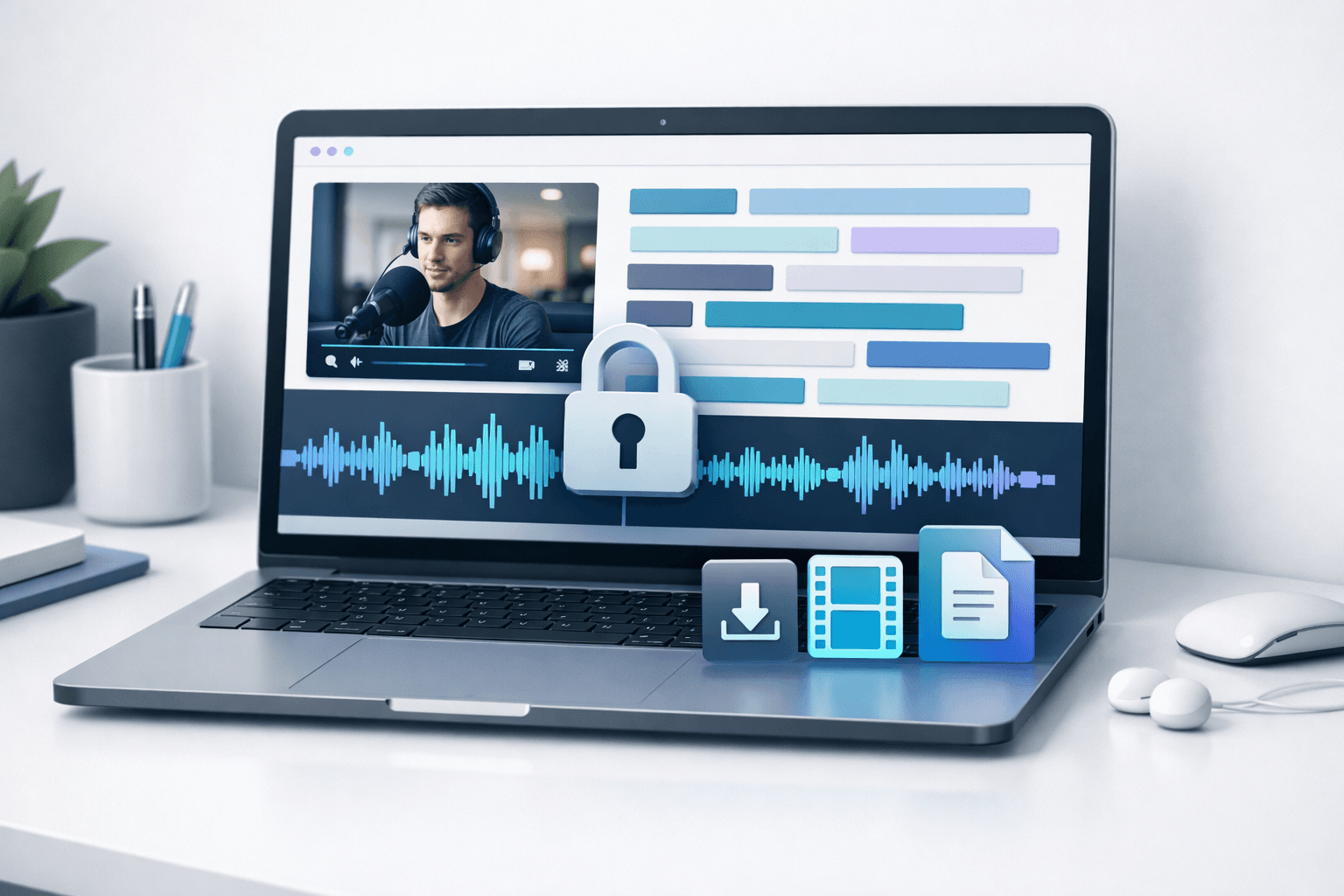
Complete step-by-step guide to transcribing videos locally on your Mac without uploading to cloud services....
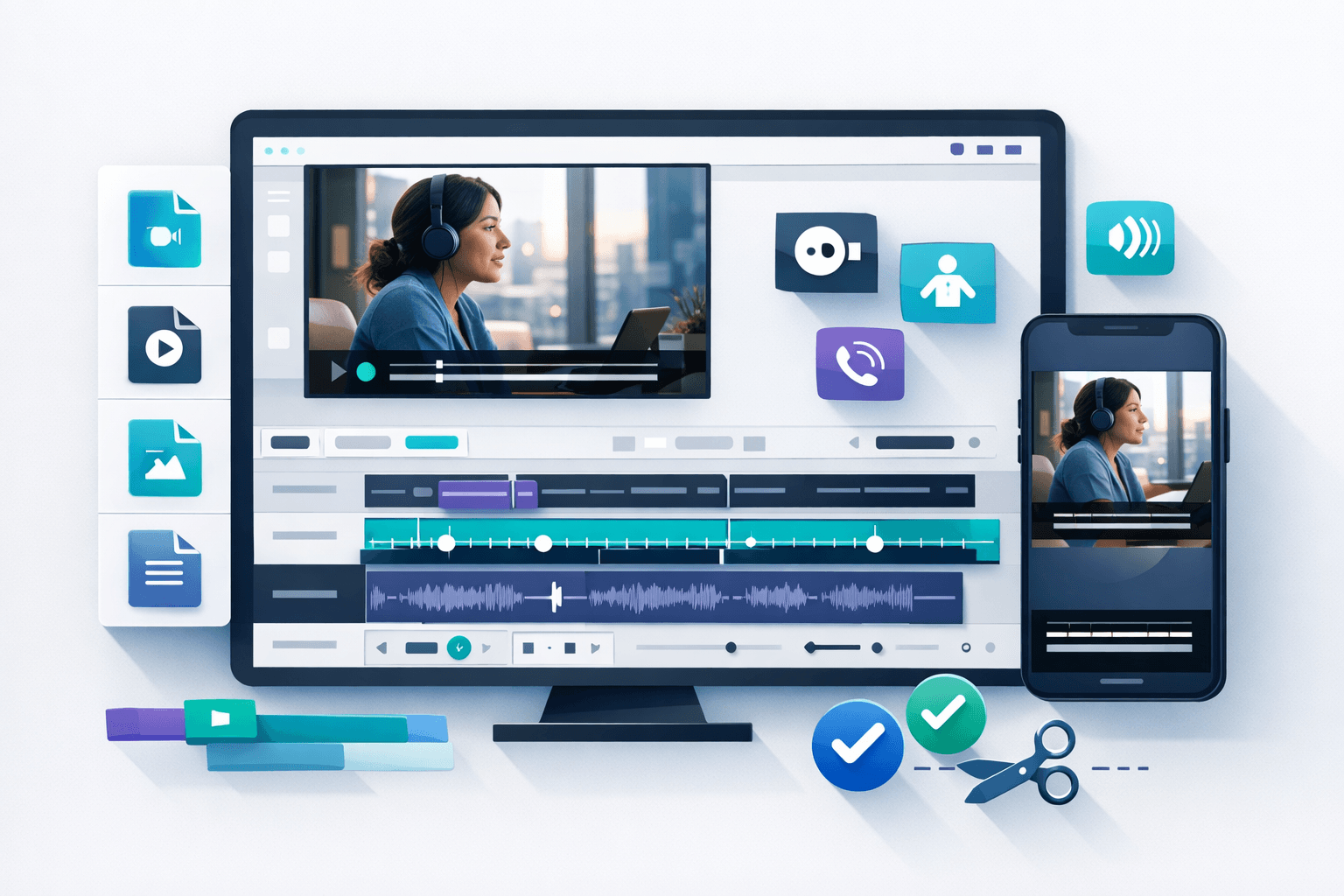
Everything you need to know about video subtitles: types, formats, best practices, and professional techniqu...
Practical comparison of timecode SRT VTT editors for creators and teams.