


Best for
Narration and dialogue
Speech synthesis with model-specific voices and delivery controls. Use MiniMax Speech 2.8 Turbo in Subclip, then bring the result into your video project.
“Hello world! Welcome to MiniMax's new text to speech model Speech 2.8 Turbo now available on Replicate!”
Narration and dialogue
Choose the supported settings shown below and check the generation quote before submitting. Review the output before using it in a finished project.
5.1 credits per 1,000 characters
Confirm the current quote in the app before generating. Settings and input size can change the cost.
Step 1

Step 2

Step 3
Examples from the existing model catalog. Prompts and settings are shown for context; estimates are not a record of the original generation charge.
Answers about this workflow, access and limits.
Need another answer? contact@subclip.app
Contact supportSpeech synthesis with model-specific voices and delivery controls. Use MiniMax Speech 2.8 Turbo in Subclip, then bring the result into your video project. Narration and dialogue
5.1 credits per 1,000 characters Confirm the current quote in the app before generating. Settings and input size can change the cost.
Reference inputs: Text. Prompt limit: 10,000 characters. Output options: standard.
Choose the supported settings shown below and check the generation quote before submitting. Review the output before using it in a finished project.
Yes. Use the speech as an audio track, adjust its timing and add matching captions or footage.
Need another answer? contact@subclip.app
Contact support
Practical comparison of AI dubbing tools for YouTube shorts and reels for creators and teams.
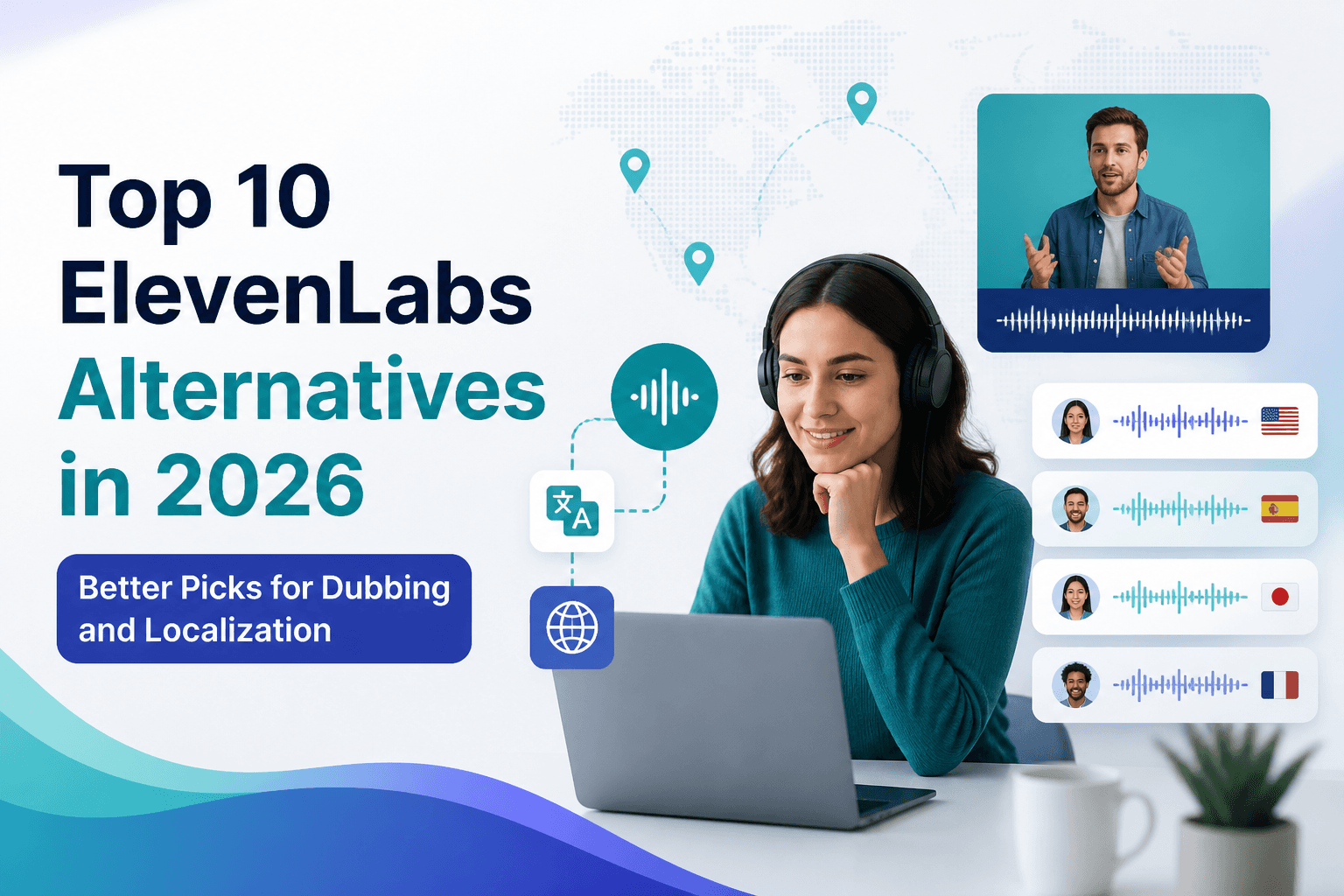
If you are comparing ElevenLabs alternatives in 2026, this list covers the strongest options for dubbing, tr...

Practical comparison of best AI voice cloning tools for creators for creators and teams.