1단계
Generate Chinese subtitles
Start by selecting Chinese subtitle output, then run auto-generation from your source audio or video. '자동 자막'을 눌러 AI로 캡션을 생성하세요. 접근성 표기 추가, 자막 파일 업로드, 수동 입력도 가능합니다.

Chinese 자막을 생성하고 게시 가능한 표준 캡션으로 내보내세요.
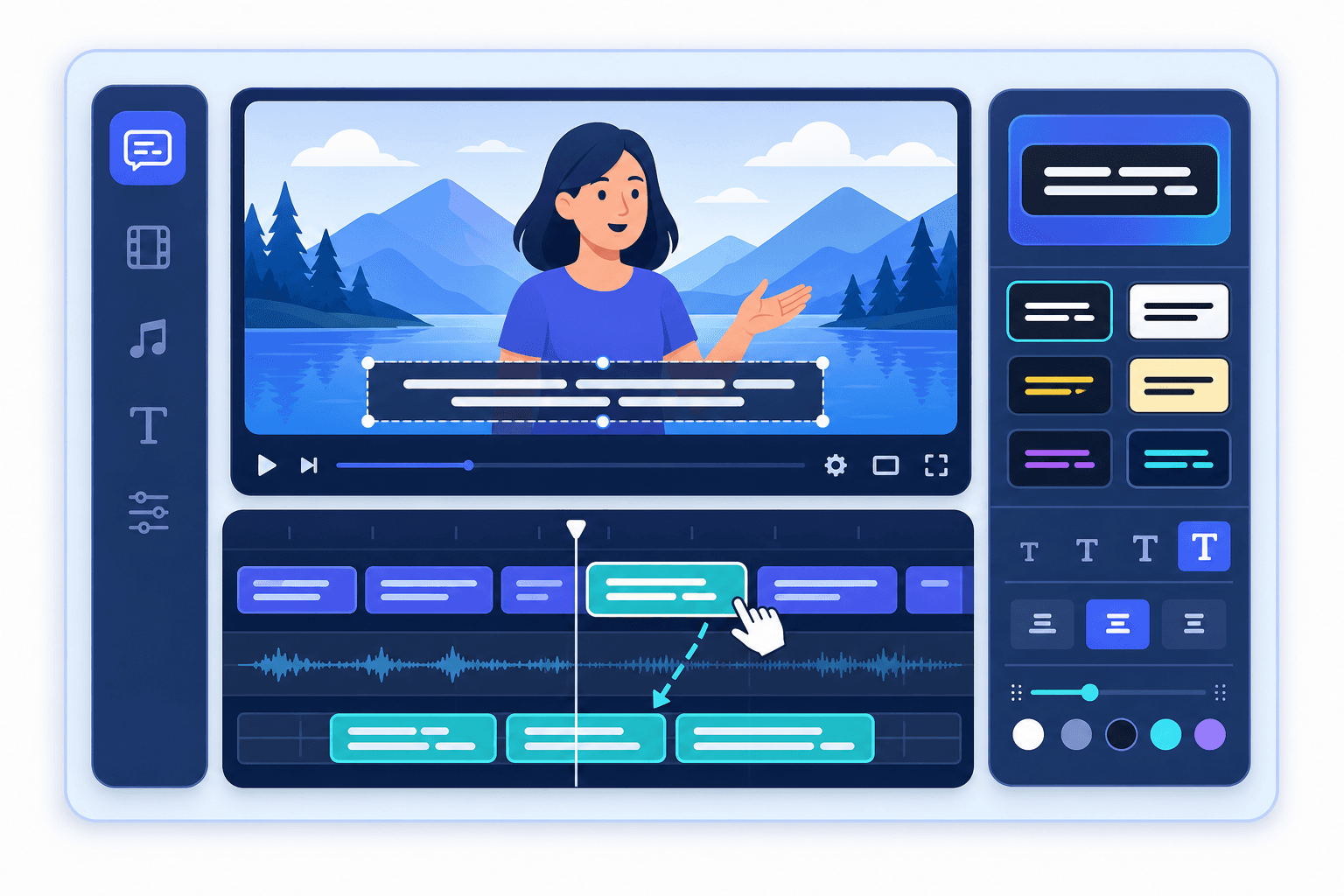
Chinese 자막 추가는 자막 생성, 분절, 타이밍 보정을 한 흐름으로 묶어 게시 전 반복 작업을 줄여줍니다. Explore tools.
Subclip의 다른 도구와 결합하면 전사, 자막, 편집, 멀티 플랫폼 배포를 한 흐름으로 운영할 수 있습니다. View pricing.
1단계
Start by selecting Chinese subtitle output, then run auto-generation from your source audio or video. '자동 자막'을 눌러 AI로 캡션을 생성하세요. 접근성 표기 추가, 자막 파일 업로드, 수동 입력도 가능합니다.

2단계
Review phrasing, readability, and line breaks for Chinese before final publish. 스타일, 폰트, 색상, 배경을 변경하고 키워드 자동 강조 같은 동적 스타일을 적용할 수 있습니다.

3단계
Export your final output with Chinese subtitles and verify timing on your destination platform. 하드코딩 자막 영상으로 내보내거나 SRT, VTT, TXT 파일을 다운로드해 다른 플랫폼에 사용할 수 있습니다.
AI로 다국어 자막을 추가하는 방법 알아보기:
Chinese 자막 추가와 Subclip 워크플로우 내 활용 방식에 대한 질문입니다.
Need another answer? contact@subclip.app
Contact supportNeed another answer? contact@subclip.app
Contact support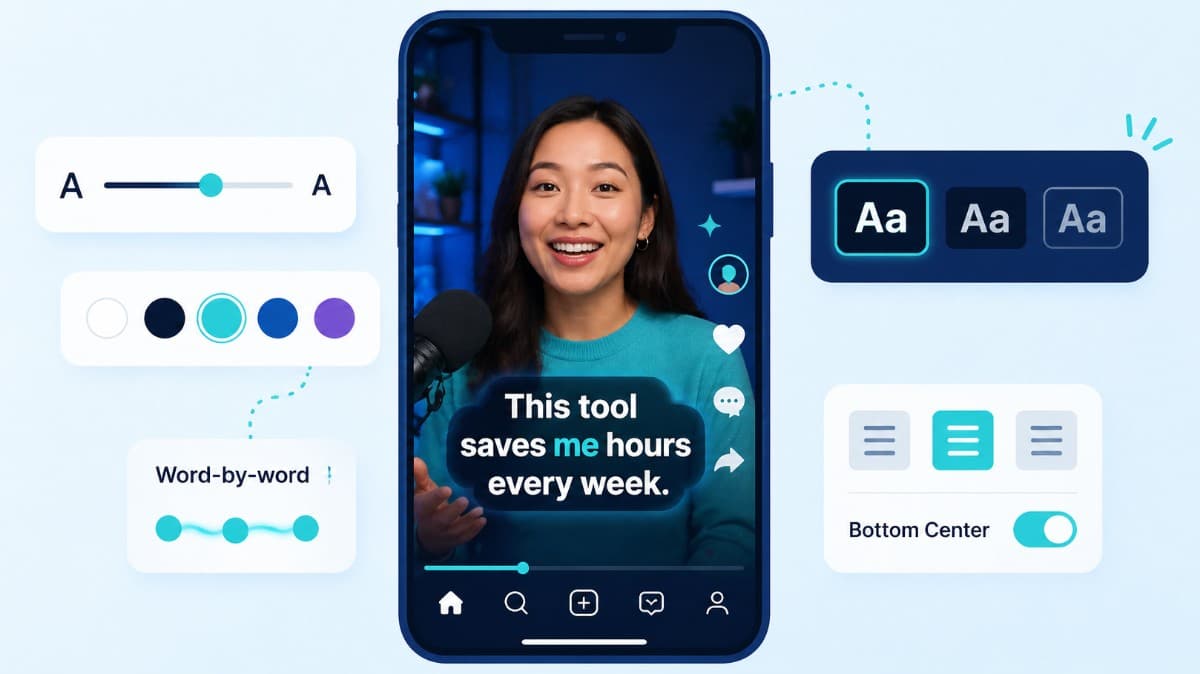
How to choose caption style, timing, and placement by format so viewers stay longer and act faster.
Compare the top free AI dubbing tools online. Find which ones support voice cloning, commercial use, and wor...
Elevate your video dubbing with our 15-point checklist for professional quality. Ensure clarity, accuracy, a...
신용카드가 필요하지 않습니다
Chinese 자막 추가 이후 자막, 더빙, 변환, 게시까지 플랫폼 전환 없이 이어갈 수 있습니다.
통합 흐름으로 품질 일관성을 높이고 도구 오버헤드를 줄여 더 많은 콘텐츠를 발행할 수 있습니다.