步骤 1
Generate Dutch subtitles
Start by selecting Dutch subtitle output, then run auto-generation from your source audio or video. 点击“自动字幕”即可用 AI 生成字幕。你也可以添加无障碍说明、上传字幕文件或手动输入文本。

生成Dutch字幕,并导出可发布的标准字幕结果。
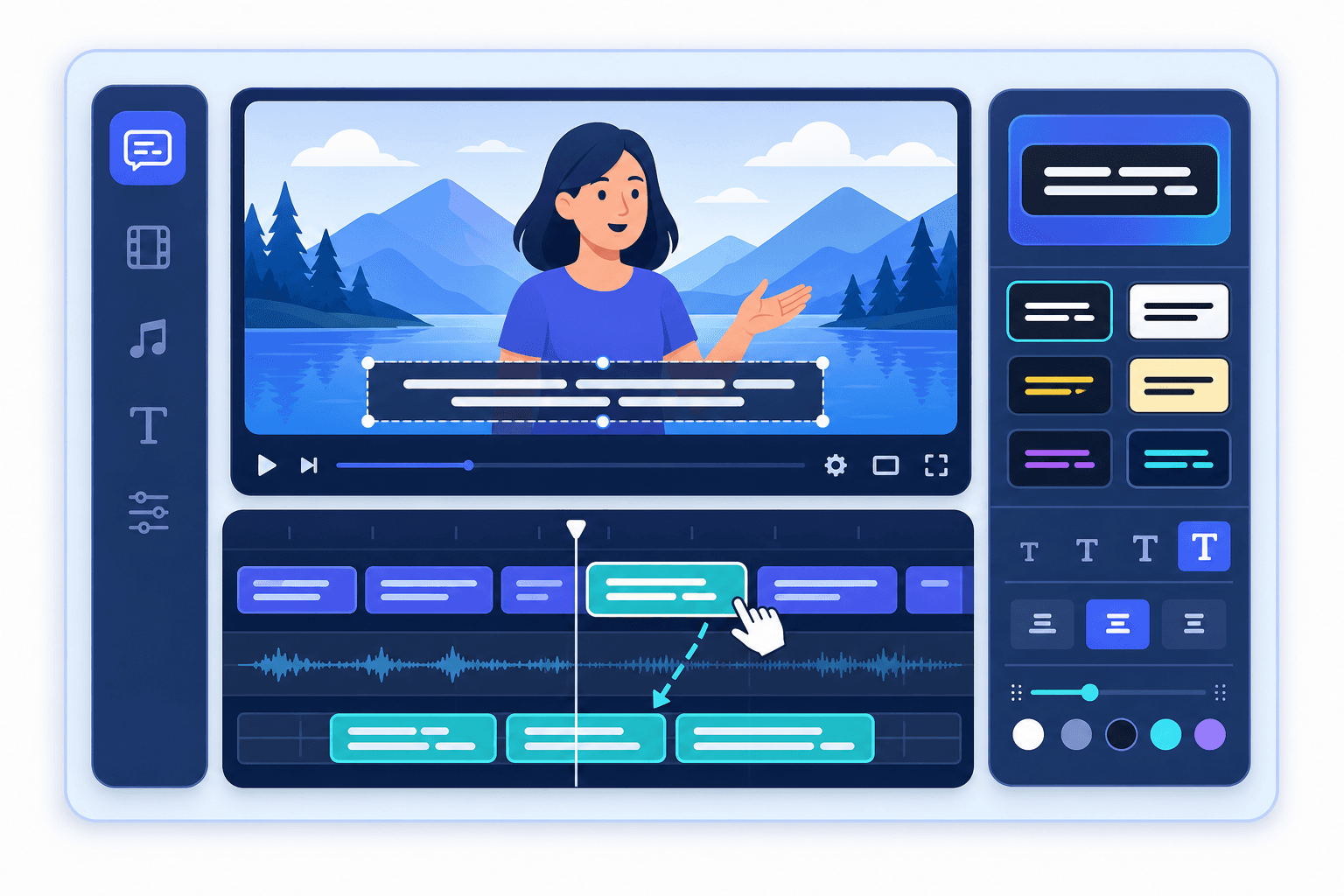
添加Dutch字幕 将字幕生成、分段与时间轴校对整合到一个流程,减少发布前的重复编辑。 Explore tools.
结合 Subclip 其他工具,可继续完成转录、字幕、编辑与多平台分发。 View pricing.
步骤 1
Start by selecting Dutch subtitle output, then run auto-generation from your source audio or video. 点击“自动字幕”即可用 AI 生成字幕。你也可以添加无障碍说明、上传字幕文件或手动输入文本。
步骤 2
Review phrasing, readability, and line breaks for Dutch before final publish. 可调整样式、字体、颜色和背景,也可启用动态关键词高亮。
步骤 3
Export your final output with Dutch subtitles and verify timing on your destination platform. 可导出带硬字幕的视频,或下载 SRT、VTT、TXT 文件用于平台发布。
了解如何用 AI 添加多语言字幕:
Need another answer? contact@subclip.app
Contact support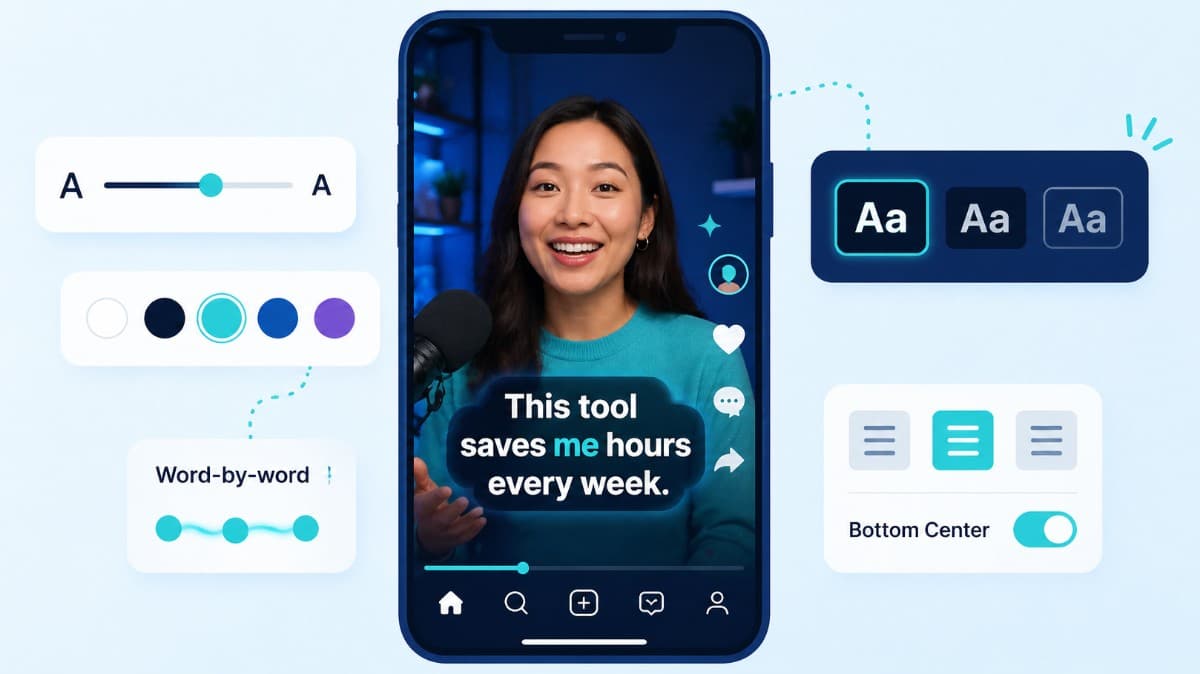
How to choose caption style, timing, and placement by format so viewers stay longer and act faster.
Compare the top free AI dubbing tools online. Find which ones support voice cloning, commercial use, and wor...
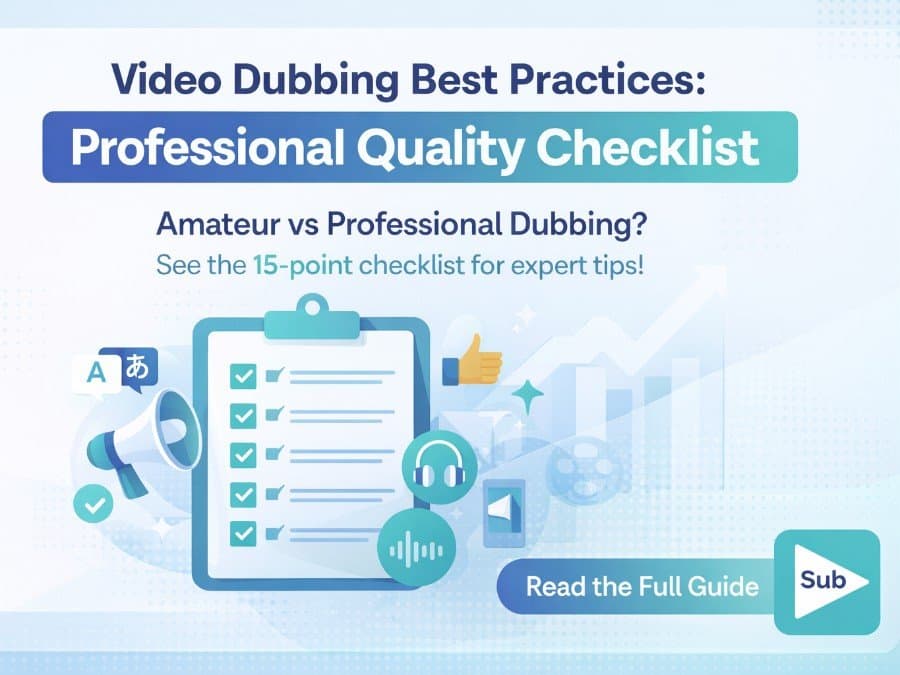
Elevate your video dubbing with our 15-point checklist for professional quality. Ensure clarity, accuracy, a...
无需信用卡
在 添加Dutch字幕 之后,你可以继续完成字幕、配音、转换和发布,无需切换平台。
统一流程可提升一致性、降低工具切换成本,并帮助团队产出更多内容。