步骤 1
上传用于 YouTube 的视频
如果你已有转录链接,请先使用 YouTube 转录工具;或直接上传视频生成适合 YouTube 发布的字幕。 YouTube 转录工具

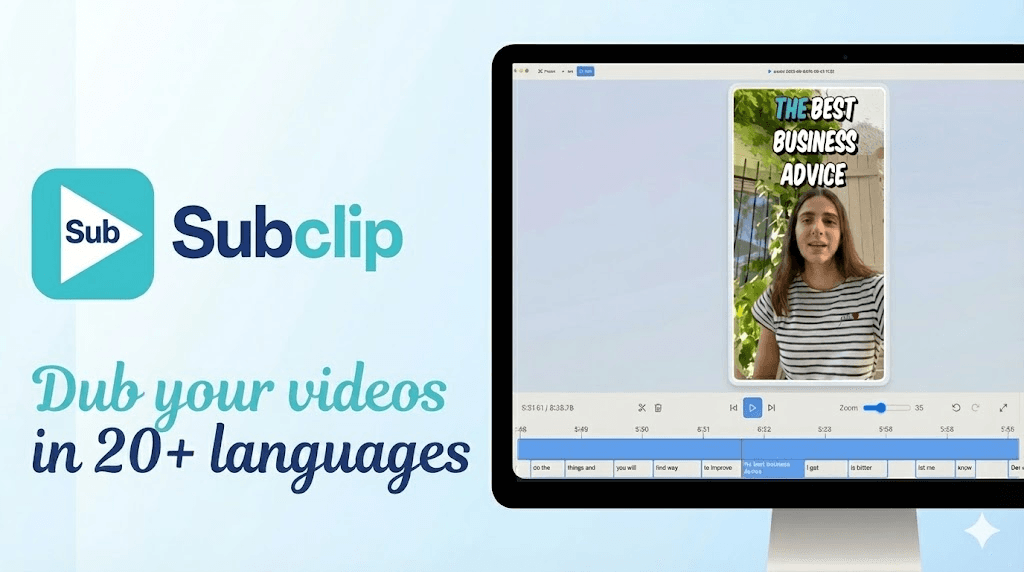
YouTube 字幕生成器 - Subclip
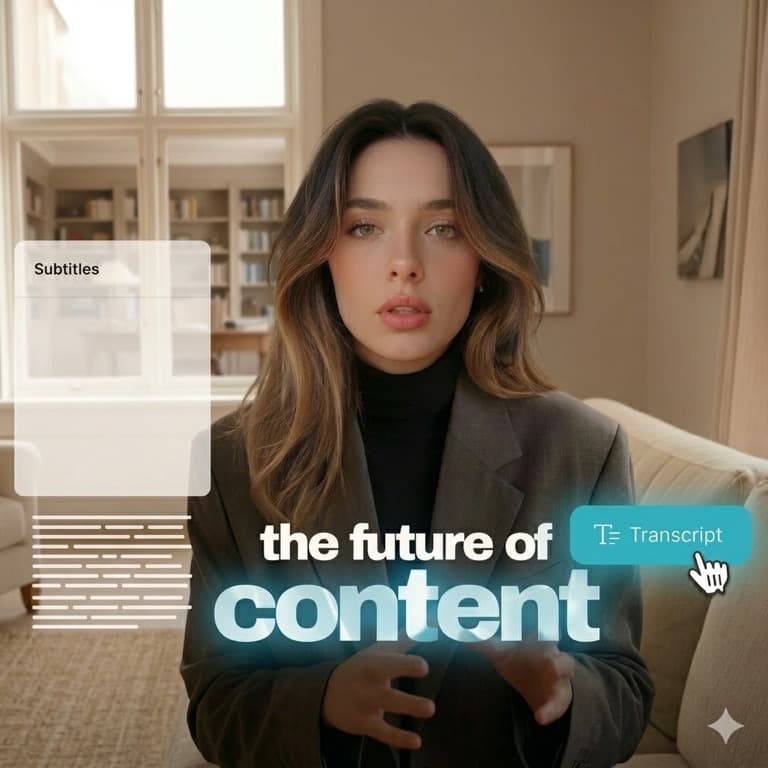
YouTube 字幕生成器 可减少重复字幕编辑,加速从源素材到最终发布版本的流程。 Explore tools.
可与转录、配音、转换流程结合,无需切换工具即可更快发布。 View pricing.
步骤 1
如果你已有转录链接,请先使用 YouTube 转录工具;或直接上传视频生成适合 YouTube 发布的字幕。 YouTube 转录工具

步骤 2
运行字幕生成,调整断句,并应用适合 YouTube 观看的清晰字幕样式。

步骤 3
可导出硬字幕视频用于社媒复用,或导出字幕文件用于频道工作流。
使用 YouTube 字幕生成器 加速字幕制作:
Need another answer? contact@subclip.app
Contact support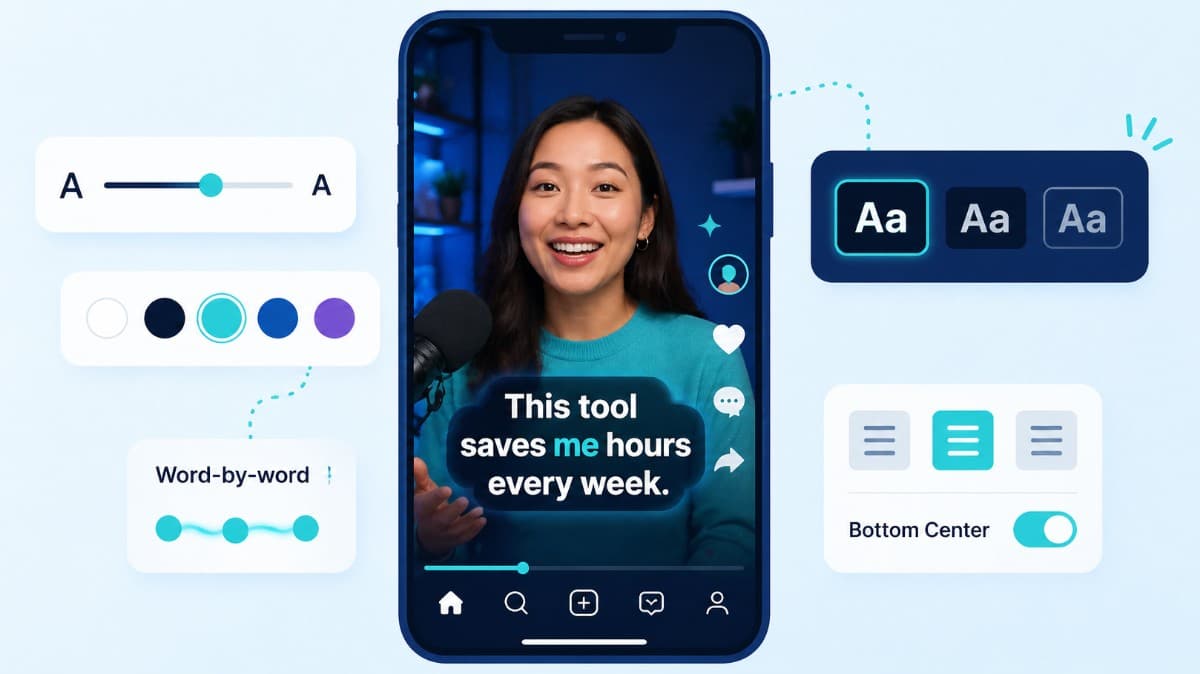
How to choose caption style, timing, and placement by format so viewers stay longer and act faster.
Compare the top free AI dubbing tools online. Find which ones support voice cloning, commercial use, and wor...
Elevate your video dubbing with our 15-point checklist for professional quality. Ensure clarity, accuracy, a...
无需信用卡
Subclip 不只是单一功能。你可以从字幕生成继续到转录、配音、转换与发布,全程无需切换平台。
统一流程可减少工具切换、提升一致性,并加快内容发布速度。