Step 1
Import media and set your timeline
Drop in video, voice, and music tracks, then structure the timeline based on your target channel and runtime.

Edit videos in your browser with timeline controls, caption workflows, and fast export paths built for multi-platform publishing.
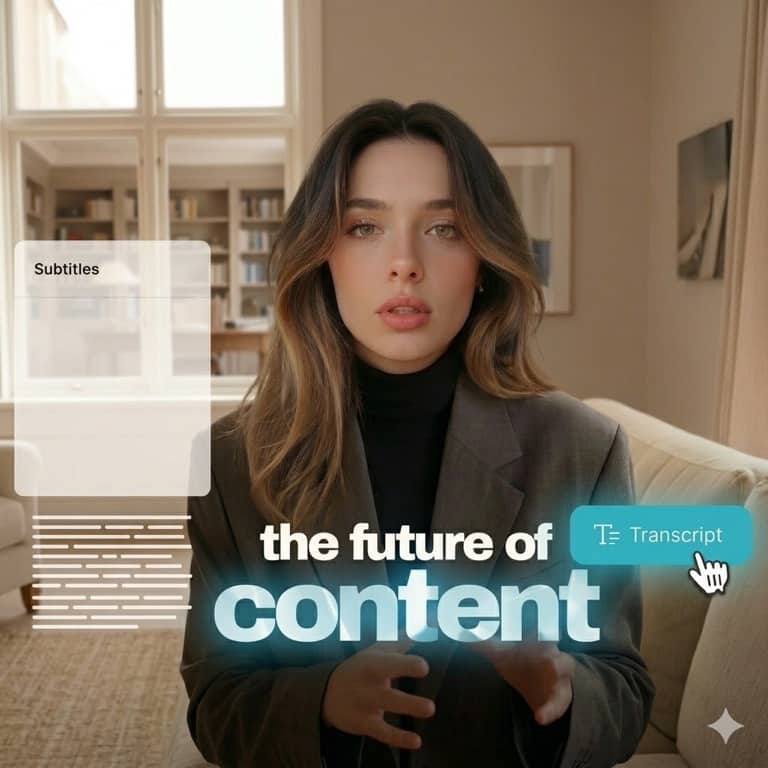
AI Video Editor gives your team one place to trim, arrange, and package video output without heavy desktop editing overhead. Explore tools.
Combine editing with subtitle, transcript, and repurposing tools so every video can be prepared for multiple channels in one system. View pricing.
Step 1
Drop in video, voice, and music tracks, then structure the timeline based on your target channel and runtime.
Step 2
Use AI-assisted captioning and cleanup to speed up repetitive post-production steps while keeping editorial control.

Step 3
Export assets for YouTube, TikTok, Instagram, and more with ratio-ready output and consistent branding settings.
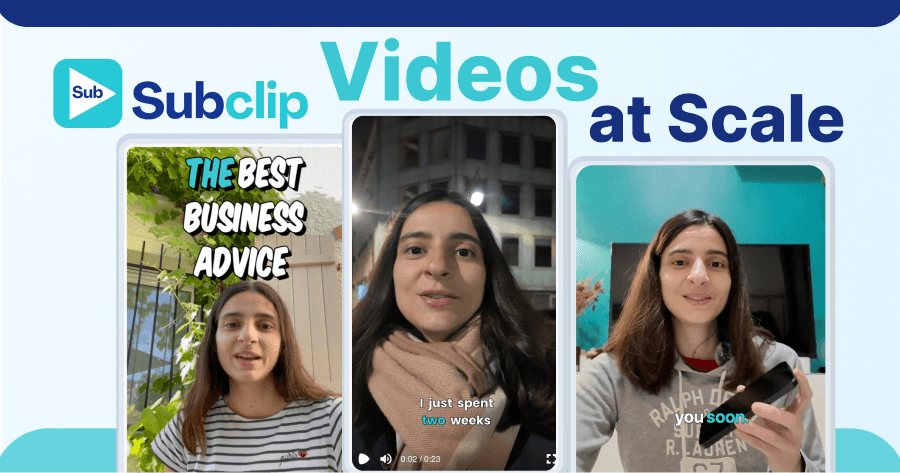
Watch how to edit and publish channel-ready videos with Subclip.
Common questions about browser-based AI video editing in Subclip.
Need another answer? contact@subclip.app
Contact supportNeed another answer? contact@subclip.app
Contact support
Elevate your video dubbing with our 15-point checklist for professional quality. Ensure clarity, accuracy, a...
Unlock the global potential of your viral videos! Learn how to dub your TikTok, Instagram, and YouTube Short...

Discover how AI lip sync technology transforms dubbing by aligning audio with mouth movements, enhancing vie...
After editing, move directly into subtitles, transcripts, and localized outputs without exporting between disconnected apps.
This unified pipeline makes approvals easier, improves consistency, and helps teams publish more output per week.