Step 1
Upload Video in Subclip
Add your MP4, MOV, or WebM file and prepare transcript generation.

Upload a video file and turn speech into clean, editable text with timestamps. Export in one click.
Step 1
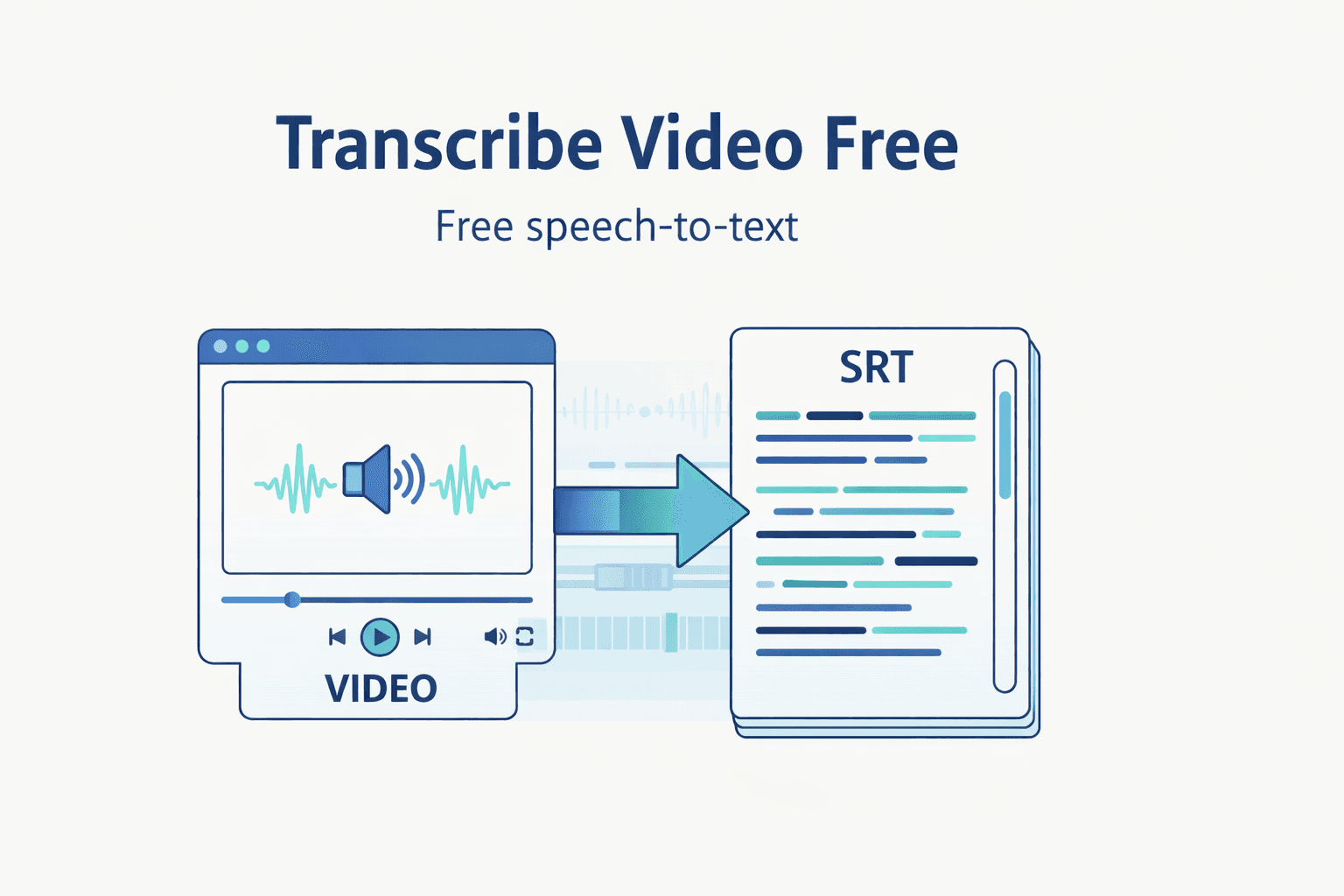
Add your MP4, MOV, or WebM file and prepare transcript generation.

Step 2
Run AI transcription with default language and model settings.

Step 3
Edit transcript lines and export TXT, SRT, or VTT output.
Turn uploaded footage into transcript text quickly without switching tools.
Review, clean up, and reuse transcript lines for scripts and content.
Export TXT, SRT, and VTT for subtitles, docs, and publishing workflows.
Move from raw media to publish-ready transcript assets in one focused workflow.
| Feature | Subclip | Other Transcribers |
|---|---|---|
| Primary Use | Video Upload + Transcript Workflow | Text-Only Basic Extraction |
| Cost | Free Core Workflow | No Useful Free Tier |
| Setup | No Signup Required | Account Required |
| Exports | TXT, SRT, VTT | Limited Export Types |
Transcribe raw footage, pull winning lines fast, and repurpose clips into posts and scripts.

Extract campaign language from videos and reuse it for ads, emails, and landing pages.

Run a repeatable transcript-first process across clients with consistent export-ready output.

Turn interviews and webinars into searchable text to speed up editing and accessibility workflows.
Answers about format support, transcript quality, export types, and free access.
Need another answer? contact@subclip.app
Contact supportNeed another answer? contact@subclip.app
Contact support素材から完成・予約投稿まで一つのプラットフォームで。

最適な見どころを自動で抽出し、長尺動画を高視聴維持率の短尺クリップへ数分で変換します。.fcpxmlファイルとしてDaVinci、Final Cut Pro、Premier Proへ書き出せます。
最適な見どころを自動で抽出し、長尺動画を高視聴維持率の短尺クリップへ数分で変換します。.fcpxmlファイルとしてDaVinci、Final Cut Pro、Premier Proへ書き出せます。
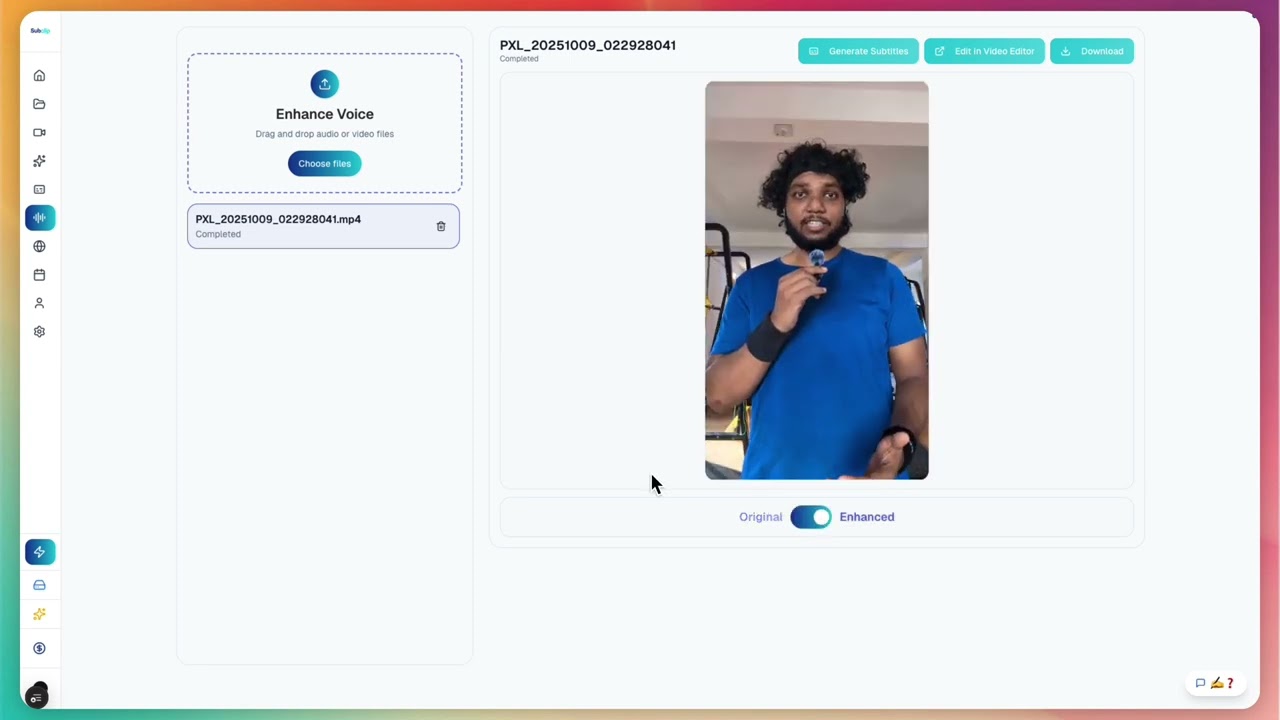
ノイズの多い録音をクリーンにし、明瞭度を上げ、無制限に無音を削除・トリミングして公開前にスタジオ品質へ整えます。
ノイズの多い録音をクリーンにし、明瞭度を上げ、無制限に無音を削除・トリミングして公開前にスタジオ品質へ整えます。

Googleドキュメントのように、友だちやチーム全体へ共有できます。
Googleドキュメントのように、友だちやチーム全体へ共有できます。
1つのカレンダーで予約投稿。現在はYouTubeとXに対応しています。
1つのカレンダーで予約投稿。現在はYouTubeとXに対応しています。
Upload a file and generate transcript output ready for editing, subtitles, and publishing.
言語別ページから、動画字幕をすばやく追加できます。
変換ページを開いて 動画と音声フォーマットをより速く変換できます。
次の作品でSubclipを試してみよう
