Step 1
Upload video
コンバーターワークスペースで元の MOV ファイルをアップロードします。

書き出しで透かしなしの動画変換を行い ブラウザ内でローカル処理し 長さ制限なく利用できます
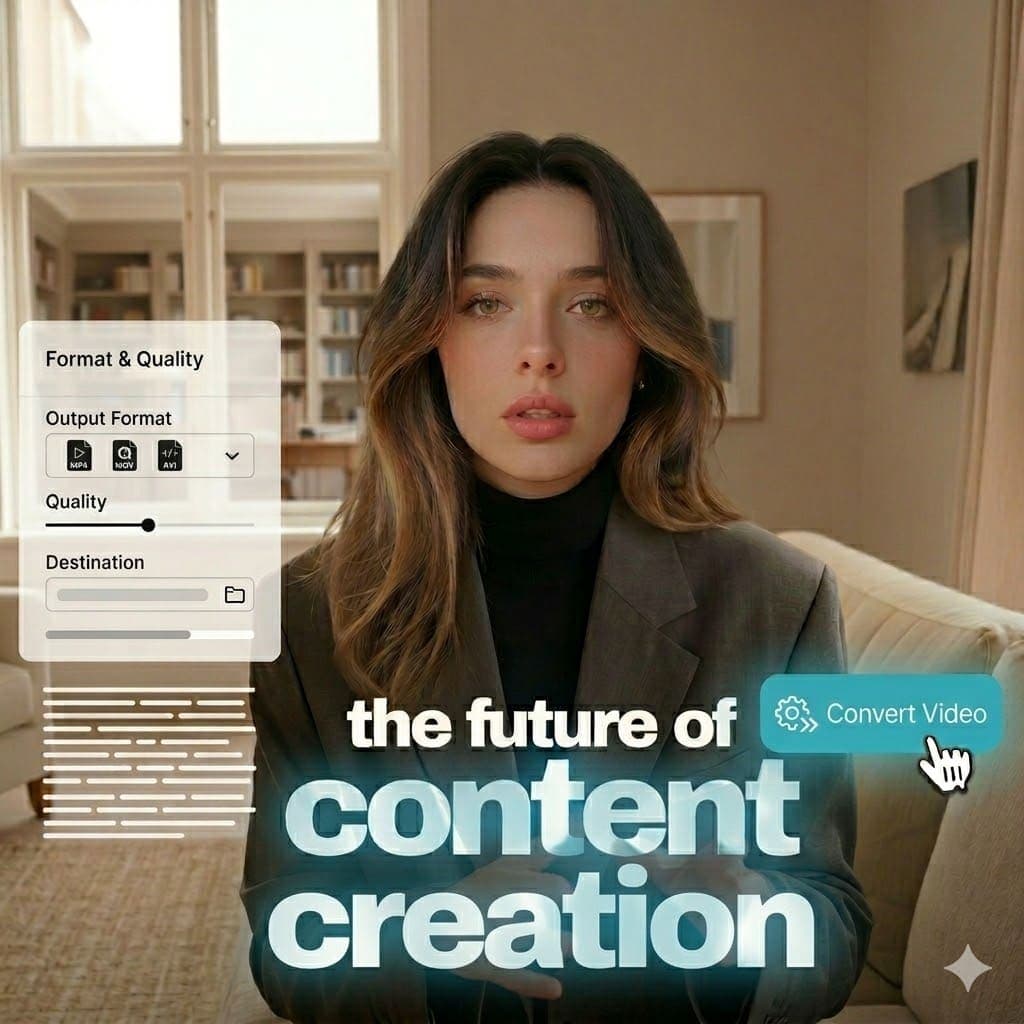
MOV (Apple QuickTime Movie): MOV is an Apple QuickTime multimedia container that stores video, audio, and metadata tracks. It is common in iPhone and Mac capture workflows and in many editing pipelines. Explore tools.
MP3 (MPEG-1 Audio Layer III): MP3 is a lossy compressed audio format designed for small file sizes and broad playback support. It remains a common choice for music, podcasts, and portable audio distribution. View pricing.
Step 1
コンバーターワークスペースで元の MOV ファイルをアップロードします。

Step 2
MOV から MP3 への変換を設定します。

Step 3
ブラウザ内でローカル変換し MP3 出力をダウンロードします。
See how to convert formats locally in browser with no watermark on export.
Common questions about MOV を MP3 フォーマットに変換 and browser-based conversion.
Need another answer? contact@subclip.app
Contact supportNeed another answer? contact@subclip.app
Contact support
Elevate your video dubbing with our 15-point checklist for professional quality. Ensure clarity, accuracy, a...
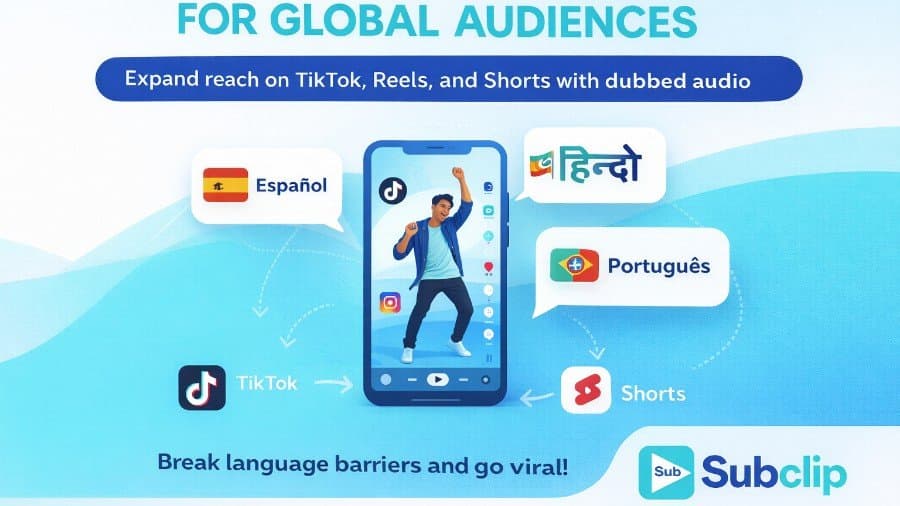
Unlock the global potential of your viral videos! Learn how to dub your TikTok, Instagram, and YouTube Short...

Discover how AI lip sync technology transforms dubbing by aligning audio with mouth movements, enhancing vie...
No credit card required
Run conversion alongside transcript, subtitle, and editing workflows so one toolchain covers ingestion to publishing.
This keeps outputs consistent across platforms and reduces turnaround time for content teams.