Step 1
Upload Video in Subclip
Add your MP4, MOV, or WebM file and prepare transcript generation.

Upload a video file and turn speech into clean, editable text with timestamps. Export in one click.
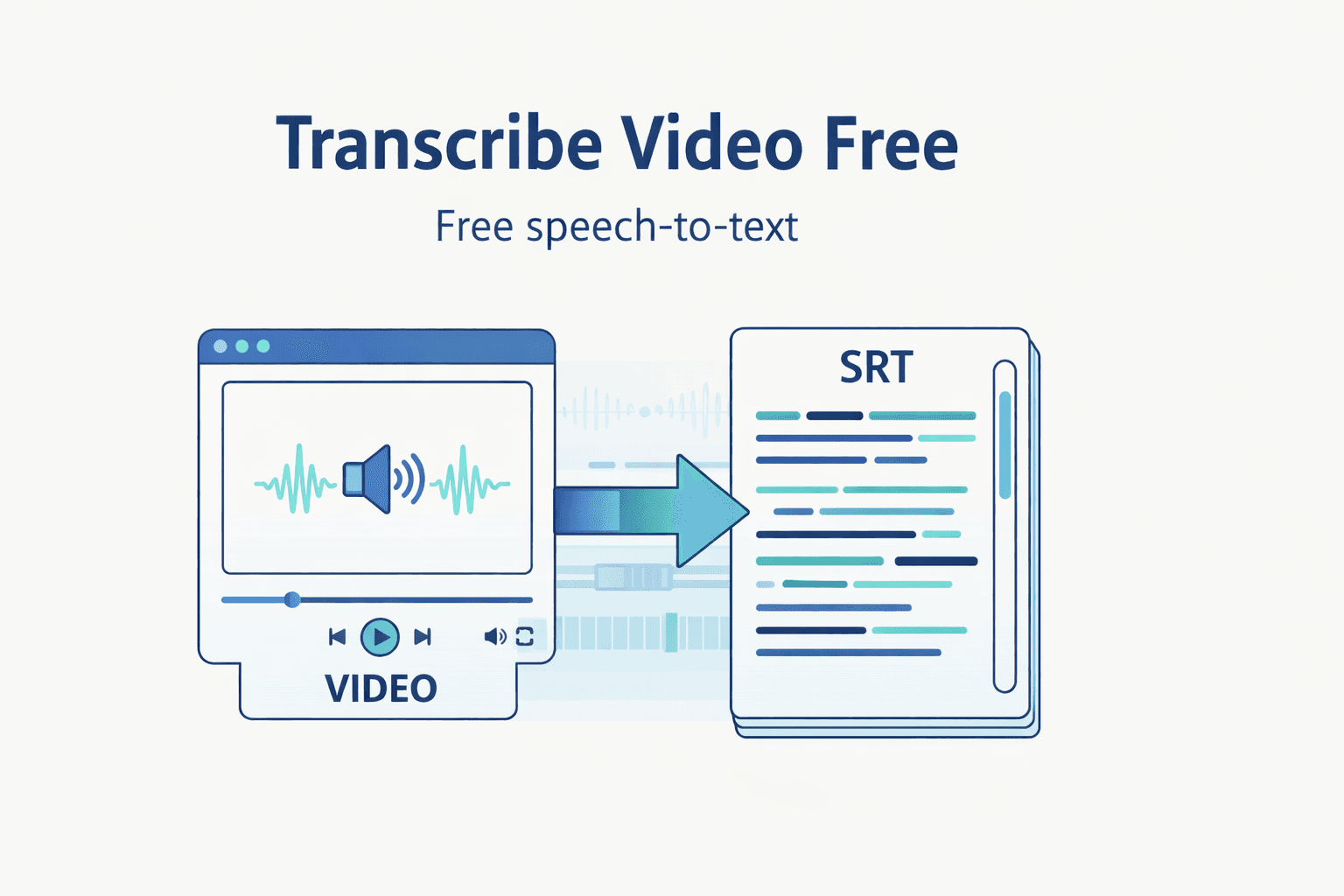
Step 1
Add your MP4, MOV, or WebM file and prepare transcript generation.

Step 2
Run AI transcription with default language and model settings.

Step 3
Edit transcript lines and export TXT, SRT, or VTT output.
Turn uploaded footage into transcript text quickly without switching tools.
Review, clean up, and reuse transcript lines for scripts and content.
Export TXT, SRT, and VTT for subtitles, docs, and publishing workflows.
Move from raw media to publish-ready transcript assets in one focused workflow.
| Feature | Subclip | Other Transcribers |
|---|---|---|
| Primary Use | Video Upload + Transcript Workflow | Text-Only Basic Extraction |
| Cost | Free Core Workflow | No Useful Free Tier |
| Setup | No Signup Required | Account Required |
| Exports | TXT, SRT, VTT | Limited Export Types |
Transcribe raw footage, pull winning lines fast, and repurpose clips into posts and scripts.

Extract campaign language from videos and reuse it for ads, emails, and landing pages.

Run a repeatable transcript-first process across clients with consistent export-ready output.

Turn interviews and webinars into searchable text to speed up editing and accessibility workflows.
Answers about format support, transcript quality, export types, and free access.
Need another answer? contact@subclip.app
Contact supportNeed another answer? contact@subclip.app
Contact support원본부터 최종 게시까지 하나의 플랫폼에서.

핵심 장면을 자동으로 찾아 긴 영상을 몇 분 안에 고유지율 숏폼 클립으로 바꿉니다. .fcpxml 파일로 DaVinci, Final Cut Pro, Premier Pro에 내보낼 수 있습니다.
핵심 장면을 자동으로 찾아 긴 영상을 몇 분 안에 고유지율 숏폼 클립으로 바꿉니다. .fcpxml 파일로 DaVinci, Final Cut Pro, Premier Pro에 내보낼 수 있습니다.
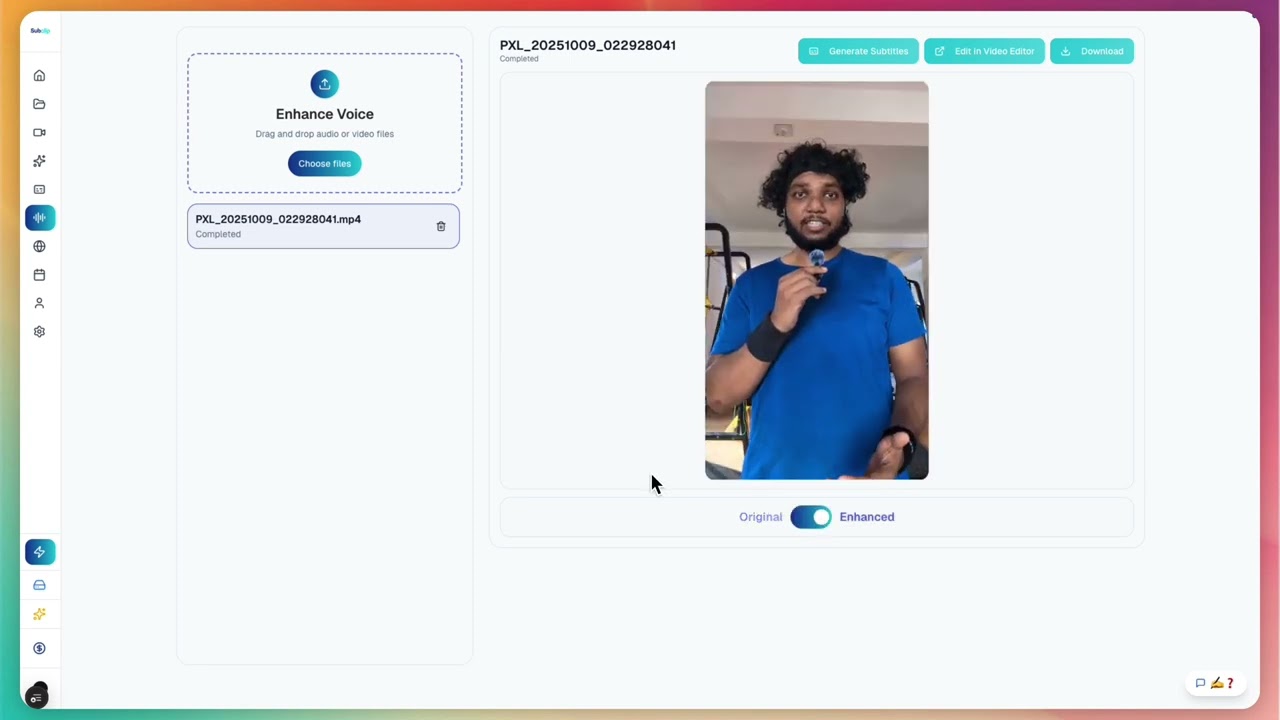
노이즈 많은 녹음을 정리하고 선명도를 높이며, 무제한으로 무음을 제거·트리밍해 게시 전 스튜디오급 사운드를 만드세요.
노이즈 많은 녹음을 정리하고 선명도를 높이며, 무제한으로 무음을 제거·트리밍해 게시 전 스튜디오급 사운드를 만드세요.

Google 문서처럼 친구나 팀 전체와 쉽게 공유하세요.
Google 문서처럼 친구나 팀 전체와 쉽게 공유하세요.
하나의 캘린더에서 예약 발행하세요. 현재 YouTube와 X를 지원합니다.
하나의 캘린더에서 예약 발행하세요. 현재 YouTube와 X를 지원합니다.
Upload a file and generate transcript output ready for editing, subtitles, and publishing.
언어별 페이지에서 동영상 자막을 더 빠르게 추가하세요.
변환 페이지를 열어 비디오와 오디오 포맷을 더 빠르게 변환하세요.
다음 영상에서 Subclip을 사용해보세요
