Step 1
Upload Video in Subclip
Add your MP4, MOV, or WebM file and prepare transcript generation.

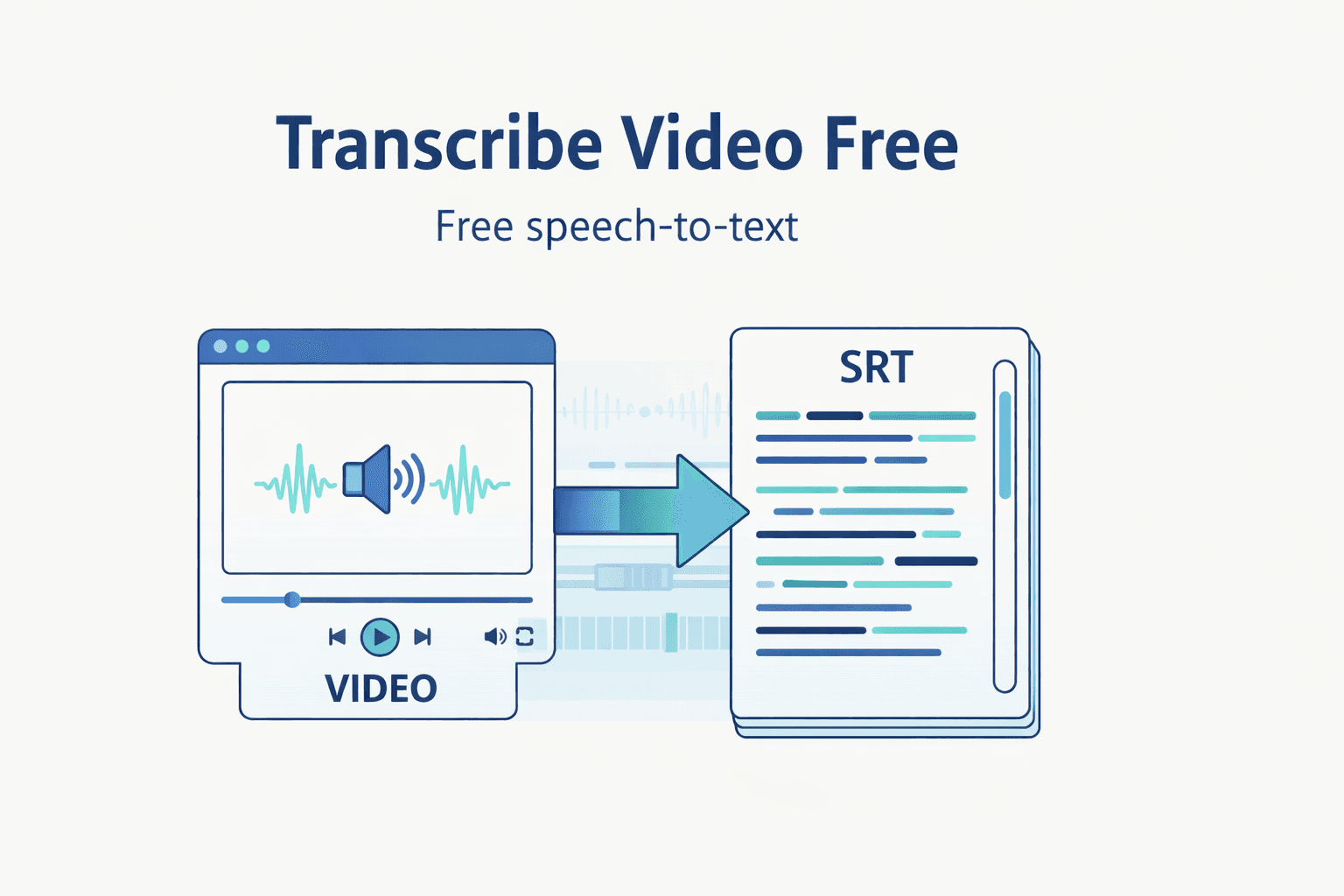
Upload a video file and turn speech into clean, editable text with timestamps. Export in one click.
Step 1
Add your MP4, MOV, or WebM file and prepare transcript generation.

Step 2
Run AI transcription with default language and model settings.

Step 3
Edit transcript lines and export TXT, SRT, or VTT output.
Turn uploaded footage into transcript text quickly without switching tools.
Review, clean up, and reuse transcript lines for scripts and content.
Export TXT, SRT, and VTT for subtitles, docs, and publishing workflows.
Move from raw media to publish-ready transcript assets in one focused workflow.
| Feature | Subclip | Other Transcribers |
|---|---|---|
| Primary Use | Video Upload + Transcript Workflow | Text-Only Basic Extraction |
| Cost | Free Core Workflow | No Useful Free Tier |
| Setup | No Signup Required | Account Required |
| Exports | TXT, SRT, VTT | Limited Export Types |
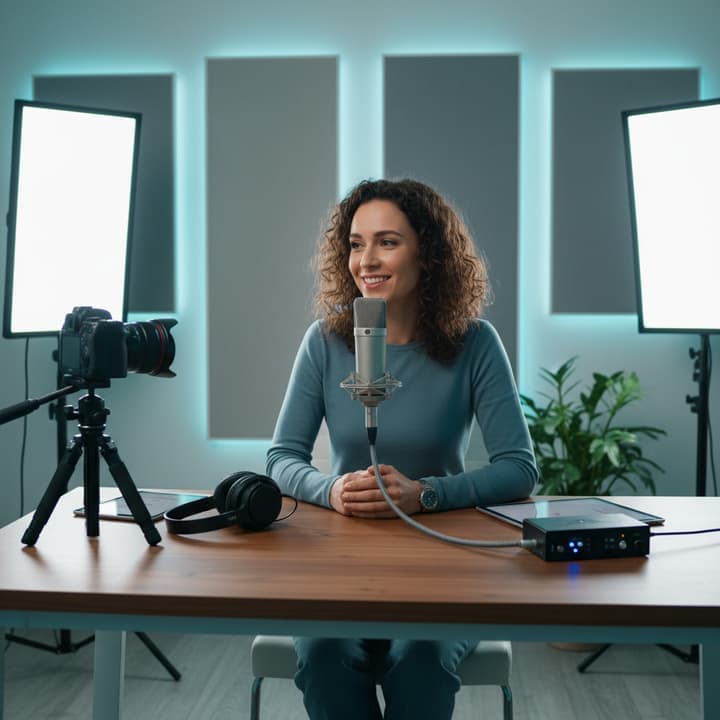
Transcribe raw footage, pull winning lines fast, and repurpose clips into posts and scripts.

Extract campaign language from videos and reuse it for ads, emails, and landing pages.

Run a repeatable transcript-first process across clients with consistent export-ready output.

Turn interviews and webinars into searchable text to speed up editing and accessibility workflows.
Answers about format support, transcript quality, export types, and free access.
Need another answer? contact@subclip.app
Contact supportNeed another answer? contact@subclip.app
Contact supportVom Rohmaterial bis zum finalen Video mit geplanter Veröffentlichung in einer Plattform.

Finde automatisch die besten Momente und verwandle lange Videos in Minuten in kurze Clips mit hoher Retention. Exportiere als .fcpxml-Datei nach DaVinci, Final Cut Pro und Premier Pro.
Finde automatisch die besten Momente und verwandle lange Videos in Minuten in kurze Clips mit hoher Retention. Exportiere als .fcpxml-Datei nach DaVinci, Final Cut Pro und Premier Pro.

Erstelle unbegrenzt Untertitel, passe Text und Stil an und bearbeite alles schnell vor der Veröffentlichung.
Untertitel entdeckenErstelle unbegrenzt Untertitel, passe Text und Stil an und bearbeite alles schnell vor der Veröffentlichung.
Untertitel entdeckenMache aus einem Video 21+ Sprachversionen mit KI-Dubbing, das deinen Ton beibehält.
Dubbing entdeckenMache aus einem Video 21+ Sprachversionen mit KI-Dubbing, das deinen Ton beibehält.
Dubbing entdecken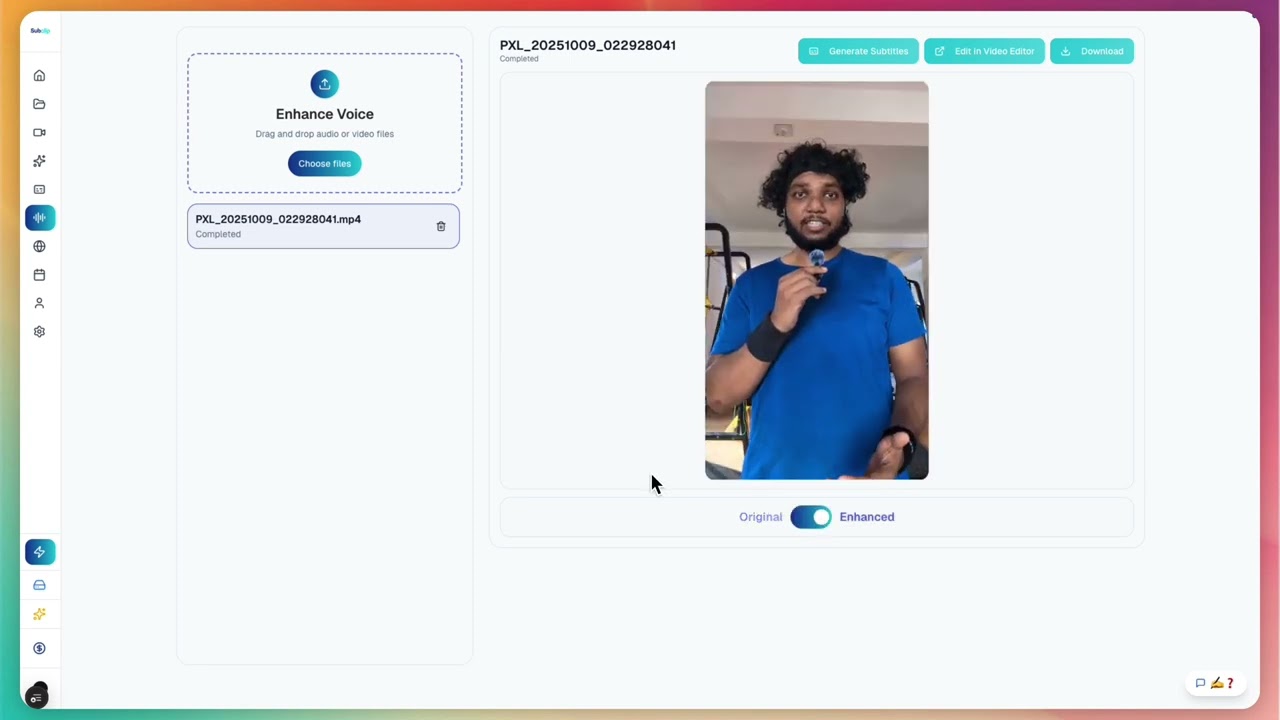
Bereinige verrauschte Aufnahmen, erhöhe die Klarheit, entferne und trimme Stille ohne Limits und liefere Studio-Sound vor dem Veröffentlichen.
Bereinige verrauschte Aufnahmen, erhöhe die Klarheit, entferne und trimme Stille ohne Limits und liefere Studio-Sound vor dem Veröffentlichen.

Teile wie ein Google Doc mit Freunden oder dem ganzen Team.
Teile wie ein Google Doc mit Freunden oder dem ganzen Team.
Plane und veröffentliche aus einem einzigen Kalender. Aktuell unterstützt: YouTube und X.
Plane und veröffentliche aus einem einzigen Kalender. Aktuell unterstützt: YouTube und X.
Upload a file and generate transcript output ready for editing, subtitles, and publishing.
Öffne die Sprachseite, um schneller Untertitel zu Videos hinzuzufügen.
Offne eine Konverter-Seite, um Video und Audio Formate schneller zu konvertieren.
Teste Subclip für deine nächste Story