Schritt 1
Medien importieren und Timeline setzen
Fuege Video-, Voice- und Musikspuren hinzu und strukturiere die Timeline nach Kanal und Laufzeit.

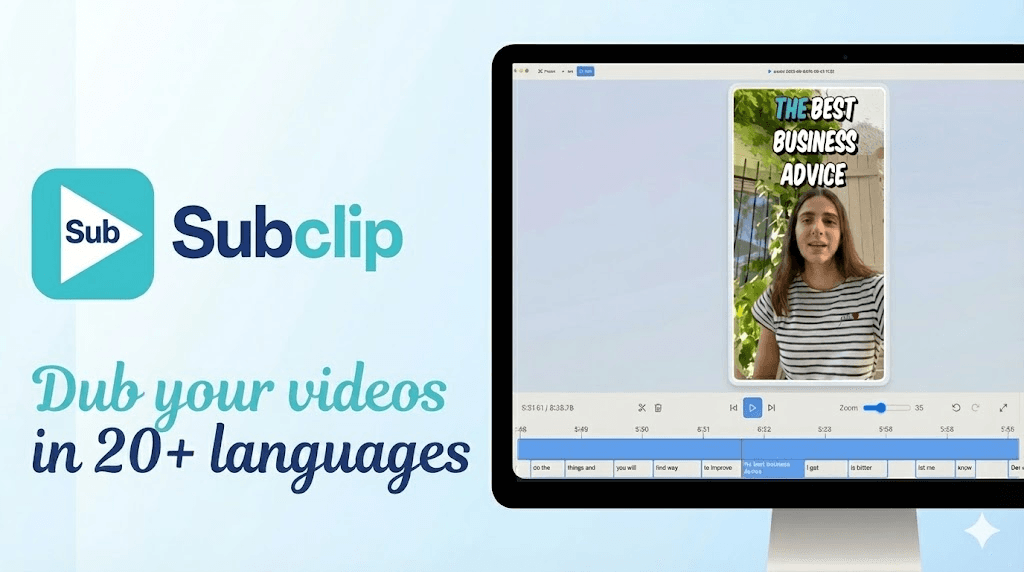
Bearbeite Videos im Browser mit Timeline, Captions und schnellen Export-Pfaden fuer Multi-Channel-Publishing.
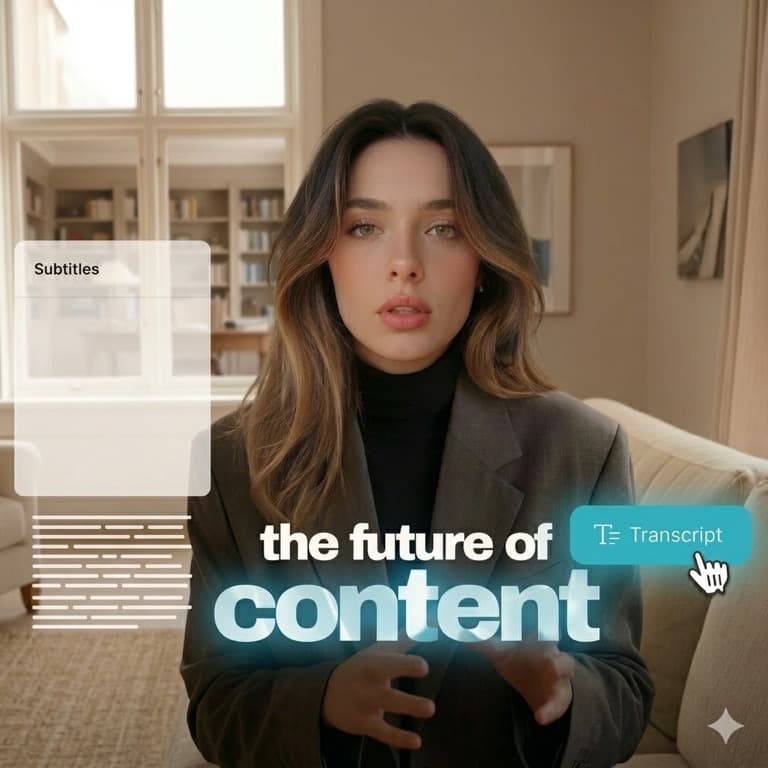
KI-Videoeditor reduziert repetitive Arbeit und beschleunigt die Auslieferung ueber alle Kanaele. Explore tools.
Kombiniere KI-Videoeditor mit Transkription, Dubbing und Repurposing in einem Pipeline-System. View pricing.
Schritt 1
Fuege Video-, Voice- und Musikspuren hinzu und strukturiere die Timeline nach Kanal und Laufzeit.

Schritt 2
Nutze KI-gestuetzte Captioning- und Cleanup-Schritte fuer schnellere Postproduktion.

Schritt 3
Exportiere Versionen fuer YouTube, TikTok und Instagram mit konsistentem Branding.
Sieh, wie du channel-ready Videos mit Subclip bearbeitest und veroeffentlichst.
Haeufige Fragen zu KI-Videoeditor-Workflows in Subclip.
Need another answer? contact@subclip.app
Contact supportNeed another answer? contact@subclip.app
Contact support
Compare the top free AI dubbing tools online. Find which ones support voice cloning, commercial use, and wor...

Elevate your video dubbing with our 15-point checklist for professional quality. Ensure clarity, accuracy, a...
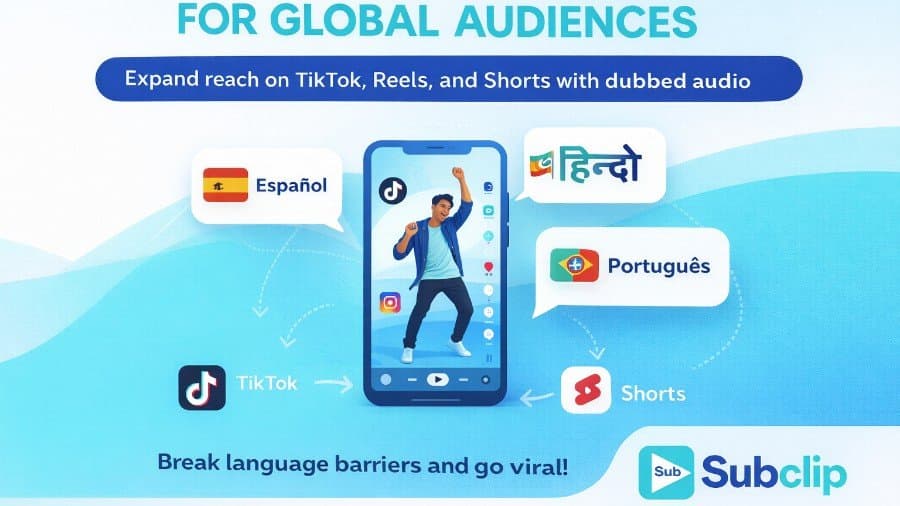
Unlock the global potential of your viral videos! Learn how to dub your TikTok, Instagram, and YouTube Short...
Nach KI-Videoeditor gehst du ohne Tool-Wechsel direkt weiter zu Untertiteln und Transkripten.
Der einheitliche Pipeline vereinfacht Freigaben und erhoeht den Output pro Woche.