


最适合
叙述与对话
使用特定于模型的语音和交付控制进行语音合成。在 Subclip 中使用 ElevenLabs v3,然后将结果导入到您的视频项目中。
“In the ancient land of Eldoria, where skies shimmered and forests, whispered secrets to the wind, lived a dragon named Zephyros. Not the “burn it all down” kind, but he was gentle, wise, with eyes like old stars. Even the birds fell silent when he passed.”
叙述与对话
选择如下所示的支持设置并在提交前检查生成报价。在完成的项目中使用输出之前先检查输出。
8.5 学分 每 1,000 个字符
在生成之前确认应用程序中的当前报价。设置和输入大小可能会改变成本。
步 1

步 2

步 3
现有模型目录中的示例。显示提示和设置以了解上下文;估算并不是原始发电费用的记录。
使用特定于模型的语音和交付控制进行语音合成。在 Subclip 中使用 ElevenLabs v3,然后将结果导入到您的视频项目中。 叙述与对话
8.5 学分 每 1,000 个字符 在生成之前确认应用程序中的当前报价。设置和输入大小可能会改变成本。
参考输入: 文本. 输出选项: standard.
选择如下所示的支持设置并在提交前检查生成报价。在完成的项目中使用输出之前先检查输出。
是的。使用语音作为音轨,调整其时间并添加匹配的字幕或镜头。
需要另一个答案吗? contact@subclip.app
联系支持人员
Practical comparison of AI dubbing tools for YouTube shorts and reels for creators and teams.
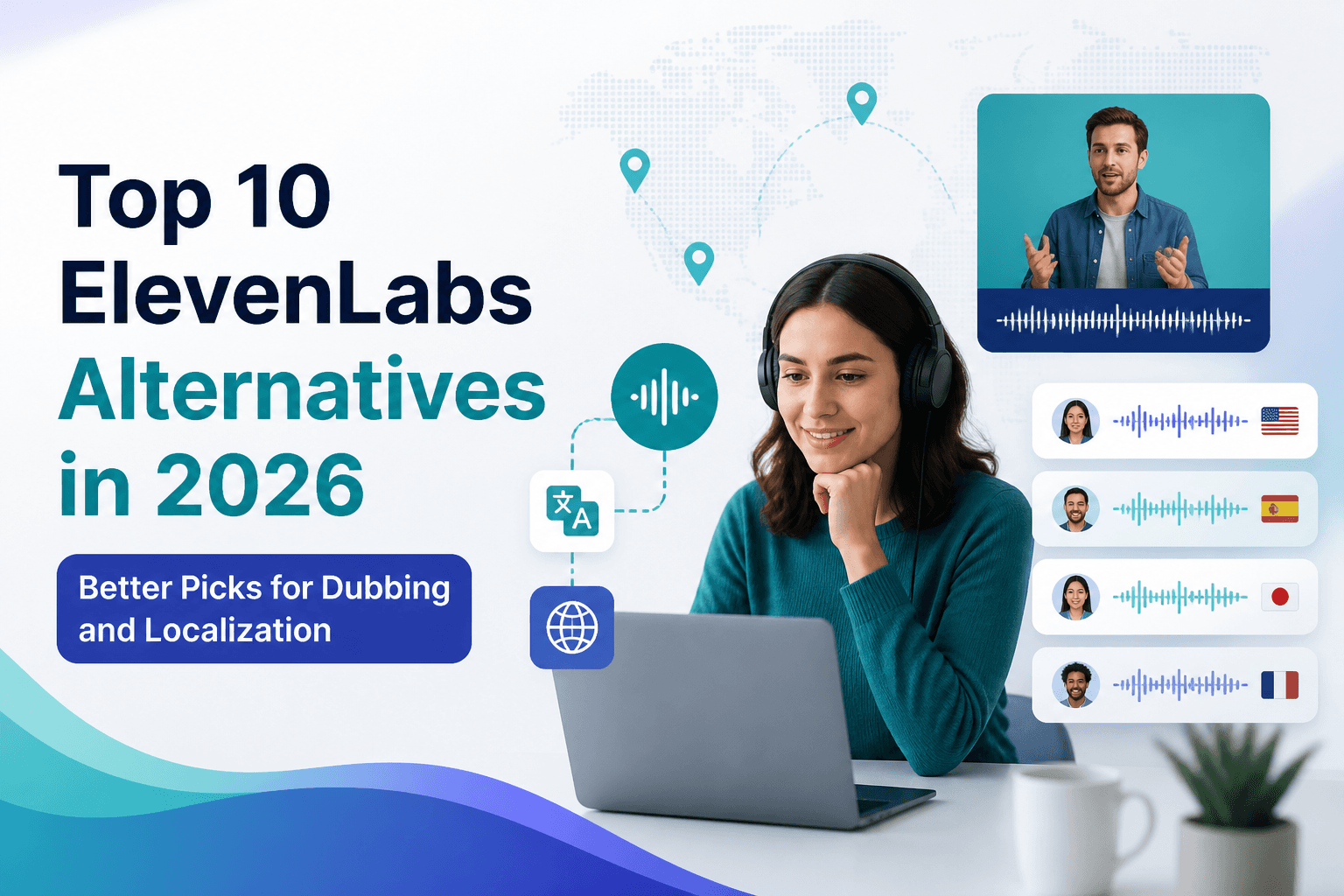
If you are comparing ElevenLabs alternatives in 2026, this list covers the strongest options for dubbing, tr...

Practical comparison of best AI voice cloning tools for creators for creators and teams.