Step 1
Upload Video in Subclip
Add your MP4, MOV, or WebM file and prepare transcript generation.

Upload a video file and turn speech into clean, editable text with timestamps. Export in one click.
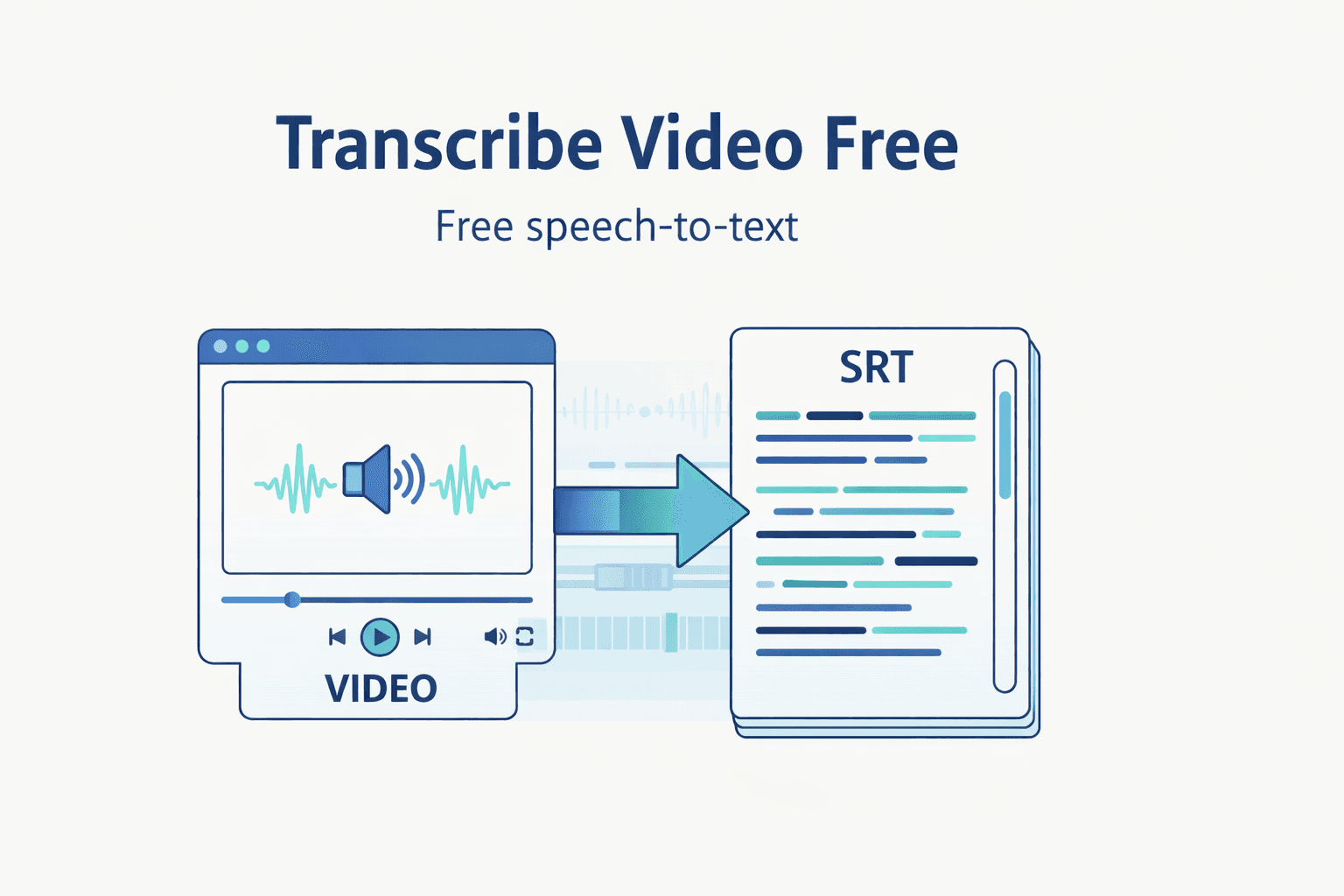
Step 1
Add your MP4, MOV, or WebM file and prepare transcript generation.

Step 2
Run AI transcription with default language and model settings.

Step 3
Edit transcript lines and export TXT, SRT, or VTT output.
Turn uploaded footage into transcript text quickly without switching tools.
Review, clean up, and reuse transcript lines for scripts and content.
Export TXT, SRT, and VTT for subtitles, docs, and publishing workflows.
Move from raw media to publish-ready transcript assets in one focused workflow.
| Feature | Subclip | Other Transcribers |
|---|---|---|
| Primary Use | Video Upload + Transcript Workflow | Text-Only Basic Extraction |
| Cost | Free Core Workflow | No Useful Free Tier |
| Setup | No Signup Required | Account Required |
| Exports | TXT, SRT, VTT | Limited Export Types |
Transcribe raw footage, pull winning lines fast, and repurpose clips into posts and scripts.

Extract campaign language from videos and reuse it for ads, emails, and landing pages.

Run a repeatable transcript-first process across clients with consistent export-ready output.

Turn interviews and webinars into searchable text to speed up editing and accessibility workflows.
Answers about format support, transcript quality, export types, and free access.
Need another answer? contact@subclip.app
Contact supportNeed another answer? contact@subclip.app
Contact supportDu rush au rendu final planifié sur chaque plateforme.

Repérez automatiquement les meilleurs moments et transformez de longues vidéos en clips à forte rétention en quelques minutes. Exportez vers DaVinci, Final Cut Pro et Premier Pro au format .fcpxml.
Repérez automatiquement les meilleurs moments et transformez de longues vidéos en clips à forte rétention en quelques minutes. Exportez vers DaVinci, Final Cut Pro et Premier Pro au format .fcpxml.

Générez des sous-titres illimités, personnalisez le style et corrigez rapidement avant publication.
Explorer les sous-titresGénérez des sous-titres illimités, personnalisez le style et corrigez rapidement avant publication.
Explorer les sous-titresTransformez une vidéo en 21+ langues avec des voix IA naturelles.
Explorer le doublageTransformez une vidéo en 21+ langues avec des voix IA naturelles.
Explorer le doublage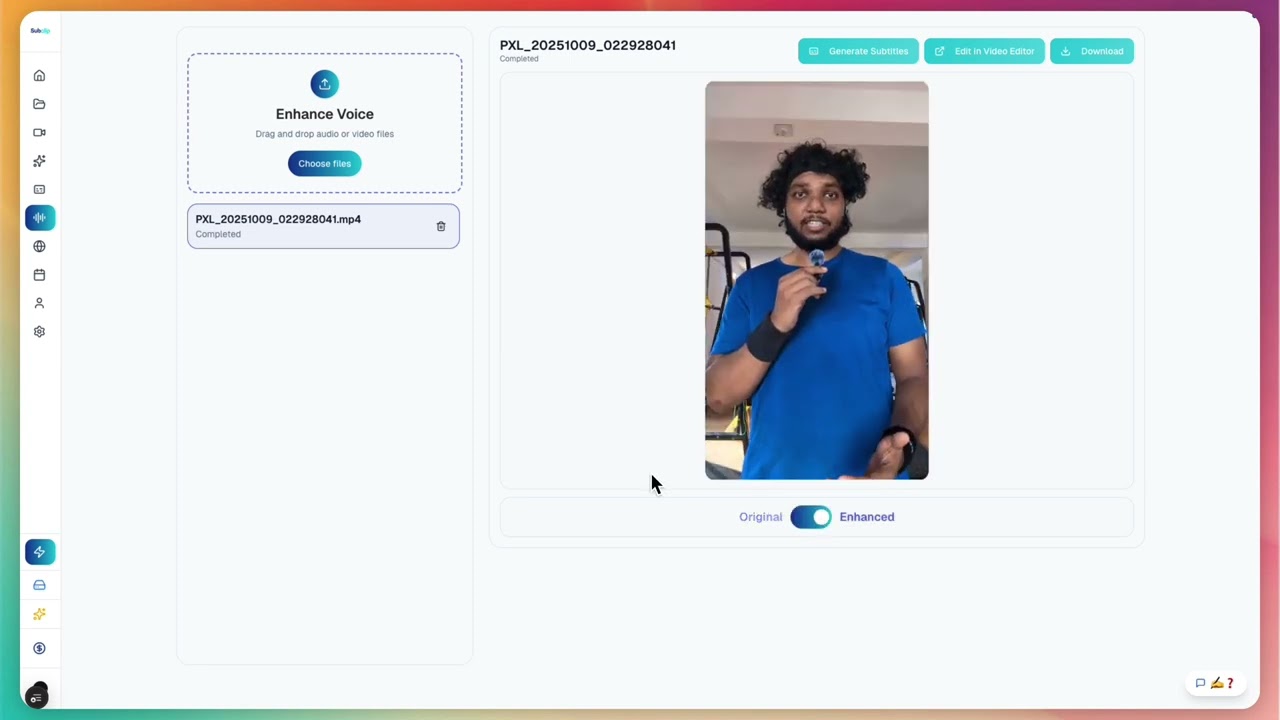
Nettoyez les enregistrements bruyants, améliorez la clarté, supprimez et coupez les silences sans limite, puis publiez un son studio.
Nettoyez les enregistrements bruyants, améliorez la clarté, supprimez et coupez les silences sans limite, puis publiez un son studio.

Partagez comme un Google Doc avec vos amis ou toute votre équipe.
Partagez comme un Google Doc avec vos amis ou toute votre équipe.
Planifiez et publiez depuis un calendrier unique.
Planifiez et publiez depuis un calendrier unique.
Upload a file and generate transcript output ready for editing, subtitles, and publishing.
Ouvrez la page par langue pour ajouter des sous-titres vidéo plus rapidement.
Ouvrez une page de conversion pour convertir plus vite les formats video et audio.
Essayez Subclip pour votre prochaine histoire