



Schritt 1
Öffnen Sie ein Projekt und wählen Sie die genaue Modellvariante aus.
Erstellen oder bearbeiten Sie ein Standbild für eine Miniaturansicht, Szene oder Grafik und platzieren Sie das Ergebnis dann in Ihrem Videoprojekt. Überprüfen Sie die Rechtschreibung und feine Details.
 Uneed
Uneed Fazier Product of the Day
 Fazier Product of the Week
Erstellen oder bearbeiten Sie ein Standbild für eine Miniaturansicht, Szene oder Grafik und platzieren Sie das Ergebnis dann in Ihrem Videoprojekt. Überprüfen Sie die Rechtschreibung und feine Details.
Schritt 1

Schritt 2

Schritt 3

Schritt 4
Bewahren Sie generierte Assets und Ihre eigenen Medien in einem Projekt auf. Schneiden Sie das Ergebnis zu, fügen Sie Kommentare oder Untertitel hinzu und überprüfen Sie die gesamte Sequenz vor dem Exportieren.
Setzen Sie den gewünschten Text in Anführungszeichen und halten Sie ihn kurz.
Beschreiben Sie das Layout und den Platzbedarf für eine Überschrift.
Verwenden Sie ein Referenzbild, wenn bei der Bearbeitung ein Produkt erhalten bleiben soll.
Bei den Preisen handelt es sich um Schätzungen aus dem App-Katalog mit Standardeinstellungen. Bestätigen Sie die Angebotserstellung in der App.
| Modellvariante | Eingaben | Daueroptionen | Ausgabeoptionen | Generiertes Audio | Geschätzte Gebühr | Geschätzte Ladezeit: 5 Sekunden | Geschätzte Ladezeit von 10 Sekunden |
|---|---|---|---|---|---|---|---|
| GPT Image 2.5 Flare | BildMaximale Referenzen: 8 | — | medium, low, high, xhigh, max, auto | NEIN | 4 credits/generation - medium | — | — |
| GPT Image 2.5 Sunburst | BildMaximale Referenzen: 8 | — | medium, low, high, xhigh, max, auto | NEIN | 4 credits/generation - medium | — | — |
| OpenAI GPT Image 2 | BildMaximale Referenzen: 10 | — | Medium, Low, High | NEIN | 6 credits/generation - Medium | — | — |
Beispiele aus dem vorhandenen Modellkatalog. Eingabeaufforderungen und Einstellungen werden im Kontext angezeigt. Schätzungen stellen keine Aufzeichnung der ursprünglichen Erzeugungsgebühr dar.
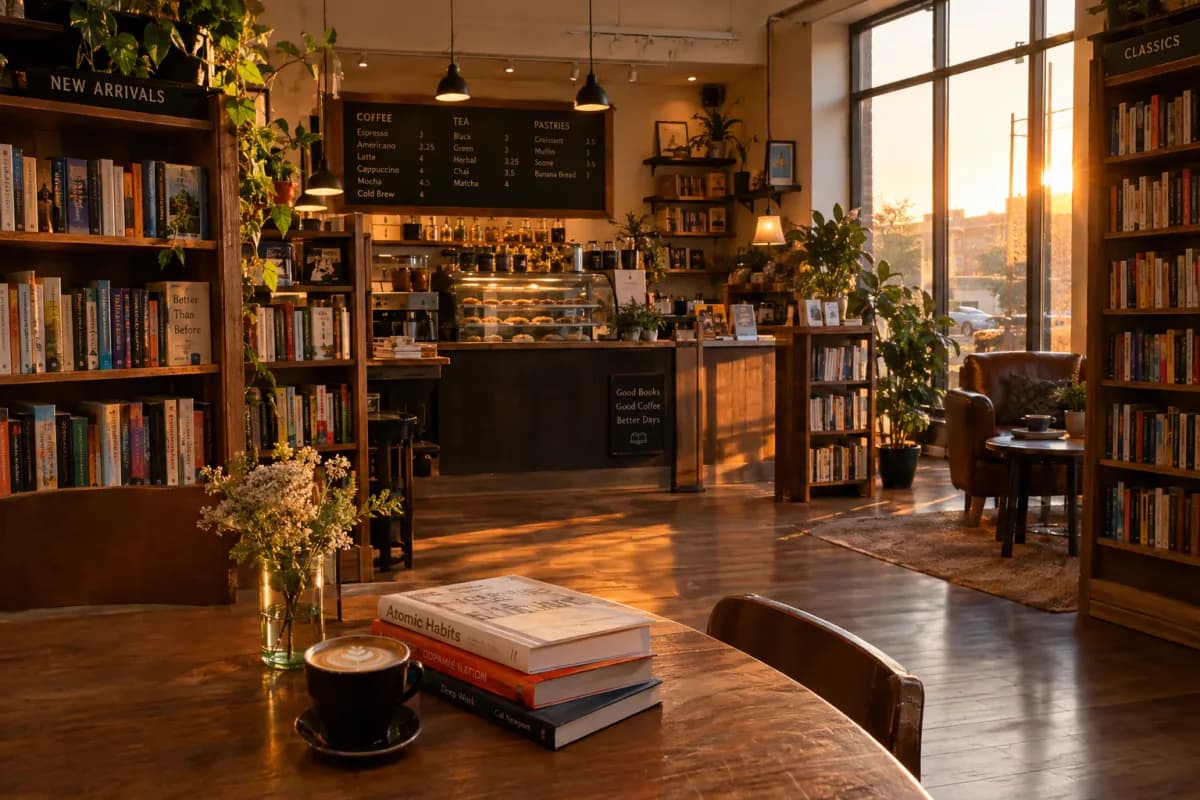
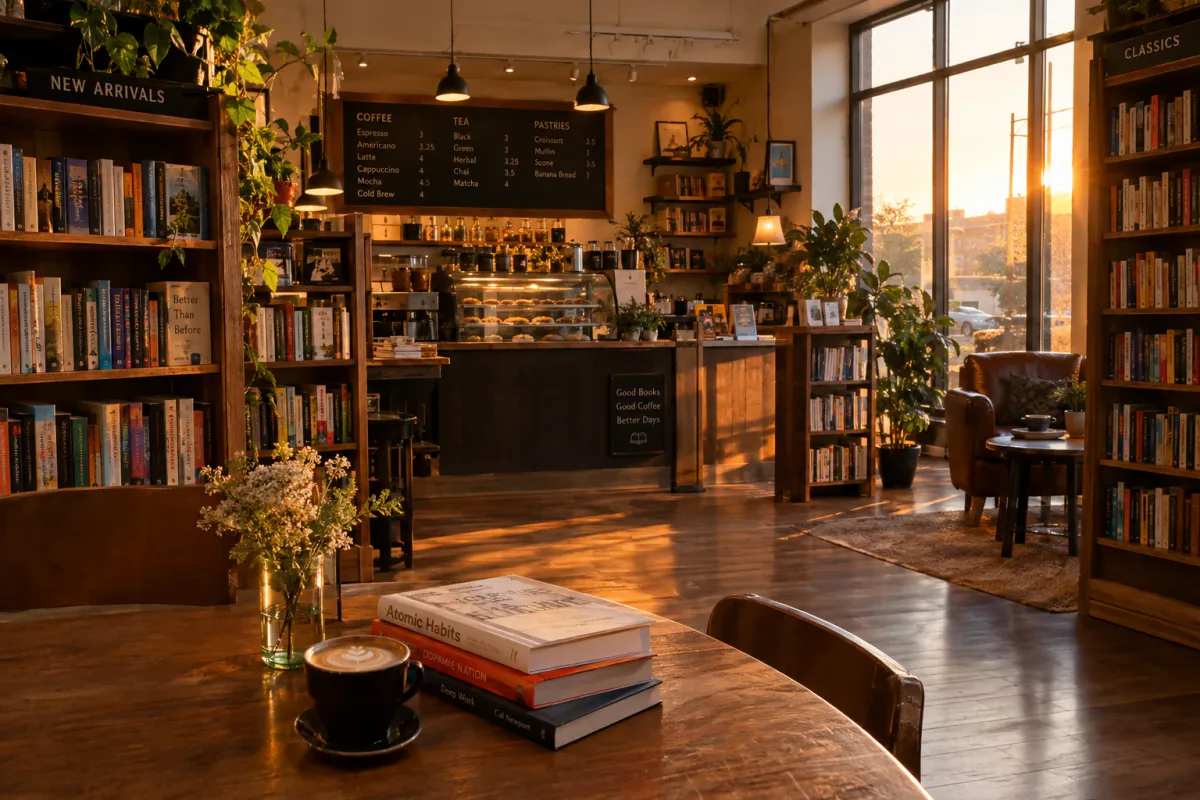
gpt-image-2.5-flareA cozy bookstore cafe interior at golden hour, warm lighting, photorealistic
Aktuelle Kostenschätzung: 10.88
high · 3:2
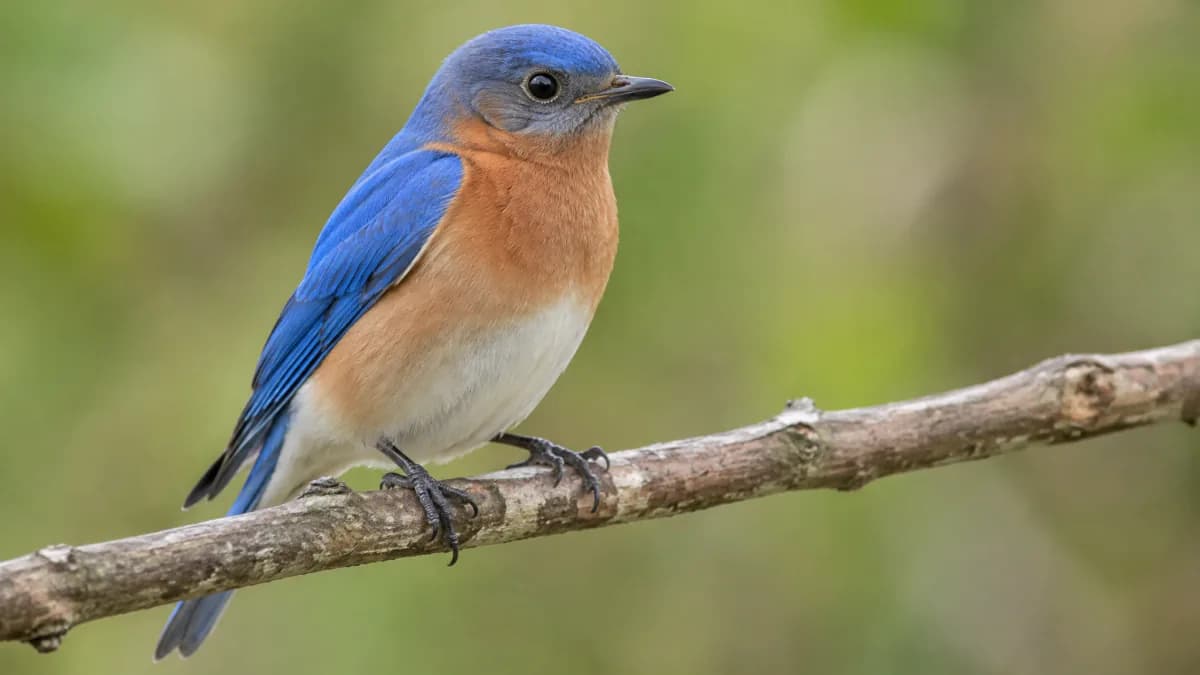
gpt-image-2.5-sunbursta bird
Aktuelle Kostenschätzung: 21.25
auto · 16:9

gpt-image-2Create a photorealistic candid photograph of an elderly sailor standing on a small fishing boat. He has weathered skin with visible wrinkles, pores, and sun texture, and a few faded traditional sailor tattoos on his arms. He is calmly adjusting a net while his dog sits nearby on the deck. Shot like a 35mm film photograph, medium close-up at eye level, using a 50mm lens. Soft coastal daylight, shallow depth of field, subtle film grain, natural color balance. The image should feel honest and unposed, with real skin texture, worn materials, and everyday detail. No glamorization, no heavy retouching.
Aktuelle Kostenschätzung: 6
Medium · 1:1

gpt-image-2Create a detailed infographic of the functioning and flow of an automatic coffee machine like a Jura. From bean basket, to grinding, to scale, water tank, boiler, etc. I'd like to understand technically and visually the flow.
Aktuelle Kostenschätzung: 6
Medium · 1:1

gpt-image-2Create a realistic outdoor crowd scene in Bethel, New York on August 16, 1969. Photorealistic, period-accurate clothing, staging, and environment.
Aktuelle Kostenschätzung: 6
Medium · 1:1

gpt-image-2Create a realistic mobile app UI mockup for a local farmers market. Show today’s market with a simple header, a short list of vendors with small photos and categories, a small “Today’s specials” section, and basic information for location and hours. Design it to be practical and easy to use. White background, subtle natural accent colors, clear typography, and minimal decoration. It should look like a real, well-designed, beautiful app for a small local market. Place the UI mockup in an iPhone frame.
Aktuelle Kostenschätzung: 6
Medium · 1:1
Antworten zu diesem Workflow, Zugriff und Einschränkungen.
Brauchen Sie noch eine Antwort? contact@subclip.app
Kontaktieren Sie den SupportÖffnen Sie den Mac-Editor und wählen Sie in der Modellauswahl einen unterstützten GPT-Image-Endpunkt aus. Der Modellführer listet die aktuell konfigurierten Varianten auf; Die Verfügbarkeit des Anbieters kann sich ändern.
Die Generierung verwendet Credits. Der Katalog zeigt geschätzte Gebühren für dieselbe Konfiguration wie die App. Einstellungen und Ausgabelänge wirken sich auf die Gesamtsumme aus; Bestätigen Sie das Angebot, bevor Sie es erstellen.
Die genaue Variante finden Sie in der Funktionstabelle im verlinkten Modellleitfaden. Eingabe- und Ausgabegrenzen unterscheiden sich je nach Endpunkt; Eine Exporteinstellung erhöht nicht die native Ausgabeauflösung des Modells.
Überprüfen Sie die Bedingungen und Rechte des verlinkten Anbieters für Ihre Quellmaterialien. Ein Subclip-Abonnement gewährt keine pauschale Freigabe für alle generierten Inhalte.
Ja. Platzieren Sie das generierte Asset auf der Projektzeitleiste, kombinieren Sie es mit Filmmaterial, Bildunterschriften oder Kommentaren und verfeinern Sie die Sequenz. Für den Desktop-Videoexport ist ein kostenpflichtiger Plan erforderlich.
Brauchen Sie noch eine Antwort? contact@subclip.app
Kontaktieren Sie den Support
If you are comparing Canva alternatives in 2026, this list covers the strongest options for video editing wo...

Compare the strongest Google Gemini Omni alternatives for AI video generation, video editing models, text-to...

Practical comparison of video marketing tools to boost engagement for creators and teams.