Step 1
Upload video
Envie seu arquivo de origem MP4 no workspace do conversor.

Converta video sem marca d agua na exportacao e processe localmente no navegador com duracao ilimitada
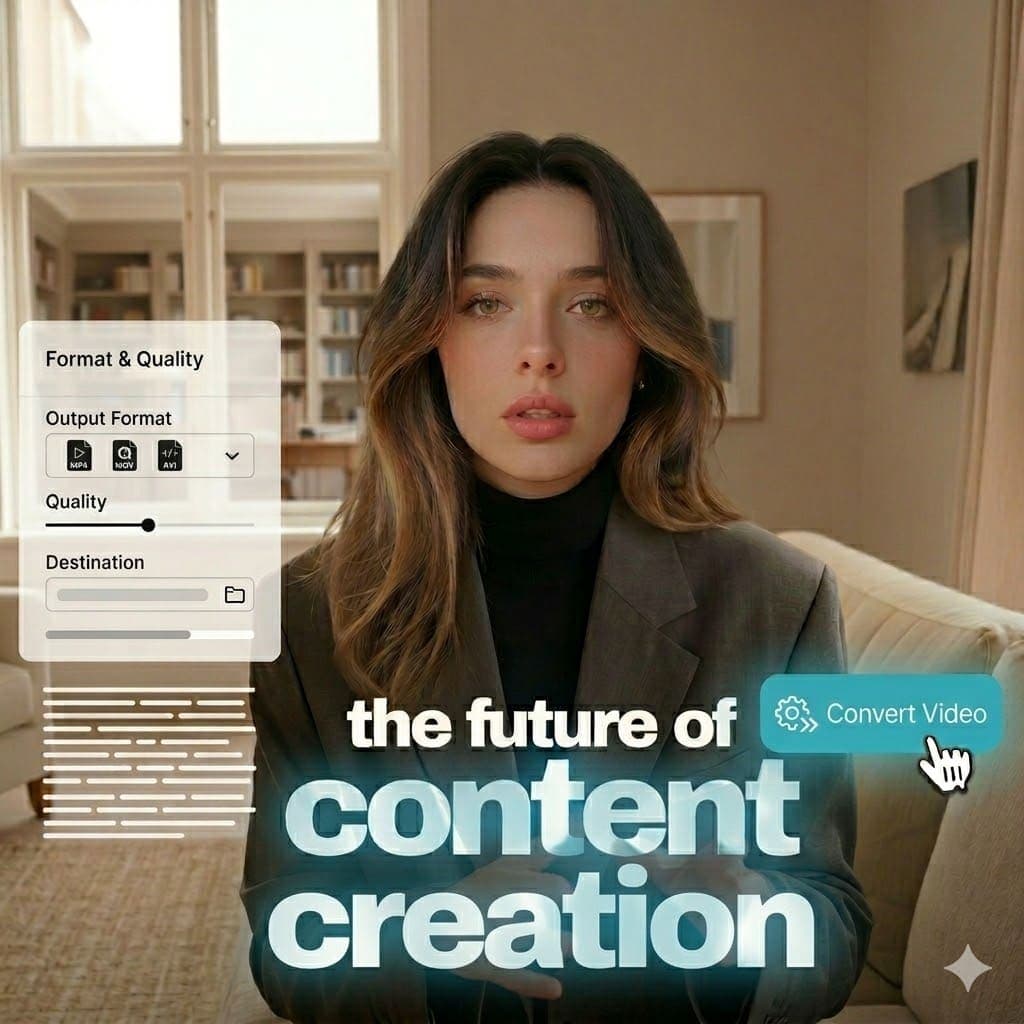
MP4 (MPEG-4 Part 14): MP4 is a digital multimedia container standard for video and audio streams. It is widely used for reliable playback and sharing across web, mobile, desktop, and social platforms. Explore tools.
MKV (Matroska Video): MKV is an open Matroska container that can store multiple video, audio, subtitle, and metadata tracks. It is popular for high-flexibility archival and multi-track distribution workflows. View pricing.
Step 1
Envie seu arquivo de origem MP4 no workspace do conversor.

Step 2
Defina a conversao de MP4 para MKV.

Step 3
Converta localmente no navegador e baixe o arquivo MKV.
See how to convert formats locally in browser with no watermark on export.
Common questions about Converter formato de MP4 para MKV and browser-based conversion.
Need another answer? contact@subclip.app
Contact supportNeed another answer? contact@subclip.app
Contact support
Elevate your video dubbing with our 15-point checklist for professional quality. Ensure clarity, accuracy, a...
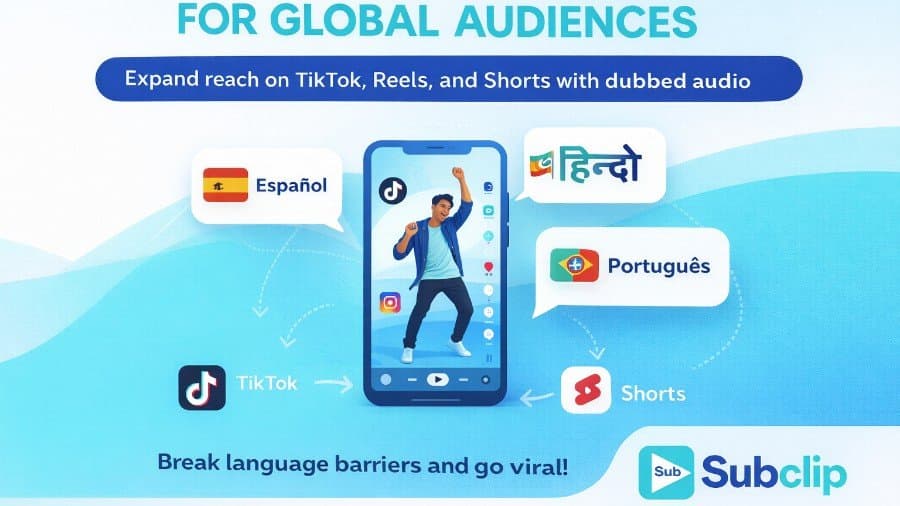
Unlock the global potential of your viral videos! Learn how to dub your TikTok, Instagram, and YouTube Short...

Discover how AI lip sync technology transforms dubbing by aligning audio with mouth movements, enhancing vie...
No credit card required
Run conversion alongside transcript, subtitle, and editing workflows so one toolchain covers ingestion to publishing.
This keeps outputs consistent across platforms and reduces turnaround time for content teams.